Moving columns in R with relocate
TL;DR
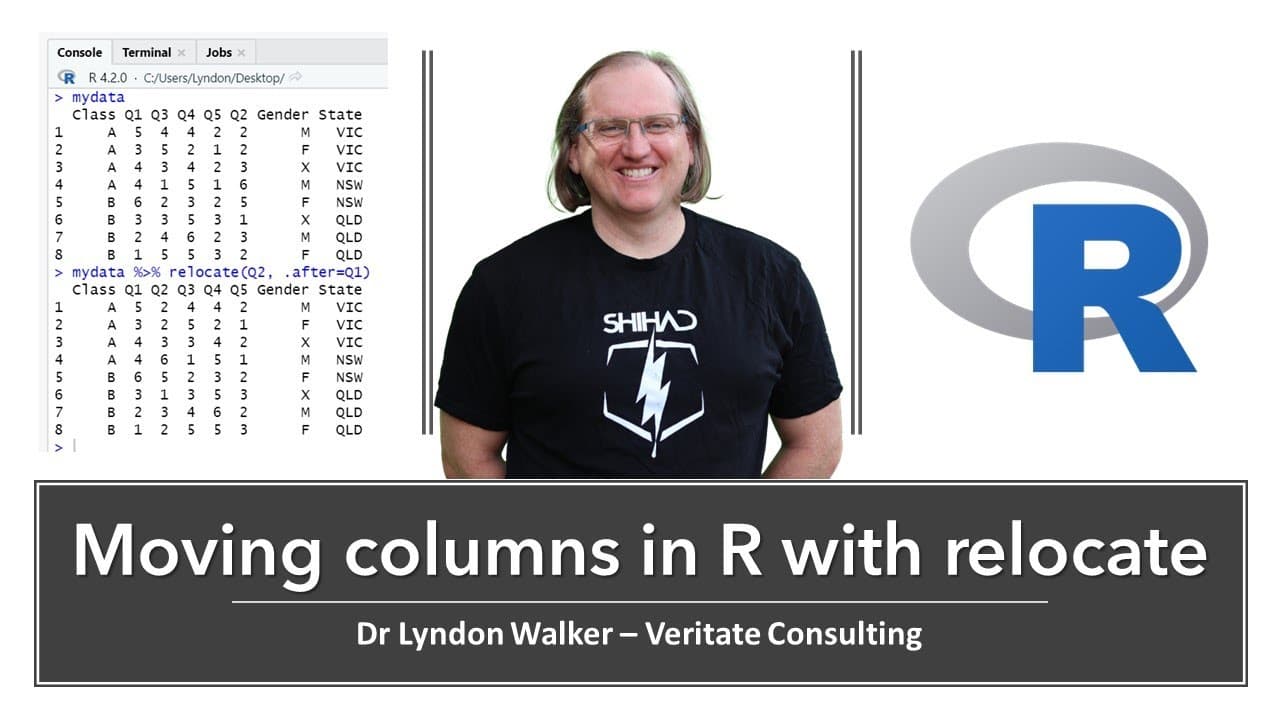
Learn how to arrange data columns in R with the relocate function.
Transcript
hi friends welcome back to the channel today i wanted to share a quick tip with you in r where we have a set of data here and we want to shift the position of some of the columns the way that we're going to do this is by using relocate relocate is a function in the tidyverse so if we go library and tidyverse if you have not installed this package b... Read More
Key Insights
- 🚃 The relocate function provides a simple way to rearrange columns in R, enhancing data organization.
- 🍧 Having the correct column order is crucial for accurate data analysis and interpretation, especially in statistical modeling.
- 🖼️ Data pasta is mentioned as an efficient tool for inputting data into R, simplifying the data frame creation process.
- 🦻 The tidyverse package is widely recognized as an essential tool for data manipulation in R, supporting various functions that aid analyses.
- 👶 Users can create new data frames after rearrangement, facilitating a clear separation between original and modified data.
- 🧑🏭 The tutorial illustrates how tidying data can prepare it for advanced techniques, like cluster or factor analysis, preventing potential data mishaps.
- 💄 Relocating multiple columns can streamline the data cleaning process, making it easier to manage and analyze datasets.
Install to Summarize YouTube Videos and Get Transcripts
Explore YouTube Video Summarizer or Get YouTube Transcript Extractor
Questions & Answers
Q: What is the purpose of the relocate function in R?
The relocate function in R, part of the tidyverse package, allows users to change the order of columns in a data frame. By specifying a column to be moved either before or after another column, it helps organize data in a meaningful way, which is particularly useful in preparing data for analysis where column order might affect results.
Q: How can users install the tidyverse package in R?
Users can install the tidyverse package by navigating to the Packages tab in R, selecting Install, and typing "tidyverse" into the search bar. This package is essential as it includes various functions that enhance data manipulation, visualization, and analysis capabilities within R, making data science tasks more efficient.
Q: Why might column order matter in statistical analysis?
Column order matters in statistical analysis because many functions, such as data selection for cluster or factor analysis, assume that variables are ordered correctly. If the columns are out of sequence, important contributions from certain variables could be missed, leading to incorrect interpretations or incomplete data sets.
Q: Can you provide an example of using the relocate function?
Yes, an example includes moving question two (q2) into the correct order in a data frame. By using my_data <- my_data %>% relocate(q2, .after = q1), q2 is positioned after q1. This realignment is critical for correctly organizing survey response data captured in a non-sequential manner.
Q: What is the significance of the library(tidyverse) command?
The command library(tidyverse) is crucial as it loads the tidyverse package, which contains a suite of tools for data manipulation, visualization, and analysis in R. This step is essential before using any functions from the package, such as relocate, ensuring that R recognizes these commands and their functionalities.
Q: What happens if you don’t specify before or after in relocate?
If you do not specify before or after when using relocate, the function defaults to moving the specified column to the front of the data frame. This behavior can be beneficial when you want certain columns to be prioritized and visible at the beginning of your dataset for easier access or organization.
Summary & Key Takeaways
-
This content provides a quick tutorial on using the relocate function from the tidyverse package in R to reorder data columns easily.
-
It emphasizes the importance of column order during data analysis, particularly when selecting variables for statistical processes like cluster or factor analysis.
-
The tutorial offers practical examples of moving specific columns, such as repositioning question two and shifting categorical variables to the front of the data frame.
Read in Other Languages (beta)
Share This Summary 📚
Summarize YouTube Videos and Get Video Transcripts with 1-Click
Try YouTube Summary with ChatGPT & Claude or YouTube Transcript Generator
Explore More Summaries from Dr Lyndon Walker 📚






Summarize YouTube Videos and Get Video Transcripts with 1-Click
Try YouTube Summary with ChatGPT & Claude or YouTube Transcript Generator