How to Stream Zoom Meetings To YouTube with Restream (free software)
TL;DR
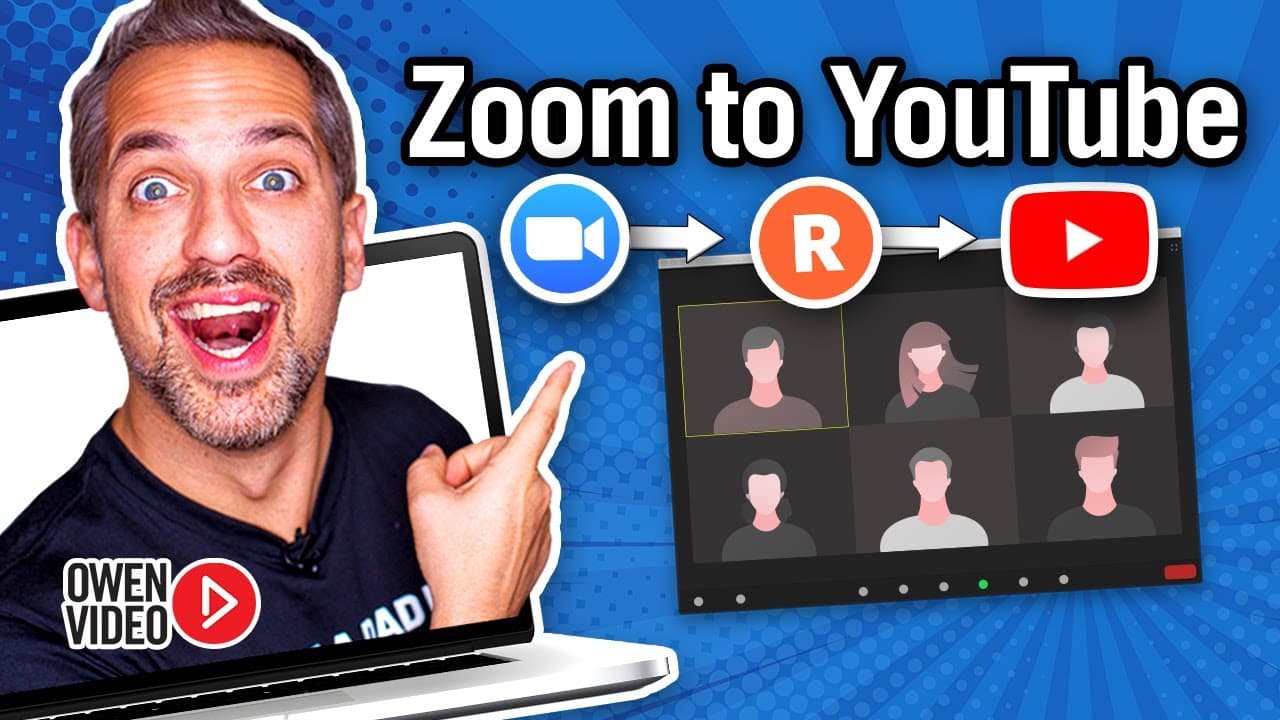
Learn how to broadcast your Zoom meetings on multiple platforms, increasing your brand's visibility and reach.
Transcript
today i'm going to show you how to take your zoom meeting and broadcast it onto facebook linkedin and youtube all at the same time so that you can get tons more eyeballs on your content and finally grow your brand in a big way stay tuned it's owen video oh and video hey welcome back to the channel i'm owen video youtube strategy coach and founder o... Read More
Key Insights
- 💗 Streaming your Zoom meetings on multiple platforms can help you grow your brand and increase exposure.
- 😒 Restream is an easy-to-use tool that eliminates the need for expensive streaming software.
- 🍧 Having native videos on each platform (Facebook, LinkedIn, YouTube) improves engagement and reach.
- 🫒 Enabling live streaming on YouTube and connecting it to Restream is a crucial step in the process.
- 👥 You can stream to multiple Facebook pages and groups simultaneously using Restream.
- 🫒 Applying for the LinkedIn live streaming program through Restream is an option for those without direct access.
- 👊 The Restream dashboard provides features like chat management and access to live studio.
Install to Summarize YouTube Videos and Get Transcripts
Explore YouTube Video Summarizer or Get YouTube Transcript Extractor
Questions & Answers
Q: Why would I want to broadcast my Zoom meetings on multiple platforms?
Broadcasting your Zoom meetings on multiple platforms allows you to reach a larger audience, increasing visibility for your brand and content.
Q: How do I enable live streaming on YouTube?
To enable live streaming on YouTube, visit your YouTube channel's settings, click on "channel status and features," and follow the steps to enable live streaming.
Q: Can I stream to multiple pages and groups on Facebook using Restream?
Yes, with Restream, you can stream to multiple Facebook pages and groups using your account, expanding your reach even further.
Q: What if I don't have access to live stream on LinkedIn?
If you don't have access to live stream on LinkedIn, you can apply for the LinkedIn live streaming program through Restream.
Summary & Key Takeaways
-
The video explains how to take your Zoom meetings and stream them on Facebook, LinkedIn, and YouTube simultaneously.
-
By using the Restream tool, you can easily broadcast your Zoom calls to multiple platforms without the need for expensive software.
-
Restream creates native links for each platform, allowing for better engagement and views.
Read in Other Languages (beta)
Share This Summary 📚
Summarize YouTube Videos and Get Video Transcripts with 1-Click
Try YouTube Summary with ChatGPT & Claude or YouTube Transcript Generator
Explore More Summaries from Owen Video 📚






Summarize YouTube Videos and Get Video Transcripts with 1-Click
Try YouTube Summary with ChatGPT & Claude or YouTube Transcript Generator