Coding Challenge #63.2: Texturing Cloth Simulation Part 2
TL;DR
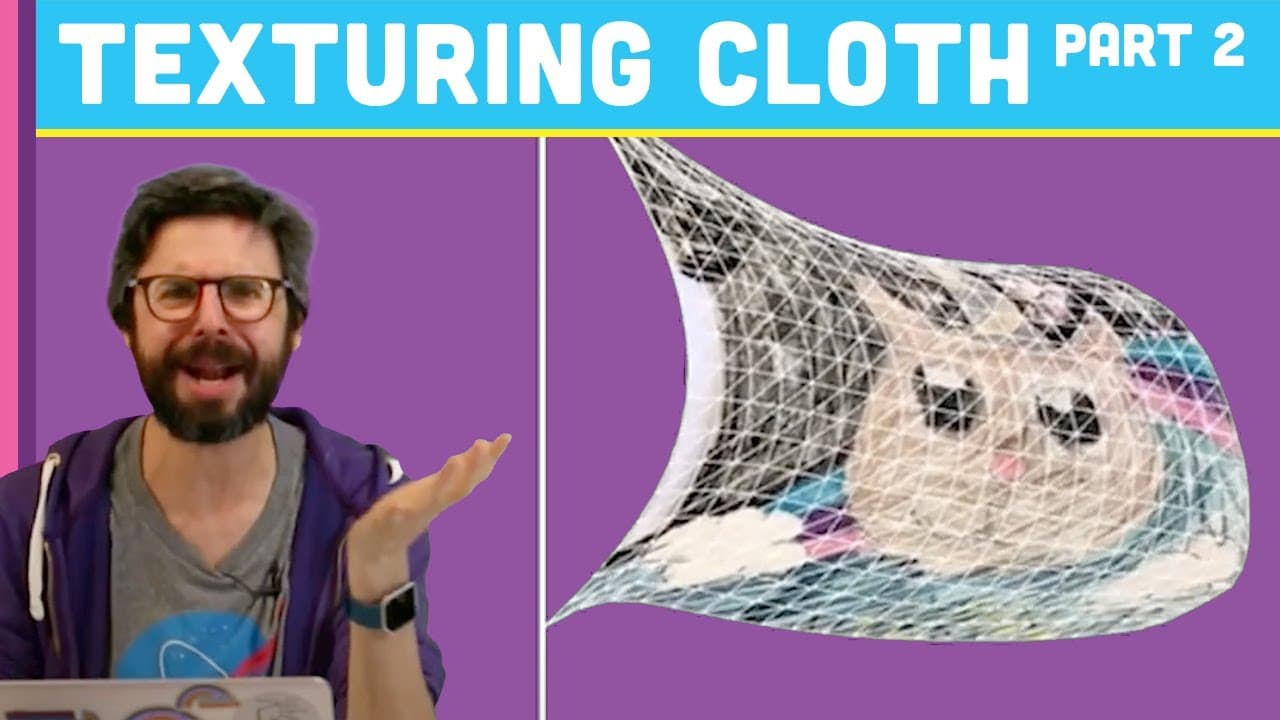
Create a waving flag simulation with Unikitty image texture.
Transcript
Alright, Welcome to a coding challenge! erm You might remember me from a previous coding challenge, already in the other video that was the code against our code exists to get into parts it's a code challenging parts this is the second part so what I'm going to do in the second part is take the knowledge from the first part where I'm look at how to... Read More
Key Insights
- 👚 Combine cloth simulation techniques with image texturing for creative visual simulations.
- 💨 Utilize Perlin noise to introduce randomness and natural variations in wind forces.
- 🖐️ UV coordinates play a crucial role in accurately mapping textures onto geometric surfaces.
- ❓ Adjusting the resolution can impact the visual quality and detail of the simulation.
- 💨 Experiment with different parameters like gravity, wind strength, and spring forces for customizing the flag simulation.
- ❓ Continuously refine and iterate on the simulation to achieve desired visual effects.
- 🎏 Implementing a triangle strip technique helps create a seamless and connected flag geometry.
Install to Summarize YouTube Videos and Get Transcripts
Explore YouTube Video Summarizer or Get YouTube Transcript Extractor
Questions & Answers
Q: How is the waving flag simulation created?
The simulation combines cloth simulation techniques with image texturing to animate the flag movement. Gravity, wind forces, and particle positioning contribute to the realistic waving effect.
Q: What role does Perlin noise play in the simulation?
Perlin noise is used to add randomness and variability to the wind forces, creating a more organic and natural waving motion in the flag simulation.
Q: Why are UV coordinates important in texturing the flag with the Unikitty image?
UV coordinates help map the Unikitty image onto the flag geometry accurately, ensuring that the image textures align and display correctly on the simulated flag surface.
Q: How does adjusting the resolution affect the flag simulation?
Changing the resolution impacts the visual quality and detail of the flag simulation. Higher resolutions result in smoother and more detailed waving effects, while lower resolutions may lead to pixelation and reduced realism.
Summary & Key Takeaways
-
Implement cloth simulation to create a waving flag with Unikitty image texture.
-
Adjust geometry to resemble a flag, modify gravity and wind forces.
-
Use Perlin noise and UV coordinates to texture the flag with the Unikitty image.
Read in Other Languages (beta)
Share This Summary 📚
Summarize YouTube Videos and Get Video Transcripts with 1-Click
Try YouTube Summary with ChatGPT & Claude or YouTube Transcript Generator
Explore More Summaries from The Coding Train 📚






Summarize YouTube Videos and Get Video Transcripts with 1-Click
Try YouTube Summary with ChatGPT & Claude or YouTube Transcript Generator