Products
Features
YouTube Video Summarizer
Summarize YouTube videos
Web & PDF Highlighter
Highlight web pages & PDFs
Chat with PDF
Ask any PDF questions with AI
Ask AI Clone
Chat with your highlights & memories
Audio Transcriber
Transcribe audio files to text
Glasp Reader
Read and highlight articles
Kindle Highlight Export
Export your Kindle highlights
Idea Hatch
Hatch ideas from your highlights
Integrations
Obsidian Plugin
Notion Integration
Pocket Integration
Instapaper Integration
Medium Integration
Readwise Integration
Snipd Integration
Hypothesis Integration
Apps & Extensions
Chrome Extension
Safari Extension
Edge Add-ons
Firefox Add-ons
iOS App
Android App
Discover
Discover
Ideas
Discover new ideas and insights
Articles
Curated articles and insights
Books
Book recommendations by great minds
Posts
Essays and notes from readers
Quotes
Inspiring quotes collection
Videos
Curated videos and summaries
Explore Glasp
Glasp Story
How we grew from 0 to 3 million users
Glasp Newsletter
Weekly insights and updates
Glasp Talk
Interview series with great minds
Glasp Blog
Latest news and articles
Glasp Use Cases
Learn how others use Glasp
Build & Support
Glasp API
Access Glasp's API for developers
MCP Connector
Connect Glasp to Claude & ChatGPT
Community
Glasp Reddit Community
Students
Student discount and benefits
FAQs
Frequently Asked Questions
AboutPricing
DashboardLog inSign up

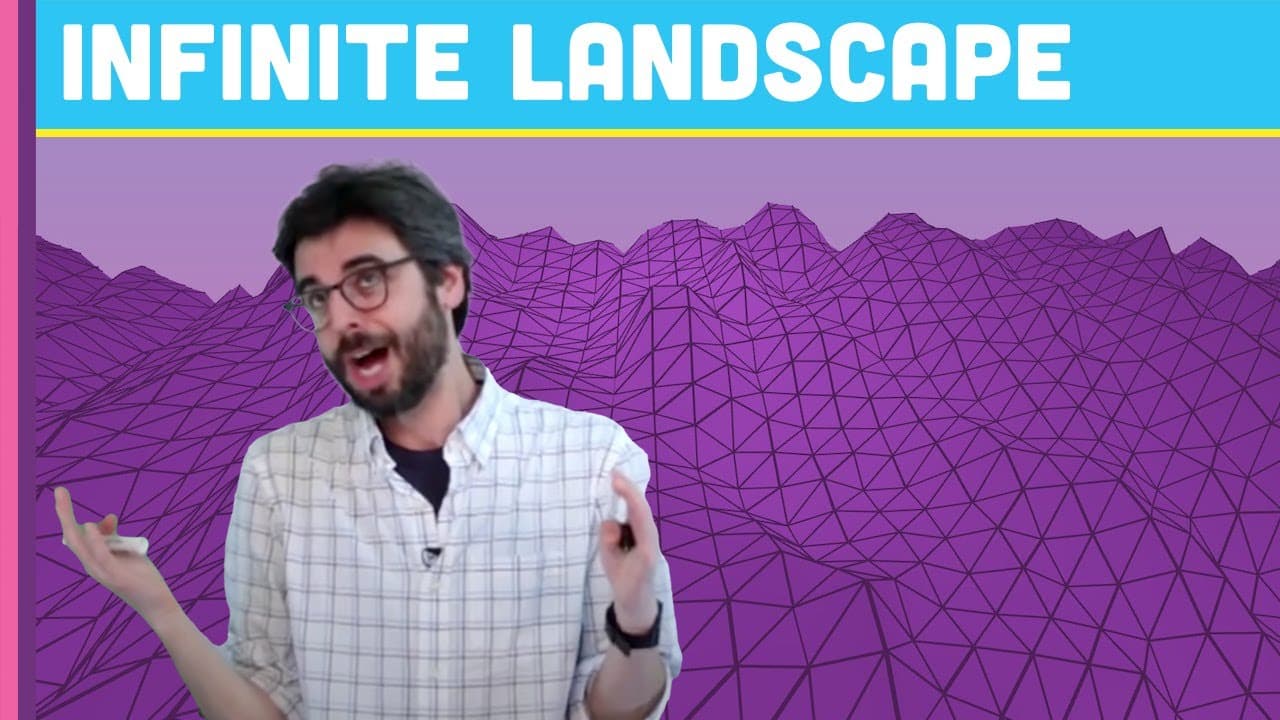
Coding Challenge 11: 3D Terrain Generation with Perlin Noise in Processing
1.1M views
•
May 4, 2016
by
The Coding Train
YouTube video player
Coding Challenge 11: 3D Terrain Generation with Perlin Noise in Processing

TL;DR

Dan programs a 3D procedurally generated terrain using Perlin noise in Processing.

Transcript

hello welcome to another coding challenge with me Dan I don't know if you know my name maybe you don't I'm here to program this particular simulation from scratch so what this is is kind of like an infinite procedurally generated terrain it looks like you're flying over it so I'm going to use the processing programming environment so Java based env... Read More

Key Insights

  • ⚾ Processing is a Java-based environment ideal for creating visual simulations and graphical applications.
  • 👀 Perlin noise is a powerful tool for generating coherent random values and creating natural-looking landscapes.
  • 🇾🇪 Utilizing offsets in the Y-axis can simulate movement or dynamic effects in a procedural generation setup.
  • 🖐️ Smooth transitions and gradual adjustments play a crucial role in achieving an immersive visual experience.
  • 🥺 Experimenting with different parameters and techniques can lead to unique and visually stunning results in procedural terrain generation.
  • 🪜 The integration of Perlin noise can add realism and organic qualities to generated terrains.
  • 👻 The concept of flying offsets allows for the simulation of movement without physically changing camera positions.

Install to Summarize YouTube Videos and Get Transcripts

Explore YouTube Video Summarizer or Get YouTube Transcript Extractor

Questions & Answers

Q: What programming environment does Dan use for the procedural terrain generation?

Dan uses Processing, a Java-based programming environment, to create the 3D terrain mesh.

Q: How does Perlin noise contribute to the realistic appearance of the generated terrain?

Perlin noise allows Dan to generate smooth and organic terrain by providing consistent random values for height variation.

Q: How does Dan simulate the effect of flying over the generated terrain?

Dan uses flying offsets in the Y-axis to create the illusion of movement over the terrain without physically moving the camera.

Q: What additional modifications can be made to enhance the visual appeal of the terrain generation?

Dan suggests playing with parameters like color, mesh structure, and shader effects to further enhance the visual appeal of the terrain generation.

Summary & Key Takeaways

  • Dan starts by setting up a 3D grid of triangles to create a terrain mesh.

  • He introduces Perlin noise to generate smooth random values for the terrain.

  • Using flying offsets, he simulates movement over the terrain, creating a dynamic effect.


Read in Other Languages (beta)

English

Share This Summary 📚

Summarize YouTube Videos and Get Video Transcripts with 1-Click

Download browser extensions on:

Try YouTube Summary with ChatGPT & Claude or YouTube Transcript Generator

Explore More Summaries from The Coding Train 📚

Computer Mouse Conference Demos! (node.js + tensorflow.js) thumbnail
Computer Mouse Conference Demos! (node.js + tensorflow.js)
The Coding Train
Coding Challenge #116: Lissajous Curve Table thumbnail
Coding Challenge #116: Lissajous Curve Table
The Coding Train
How to Create Fractal Patterns with Toothpicks thumbnail
How to Create Fractal Patterns with Toothpicks
The Coding Train
Text Generation using Spell with Nabil Hassein thumbnail
Text Generation using Spell with Nabil Hassein
The Coding Train
ITP/IMA Winter Show 2018 thumbnail
ITP/IMA Winter Show 2018
The Coding Train
Classifying Poses with ml5.js Part 2 thumbnail
Classifying Poses with ml5.js Part 2
The Coding Train

Summarize YouTube Videos and Get Video Transcripts with 1-Click

Download browser extensions on:

Try YouTube Summary with ChatGPT & Claude or YouTube Transcript Generator

Apps & Extensions

  • Chrome Extension
  • Safari Extension
  • Edge Add-ons
  • Firefox Add-ons
  • iOS App
  • Android App

Key Features

  • YouTube Video Summarizer
  • Web & PDF Summarizer
  • Web & PDF Highlighter
  • Chat with PDF
  • Ask AI Clone
  • Audio Transcriber
  • Glasp Reader
  • Kindle Highlight Export
  • Idea Hatch

Integrations

  • Obsidian Plugin
  • Notion Integration
  • Pocket Integration
  • Instapaper Integration
  • Medium Integration
  • Readwise Integration
  • Snipd Integration
  • Hypothesis Integration

More Features

  • APIs
  • MCP Connector
  • Blog & Post
  • Embed Links
  • Image Highlight
  • Personality Test
  • Quote Shots
  • Open Graph Checker

Company

  • About us
  • Our Story
  • Blog
  • Community
  • FAQs
  • Job Board
  • Newsletter
  • Pricing
Terms

•

Privacy

•

Guidelines

© 2026 Glasp Inc. All rights reserved.




