12.2: The Depth Image - Kinect and Processing Tutorial
TL;DR
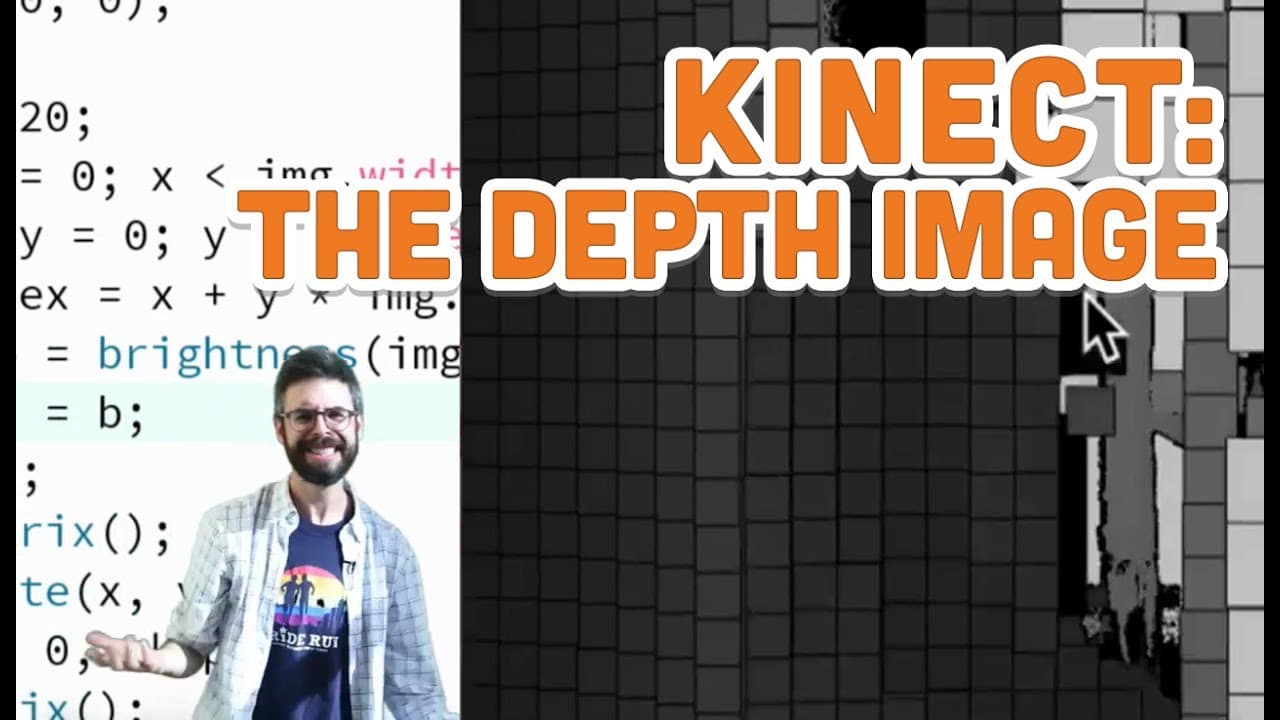
This video explains how to use the Microsoft Kinect in Processing using the open Kinect for Processing library.
Transcript
hello have a prop in this video I'm going to look at how do you use this I'm gonna actually look at the code for using this Microsoft Kinect in processing using the open Kinect for processing library now one thing I want to mention it that I did not mention in the previous videos that is if you install the open Kinect for processing library you nee... Read More
Key Insights
- 🤗 The open Kinect for Processing library allows seamless integration of the Microsoft Kinect with Processing without the need for additional software or drivers.
- ♾️ The initialization process involves creating a Kinect variable and selecting the desired functionality (such as depth imaging) using the appropriate "init" functions.
- 😒 Iterating over all the pixels in the depth image is a common step in processing Kinect data, requiring the use of nested loops.
- 🍁 The map function is useful for converting brightness values to depth values, enabling the creation of three-dimensional visualizations.
- 👨💻 Multiple Kinect devices can be utilized by specifying the desired device in the initialization code.
- 🤗 The open Kinect for Processing library provides an easy-to-use interface for accessing Kinect functionalities, making it accessible for various purposes and projects.
- ❓ Understanding the concept of pixel indexing in a depth image is crucial for processing Kinect data.
Install to Summarize YouTube Videos and Get Transcripts
Explore YouTube Video Summarizer or Get YouTube Transcript Extractor
Questions & Answers
Q: What is the open Kinect for Processing library used for?
The open Kinect for Processing library is used to interface with the Microsoft Kinect device and access its functionalities in Processing.
Q: Do I need any additional drivers to use the open Kinect for Processing library?
Generally, no additional drivers are required. However, on Windows 8 with the Kinect version two, you may need to install an extra driver called Lived Usk. The library should work seamlessly with other Kinect versions.
Q: How can I use multiple Kinect devices with the open Kinect for Processing library?
While the video focuses on using a single Kinect device, you can specify which Kinect to use by providing an argument in the "initDevice" function. However, using multiple Kinect devices is beyond the scope of this video.
Q: Can I visualize the depth data in a three-dimensional space?
Yes, by using the map function to convert the brightness values of each pixel into corresponding depth values, you can position the rectangles in a three-dimensional space, creating a visualization where dark areas appear closer and bright areas appear further away.
Summary & Key Takeaways
-
The video provides a step-by-step guide on how to use the Microsoft Kinect in Processing using the open Kinect for Processing library.
-
It explains how to initialize the Kinect, select the desired functionality (such as depth imaging), and draw the output on the screen.
-
The video also introduces the concept of iterating over all the pixels in the depth image and demonstrates how to use the map function to create a three-dimensional visualization.
Read in Other Languages (beta)
Share This Summary 📚
Summarize YouTube Videos and Get Video Transcripts with 1-Click
Try YouTube Summary with ChatGPT & Claude or YouTube Transcript Generator
Explore More Summaries from The Coding Train 📚






Summarize YouTube Videos and Get Video Transcripts with 1-Click
Try YouTube Summary with ChatGPT & Claude or YouTube Transcript Generator