What Happens if You Run 'rm -rf /' on Linux?
TL;DR
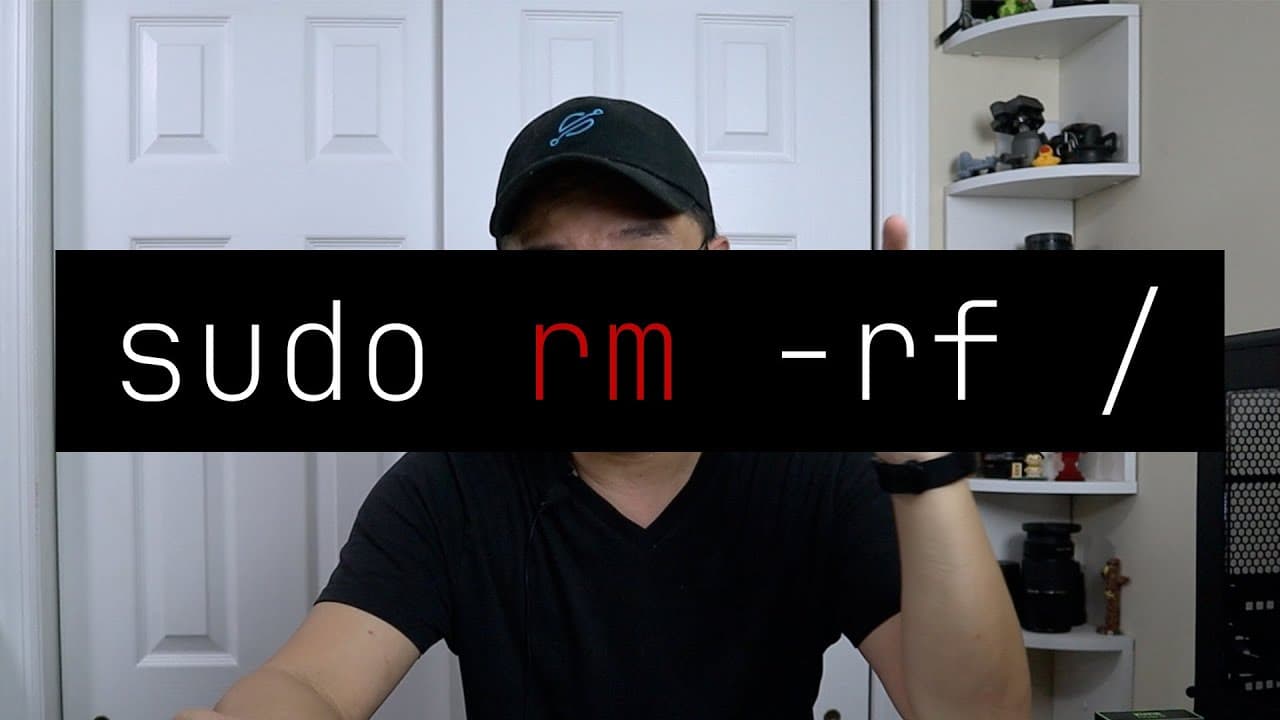
'rm -rf /' completely erases the entire Linux filesystem, making the system unusable. This command removes all files in the root directory, leading to an environment where essential commands and applications are deleted, illustrating the immense risk of running it. It's crucial for users to understand its destructive power before execution.
Transcript
hey guys what's going on it's Don here from Nova spare Tech and welcome back to your channel and today we're going to run a command that you should never run on your Linux computer so let's get started now this is something I always wanted to test it in my years of using Linux which is RM command on your root directory so we're going to be testing ... Read More
Key Insights
- 🤒 The "rm -rf /" command is one of the most destructive commands in Linux, capable of erasing the entire file system.
- 🥺 Users often underestimate the power of terminal commands, leading to inadvertent loss of data and system functionality.
- ❓ Understanding each component of a command can prevent catastrophic mistakes when using Linux.
- 🏃 Running potentially harmful commands in a controlled environment, like a test machine, helps mitigate risks.
- 👶 The presenter discovered a new feature—no preserve root—while testing, indicating ongoing changes and updates in Linux systems.
- 🎰 Rebooting the affected machine after executing the command confirms that the operating system has been completely compromised.
- 💁 It’s critical for Linux users to be cautious and well-informed about command consequences, particularly regarding file system alterations.
Install to Summarize YouTube Videos and Get Transcripts
Explore YouTube Video Summarizer or Get YouTube Transcript Extractor
Questions & Answers
Q: What does the command "rm -rf /" do in Linux?
The command "rm -rf /" is a powerful Linux command that recursively forces the deletion of all files and directories starting from the root. It means "remove files and directories recursively and forcefully," effectively clearing everything on the system, including critical system files, which renders the operating system non-functional.
Q: Why is this command considered so dangerous?
This command is dangerous because it deletes all files indiscriminately without any warning or option to cancel once executed. It targets the entire file system, removing user data, system files, and any executable programs, which leads to a total loss of functionality and data, often requiring complete system reinstallations.
Q: What precautions should be taken when using Linux commands?
Users should always double-check commands, avoid using commands with root privileges unless necessary, and never execute destructive commands like "rm -rf /" without fully understanding the consequences. It's advisable to maintain regular backups of important data and consider using a virtual machine or a test environment when experimenting with risky commands.
Q: What happened after the command was executed in the video?
After executing the command, the presenter highlights that the system became unresponsive with no available commands. Essential system processes and applications were rendered non-functional, and even rebooting the system resulted in an error, emphasizing the command's destructive outcomes.
Summary & Key Takeaways
-
The video showcases the execution of the command "rm -rf /" on a test Linux machine, illustrating its destructive impact by deleting all system files, leading to an unresponsive environment.
-
The presenter explains the meaning of the command's components: "rm" for remove, "-r" for recursive, "-f" for forceful, and "/" indicating the root directory.
-
Post-execution, the system becomes unusable, as essential commands and applications are deleted, effectively demonstrating the risks of running such commands without caution.
Read in Other Languages (beta)
Share This Summary 📚
Summarize YouTube Videos and Get Video Transcripts with 1-Click
Try YouTube Summary with ChatGPT & Claude or YouTube Transcript Generator
Explore More Summaries from Novaspirit Tech 📚






Summarize YouTube Videos and Get Video Transcripts with 1-Click
Try YouTube Summary with ChatGPT & Claude or YouTube Transcript Generator