How 4 AI Tools Helped Us Create a Professional Video
TL;DR
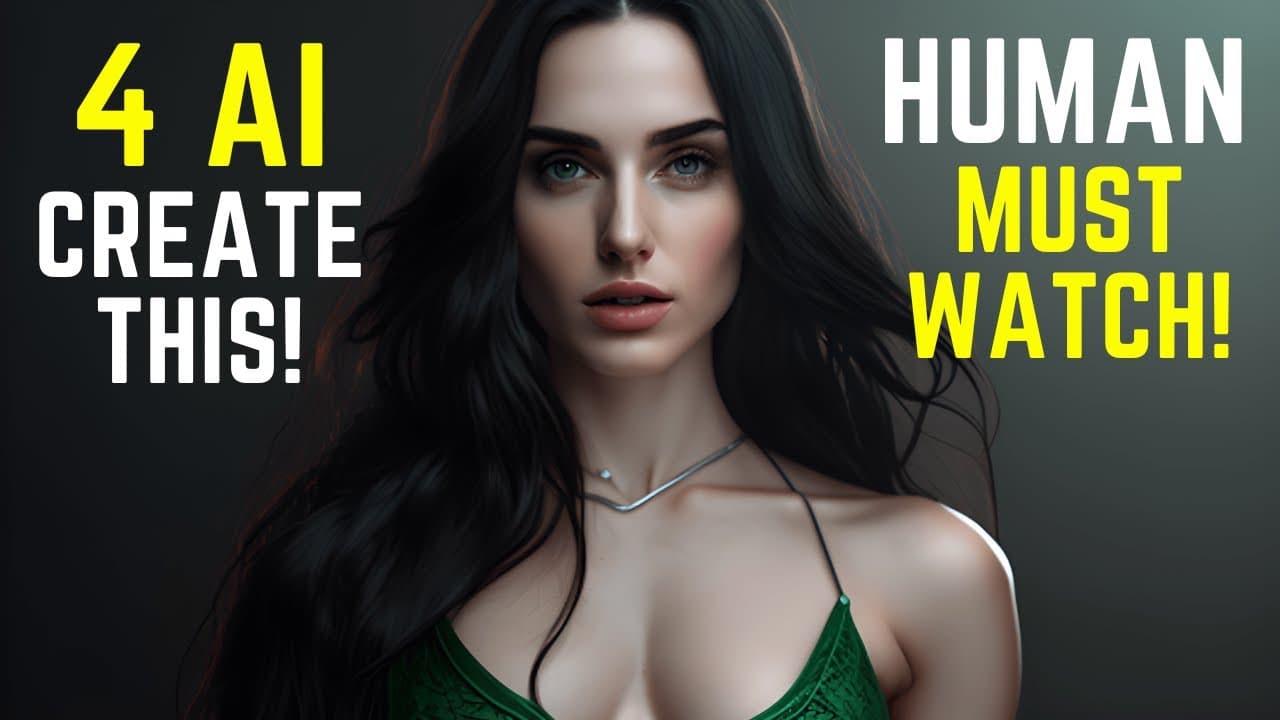
Learn how to create an AI-generated YouTube video using tools like Mid-Journey, D-ID, Vid IQ, Chat GPT, and Audacity.
Transcript
this video was produced with the assistance of four AI tools mid-journey for generating cool images did for animating and providing a voiceover chat GPT for converting my draft into a correct video script and vid IQ for creating an optimized title description tags and hashtags for YouTube SEO let me show you how I did it tool 1 mid-journey Step 1 o... Read More
Key Insights
- 🎥 AI tools such as Mid-Journey, Did, Vid IQ, Chat GPT, and Audacity can assist in creating AI-generated YouTube videos with cool images, voiceovers, optimized titles, descriptions, tags, and hashtags.
- 🖼️ Mid-Journey can be used to create a character for your video, generating an image using the upscaler and saving it for later use.
- 📝 Did.com enables users to register and upload their character image, add a script, choose voice actor and style, and generate a video.
- 🔍 Vid IQ, an extension, helps make video titles SEO-friendly, creates video descriptions, suggests keywords for tags, and generates hashtags.
- 🤖 Chat GPT aids in creating a draft script, and can further produce a production script for the video.
- 🧰 Audacity is a tool to record Text-to-Speech voice for AI-generated videos. It can be used along with D-Id.com to paste the video script, choose a voice artist and style, and record the voiceover.
- 🎥 Combining the video and audio created using the mentioned tools and uploading it to YouTube, alongside AI-generated title, description, and tags, completes the process of creating an AI-generated YouTube video.
- 💡 These AI tools offer an efficient and accessible way to enhance video creation, making it accessible for users without extensive technical knowledge.
Install to Summarize YouTube Videos and Get Transcripts
Explore YouTube Video Summarizer or Get YouTube Transcript Extractor
Questions & Answers
Q: How can I create a character image using Mid-Journey?
To create a character image, you can use Mid-Journey by following the tutorial video linked in the description.
Q: What steps are involved in generating a video using D-ID?
To generate a video using D-ID, you need to register and upload your character image, add a script with language, voice actor, and style choices, and then generate the video.
Q: How can Vid IQ help optimize my video for SEO?
Vid IQ offers various features like suggesting SEO-friendly titles, generating video descriptions, providing keyword suggestions for tags, and creating relevant hashtags.
Q: What is the role of Chat GPT in creating an AI-generated YouTube video?
Chat GPT helps in creating a draft script for your video, and by using its capabilities, you can generate a production script to refine your content.
Q: Can Audacity be used to record the Text-to-Speech voice for the video?
Yes, Audacity can be used to record the Text-to-Speech voice. Simply paste the video script generated by Chat GPT on D-ID and choose the language, voice artist, and style to record the voice using Audacity.
Q: How do I combine the video and audio after completing all the steps?
After completing all the steps, you can combine the video and audio using a video editing software, and once combined, you can upload it to YouTube with the AI-generated title, description, and tags.
Answer:
Summary & Key Takeaways
-
Step-by-step guide on using Mid-Journey to create a character image and generating an image with the desired aspect ratio.
-
Utilizing D-ID to add the character image, script, and generate a video, along with selecting voice actor styles and languages.
-
Optimizing your video for SEO using Vid IQ, including creating an SEO-friendly title, video description, and relevant tags.
Read in Other Languages (beta)
Share This Summary 📚
Summarize YouTube Videos and Get Video Transcripts with 1-Click
Try YouTube Summary with ChatGPT & Claude or YouTube Transcript Generator
Explore More Summaries from How To In 5 Minutes 📚
Summarize YouTube Videos and Get Video Transcripts with 1-Click
Try YouTube Summary with ChatGPT & Claude or YouTube Transcript Generator