How to Create Realistic Avatar Videos with AI
TL;DR
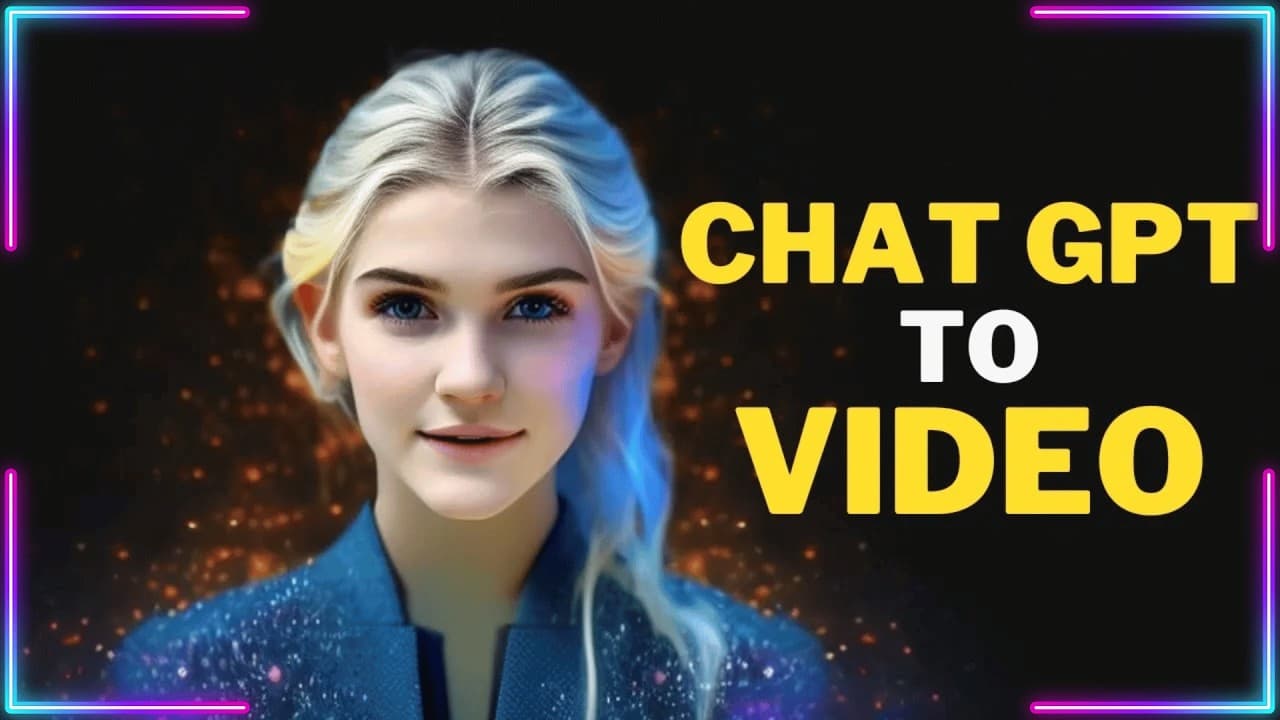
You can create personalized videos using AI by leveraging a new video maker tool that generates 3D talking avatars from ChatGPT prompts. The tool features 14 avatars representing various nationalities and languages, and allows for customization of elements like voice and background music before exporting your final video.
Transcript
Hello and welcome back to my channel! Today, we're going to explore a brand new AI Video Maker Tool. This video is divided into three chapters. In Chapter 1, we'll demonstrate how to create a video with a 3D talking avatar from ChatGPT prompt. In Chapter 2, we'll showcase 14 different avatars with various nationalities and languages, in... Read More
Key Insights
- 📱 The AI Video Maker Tool allows users to create videos with 3D talking avatars generated from a ChatGPT prompt, providing a unique and interactive experience.
- 🌍 The tool offers 14 different avatars with various nationalities and languages, catering to a diverse range of users, including English, Spanish, Russian, and more.
- 💬 Users are encouraged to provide feedback on their favorite avatar model in the comments section, promoting engagement and community interaction.
- 🔗 To utilize the tool, users need to register for AI Studio and obtain a free trial version, which can be done through a Google account or email.
- 💻 Once registered, users can easily create videos by starting from the ChatGPT icon in their dashboard and executing simple steps, making the process user-friendly. ⏳ Waiting for the video generation process to complete is necessary, but users have the option to customize various elements of the video, such as the avatar, voice, style, and background.
- 🎵 Users can add background music to their videos, enhancing the overall aesthetic and experience.
- 📤 Once the video is complete, users can export it and choose the desired video format. They will receive a notification via email when the rendering process is finished.
Install to Summarize YouTube Videos and Get Transcripts
Explore YouTube Video Summarizer or Get YouTube Transcript Extractor
Questions & Answers
Q: How does the AI Video Maker Tool work?
The AI Video Maker Tool allows users to create videos with 3D talking avatars by following a simple process. Users need to register for AI Studio, select the ChatGPT icon, enter a prompt, choose a template, and generate the video.
Q: Can users customize their videos?
Yes, users have the option to customize their videos after the generation process. They can change the avatar, avatar voice, avatar style, object position, background using stock images or videos, and add background music.
Q: How many avatar models are available?
There are 14 different avatar models showcased in the video, representing various nationalities and languages, including English, Spanish, Russian, Portuguese, Hindi, Chinese, Korean, Japanese, and Indonesian.
Q: Can users engage in a conversation with an AI human?
Yes, the video demonstrates an interactive chat with an AI human. Users can ask unusual questions and engage in a conversation, allowing for an interesting and unique experience.
Q: Is there a free trial version available for the AI Video Maker Tool?
Yes, users can obtain a free trial version of the AI Video Maker Tool by registering for AI Studio using the provided link in the video's description. Registration can be done using a Google account or email.
Q: How long does the rendering process take?
The rendering process time may vary depending on the complexity of the video and the user's customization choices. Once the rendering is complete, a notification will be sent to the user's email.
Summary & Key Takeaways
-
Chapter 1 showcases the process of creating a video with a 3D talking avatar using the AI Video Maker Tool.
-
Chapter 2 highlights 14 avatar models with different nationalities and languages, allowing users to choose their preferred avatar.
-
The last chapter demonstrates an interactive chat with an AI human by asking unconventional questions.
Read in Other Languages (beta)
Share This Summary 📚
Summarize YouTube Videos and Get Video Transcripts with 1-Click
Try YouTube Summary with ChatGPT & Claude or YouTube Transcript Generator
Explore More Summaries from How To In 5 Minutes 📚


Summarize YouTube Videos and Get Video Transcripts with 1-Click
Try YouTube Summary with ChatGPT & Claude or YouTube Transcript Generator