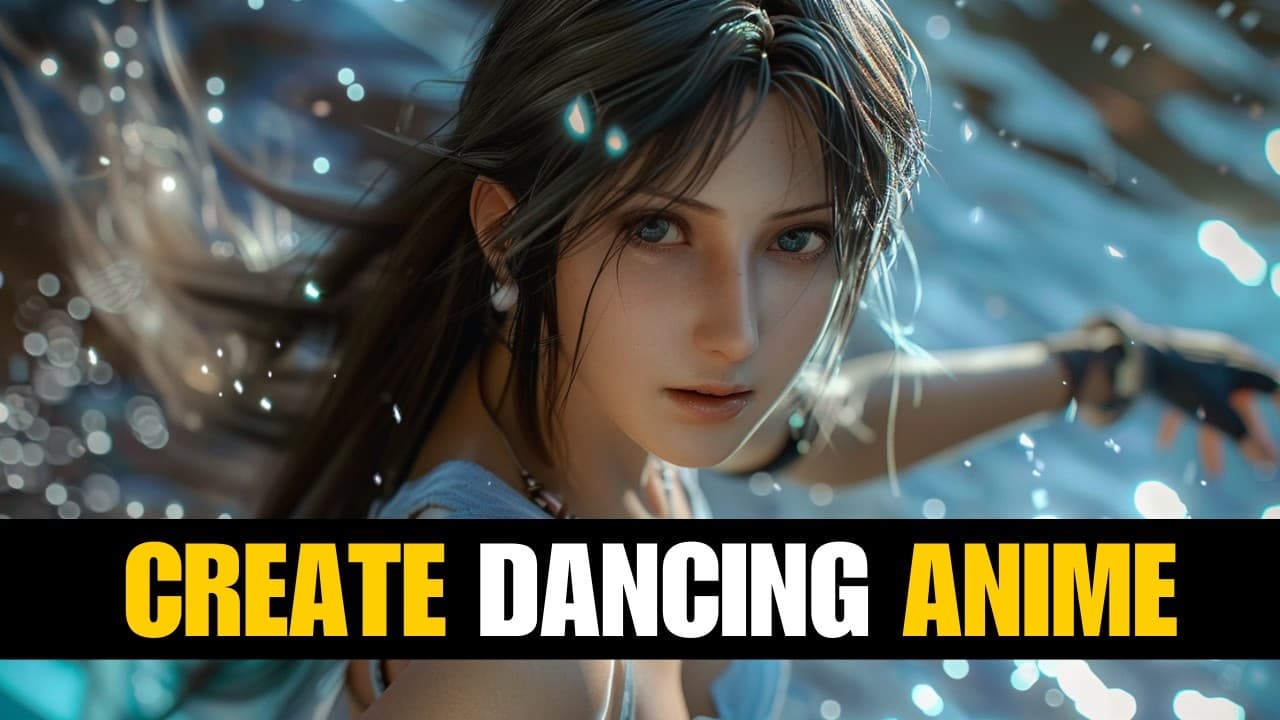
Video To Animation AI : Create Anime Dance
TL;DR
Learn how to use an AI video generator tool to create dancing anime videos in this easy-to-follow tutorial.
Transcript
hi welcome back to my AI tutorial Channel today I will show you how to create dancing anime videos using an AI video generator tool all tutorials on this channel are easy to follow for everyone no matter who you are or what language you speak so let's get started to create a dancing anime video in this tutorial we will use unboring AI video generat... Read More
Key Insights
- The channel provides easy-to-follow tutorials on creating dancing anime videos using an AI video generator tool.
- The tutorials are accessible to everyone, regardless of language or background.
- 🔗 Unboring AI Video Generator Tool:
- To create a dancing anime video, users need to create an account on Unboring AI by signing in with either their Gmail or Facebook account.
- Upon signing up, users receive five free tokens to try the AI tool.
- 🎥 Video Upload and Trimming:
- Users can upload their dancing videos from sources like Pixels, using the "Upload" button.
- Once uploaded, users have the option to trim the video by dragging the start and end points.
- 🎞️ AI Video Style Selection:
- Users can choose the AI video style, such as anime, for their dancing video.
- Each second of video costs two tokens, with a 15-second video requiring 30 tokens.
- The rendering process for a 15-second video typically takes around 29 minutes.
- After selecting the settings, users can initiate the rendering process by clicking the "Restyle" button.
- Once the rendering process is complete, users can download their AI-generated video by clicking the "Download" button.
- The content does not provide specific information about the video results from the AI video generator tool.
- However, it suggests that the tool is capable of generating various video outputs.
- The video concludes with a request to like, subscribe, and share the AI tutorial video to support the creator's work.
- Viewers are encouraged to continue watching future AI tutorial videos.
Install to Summarize YouTube Videos and Get Transcripts
Explore YouTube Video Summarizer or Get YouTube Transcript Extractor
Questions & Answers
Q: What is the first step in creating a dancing anime video using the AI video generator tool?
The first step is to create an account with Unboring AI, which can be done by clicking the sign-in button and using your Gmail or Facebook account.
Q: How many free tokens do you receive when creating an account with Unboring AI?
When creating an account with Unboring AI, you will receive five free tokens to try out the AI tool.
Q: Can you trim your video after uploading it to the AI video generator tool?
Yes, after your video is fully uploaded, you can trim it by dragging the start and end points to select the desired portion.
Q: How long does it take to render a 15-second AI video in the anime style?
The rendering process for a 15-second AI video in the anime style will be completed in approximately 29 minutes.
Q: How do you save your AI generated video after the rendering process is complete?
Once the rendering process is complete, you can click the download button to save your AI generated video.
Q: Are there any examples of videos created using this AI video generator tool?
Yes, the video content shows some examples of videos created using the AI video generator tool in different styles, including anime.
Summary & Key Takeaways
-
Step 1: Create an account with Unboring AI and receive five free tokens.
-
Step 2: Upload your video and trim it as needed.
-
Step 3: Choose an AI video style, such as anime, and render your AI video.
Read in Other Languages (beta)
Share This Summary 📚
Summarize YouTube Videos and Get Video Transcripts with 1-Click
Try YouTube Summary with ChatGPT & Claude or YouTube Transcript Generator
Explore More Summaries from How To In 5 Minutes 📚



Summarize YouTube Videos and Get Video Transcripts with 1-Click
Try YouTube Summary with ChatGPT & Claude or YouTube Transcript Generator