Make MONEY With AI : Create Animation Using ChatGPT AI & Canva
TL;DR
Learn how to easily create animated videos using AI tools like ChatGPT, Canva, Adobe Express, and Kreado AI.
Transcript
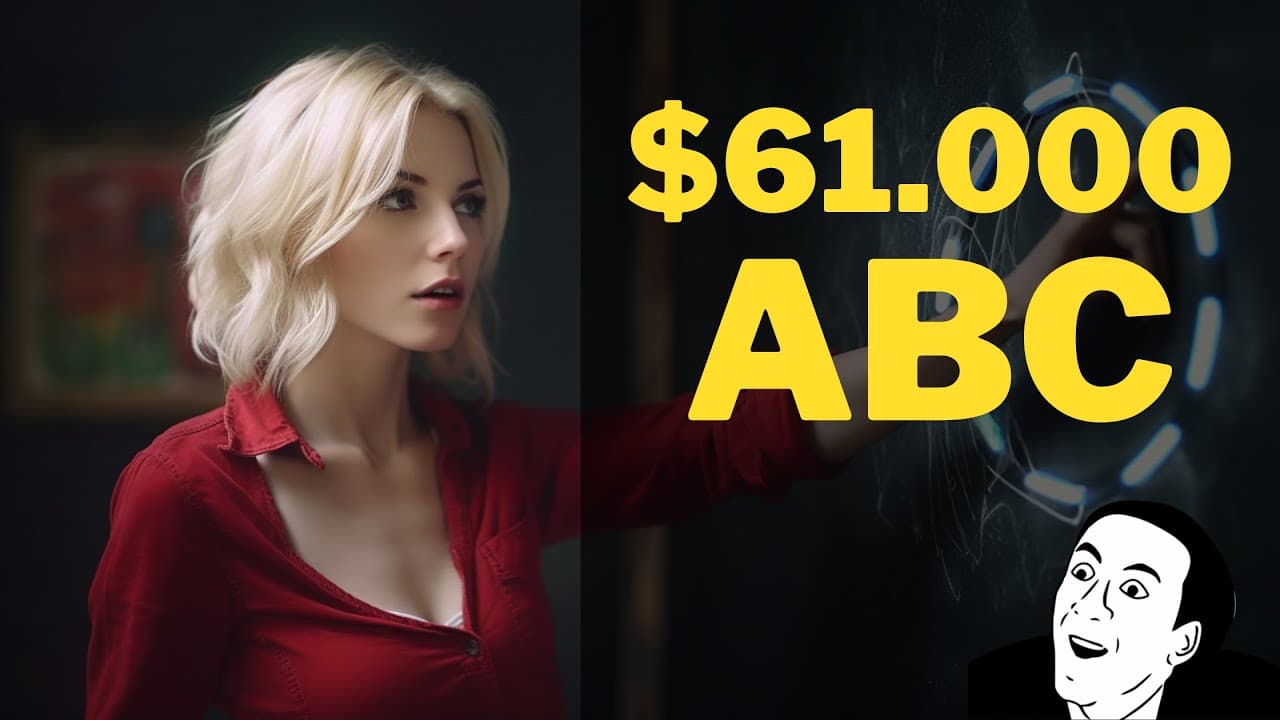
Imagine if this channel were yours! This animated video, teaching kids how to write the ABCs, has earned 51 million views in just two years. If we check this channel on Social Blade, we can see that their monthly income ranges from $3,000 to $61,000. Hi, welcome back to my channel. Today I'll show you how everyone can create animation v... Read More
Key Insights
- 😒 This tutorial demonstrates the use of AI tools to create animation videos without any prior animation knowledge.
- 😯 The main AI tools used in the tutorial are ChatGPT for video scripts, Kreado AI for text-to-speech conversion, Adobe Express for talking avatars, and Canva for static animations.
- 🎮 The tutorial covers the step-by-step process of creating video scripts, converting them to audio, creating talking avatars, and adding static and custom animations.
- 🎮 Users can combine all the video parts using a video editor of their choice.
- 👤 The tutorial encourages users to be creative and improve upon the provided examples to create better animation videos.
- 🎼 Background music can be added to the videos from the YouTube Studio Music Library or generated using an AI music generator.
- 💦 Viewers are encouraged to like, subscribe, and share the video to support the creator's work.
Install to Summarize YouTube Videos and Get Transcripts
Explore YouTube Video Summarizer or Get YouTube Transcript Extractor
Questions & Answers
Q: What are the main AI tools used in this tutorial?
The main AI tools used in this tutorial are ChatGPT, Kreado AI, Adobe Express, and Canva.
Q: Can you create animation videos using these tools without any prior knowledge of animation?
Yes, these tools are designed to be user-friendly and do not require any prior knowledge of animation.
Q: How do you create a video script using ChatGPT?
To create a video script using ChatGPT, you simply need to type in the kind of video script you want, the target market, and other details. The AI will generate the script for you.
Q: How do you convert the video script to audio using Kreado AI?
To convert the video script to audio using Kreado AI, you need to create a Kreado AI account, login, go to the AI Text Dubbing option under the AI Tool menu, paste your script, select the character tone, and download the audio file.
Q: Is it possible to create custom animations using Adobe Express?
Yes, you can create custom animations using Adobe Express. You can upload your audio files, choose an avatar character, customize the background, and animate the character movements.
Q: How do you add static animations using Canva?
To add static animations using Canva, you need to create a Canva account, choose the YouTube video option, set the video length, add a background image, and then add animated objects like animals and trees.
Summary & Key Takeaways
-
The video teaches viewers how to create animation videos using AI tools like ChatGPT, Kreado AI, Adobe Express, and Canva.
-
It provides step-by-step instructions on creating video scripts, converting them to audio, creating talking avatars, and adding static and custom animations.
-
The tutorial also covers how to combine all the video parts using a video editor.
Read in Other Languages (beta)
Share This Summary 📚
Summarize YouTube Videos and Get Video Transcripts with 1-Click
Try YouTube Summary with ChatGPT & Claude or YouTube Transcript Generator
Explore More Summaries from How To In 5 Minutes 📚
Summarize YouTube Videos and Get Video Transcripts with 1-Click
Try YouTube Summary with ChatGPT & Claude or YouTube Transcript Generator