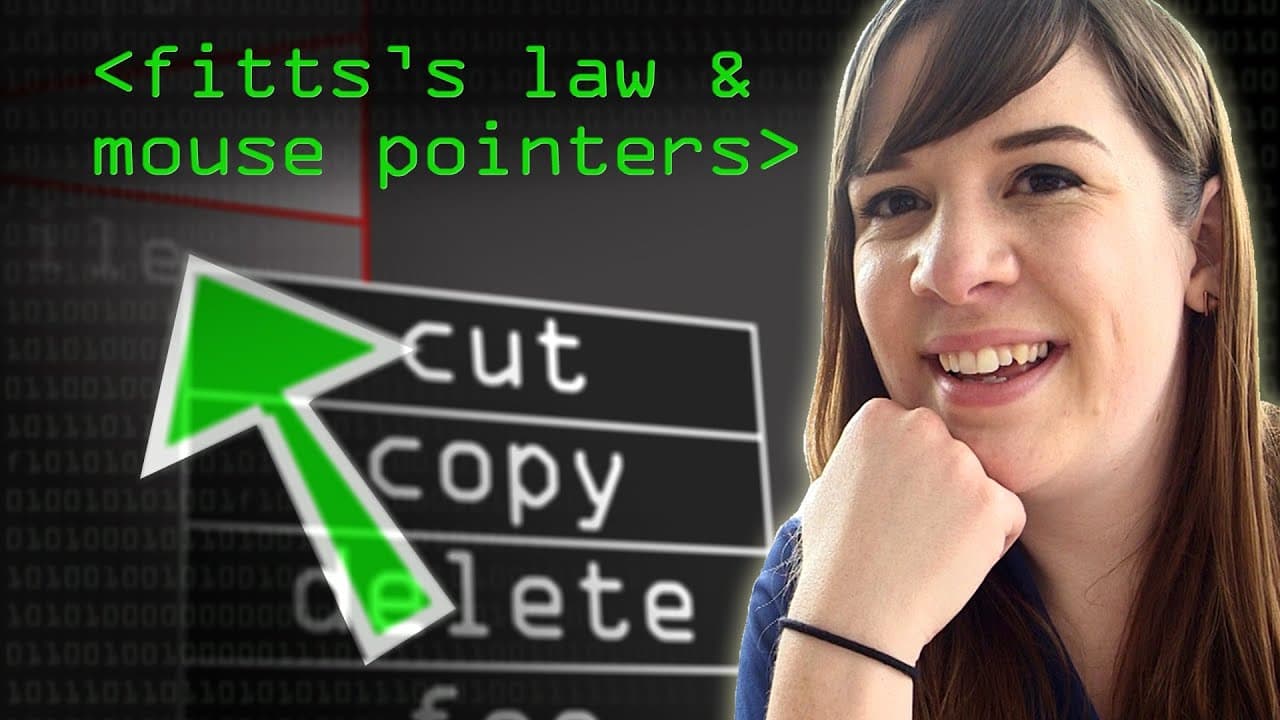
How Does Fitts's Law Impact Mouse Pointers?
TL;DR
Fitts's Law quantifies the time required to move between targets on a screen based on distance and target size. By optimising the position and dimensions of interactive elements, designers can enhance user experience and efficiency in interfaces, making targets easier to reach, especially in corners.
Transcript
something you want to tell me about yes um i would like to talk to you about a equation that is called fitzlaw and how that affects the way that you point at things and use a cursor on your computer fits like fixes or fits off well it's fitz's but that sounds funny so i'm just going to say fitz but know that i know that there are two s's in there o... Read More
Key Insights
- 💻 Fitzlaw equation predicts the time it takes to move between targets on a computer screen.
- 👤 Designers can optimize user interfaces by minimizing amplitude and maximizing width.
- 🥇 Targets placed at the corners of the screen are easier to reach since they have infinite width.
- 🪡 The equation is also applicable to touchscreens, but adjustments are needed due to the absence of infinite width.
- 🎨 Companies like Microsoft and Apple are likely using Fitzlaw to design interfaces.
- 👤 Fitzlaw can help justify and develop clever ideas for user interfaces.
- 🥶 Audible.com sponsors the computer file video, offering a chance to download a free audiobook.
Install to Summarize YouTube Videos and Get Transcripts
Explore YouTube Video Summarizer or Get YouTube Transcript Extractor
Questions & Answers
Q: What is Fitzlaw?
Fitzlaw is an equation developed by Paul Fitz in 1954 to predict the speed of people's movements between targets on a computer screen. It considers variables like amplitude and width.
Q: How can designers use Fitzlaw?
Designers can use Fitzlaw to optimize user interfaces by minimizing amplitude (keeping targets closer) or maximizing width (increasing target size). This can make interfaces more efficient and quick to use.
Q: What are the variables in the Fitzlaw equation?
The variables in the equation are amplitude (distance from start position) and width (size of the target). These variables determine how quickly a user can move between targets on a computer screen.
Q: How did Fitz test the equation?
Fitz tested the equation by having people hold a stylus and move back and forth between two targets. He altered the distance and width of the targets to come up with the accurate equation.
Summary & Key Takeaways
-
Fitzlaw is an equation developed in 1954 to predict the speed of people's movements between targets on a computer screen.
-
The equation takes into account variables such as amplitude (distance from start position) and width (size of the target).
-
By minimizing amplitude or maximizing width, designers can create more efficient and quick-to-use interfaces.
Read in Other Languages (beta)
Share This Summary 📚
Summarize YouTube Videos and Get Video Transcripts with 1-Click
Try YouTube Summary with ChatGPT & Claude or YouTube Transcript Generator
Explore More Summaries from Computerphile 📚





Summarize YouTube Videos and Get Video Transcripts with 1-Click
Try YouTube Summary with ChatGPT & Claude or YouTube Transcript Generator