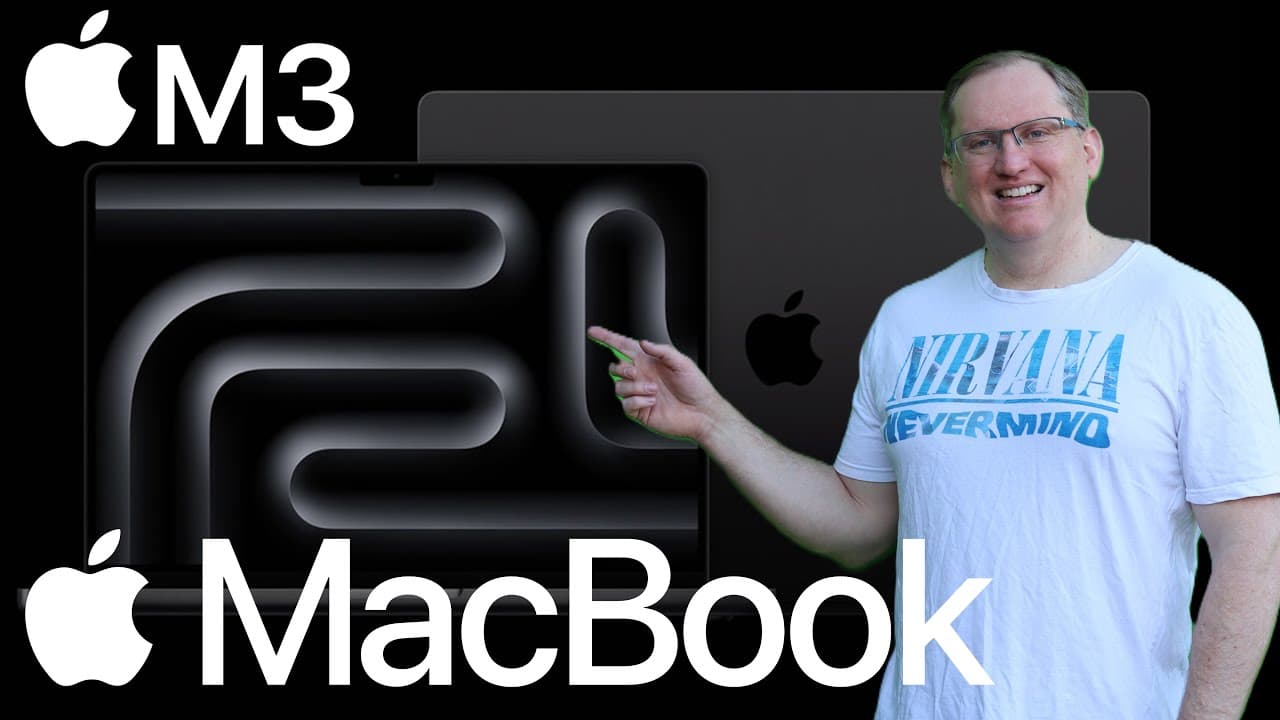
M3 MacBook Pro vs Air: Which Is Better for Video Editing?
TL;DR
The M3 MacBook Pro outperforms the M3 Air for video editing and data science, thanks to its superior CPU and GPU capabilities, especially under heavy workloads. Users should opt for at least 16GB of memory in resource-intensive tasks. For those on a budget, the M2 Pro remains a viable choice, but avoid the outdated M1.
Transcript
hi friends welcome back to the channel now I've been a PC guy for pretty much my whole life or at least since the days of commodore 64s but this week I had to play with the new M3 MacBooks and I have to say that they are pretty amazing this review I'm going to focus on a couple of specialized use cases that are relevant to me so it's data science a... Read More
Key Insights
- ❣️ The M3 MacBooks deliver remarkable performance improvements, especially in data-heavy applications, compared to previous models.
- 👤 Built quality and aesthetics remain consistent with Apple's standards, ensuring a premium user experience.
- 😒 Significant performance gaps exist between the M3 Pro and Air, especially under high-demand scenarios, highlighting the need for careful selection based on use cases.
- 👤 Users are advised to upgrade memory beyond the base 8 GB for effective resource management during intensive tasks.
- 🥶 Performance issues in older models, particularly the M1, make newer releases more appealing for professionals in resource-heavy fields.
- 📳 Maintaining optimal performance requires consideration of operating modes, as clamshell mode can reduce performance by up to 50%.
- 😒 This review underscores the importance of thermal management in laptops, particularly in prolonged use cases, recommending cooling solutions for the Air model.
Install to Summarize YouTube Videos and Get Transcripts
Explore YouTube Video Summarizer or Get YouTube Transcript Extractor
Questions & Answers
Q: What are the key advantages of the M3 MacBook for data science?
The M3 MacBook offers advanced CPU and GPU architecture, essential for handling large data sets efficiently. Its increased performance in multicore processing and enhanced memory options make it ideal for data science tasks, allowing users to process heavy computations without lag or overheating issues.
Q: How does the M3 Air compare to the Pro model?
The M3 Air is more compact and quieter due to its lack of a fan, enhancing portability. However, this design choice results in a notable performance drop during intensive workloads, leading to overheating risks. For serious video editing or data work, the Pro model is the recommended choice due to its superior thermal management and overall performance.
Q: What memory considerations should buyers keep in mind?
Both the M3 Pro and Air models come with 8 GB of base memory, which is inadequate for intensive tasks like data science. Users should consider upgrading memory during purchase, especially if they deal with large data sets, to improve performance and avoid bottlenecks.
Q: Why is the M2 Pro recommended over the M3 Air?
The M2 Pro potentially outperforms the M3 Air in specific benchmarks like video encoding, making it a practical choice for users focused on tasks like video editing. Additionally, M2 models may be available at discounted prices, offering value without compromising performance for budget-sensitive consumers.
Summary & Key Takeaways
-
The reviewer discusses their experience with M3 MacBooks, highlighting their impressive CPU/GPU performance, improved screen brightness, and battery life, especially for resource-intensive tasks like data science and video editing.
-
A comparison between the M3 Pro and Air reveals significant performance advantages for the Pro, particularly under heavy workloads, while emphasizing a memory upgrade for power users.
-
The review advises against the M1 model due to previous performance issues, instead suggesting the M2 Pro for budget-conscious buyers while recommending the M3 for those willing to spend more.
Read in Other Languages (beta)
Share This Summary 📚
Summarize YouTube Videos and Get Video Transcripts with 1-Click
Try YouTube Summary with ChatGPT & Claude or YouTube Transcript Generator
Explore More Summaries from Dr Lyndon Walker 📚





Summarize YouTube Videos and Get Video Transcripts with 1-Click
Try YouTube Summary with ChatGPT & Claude or YouTube Transcript Generator