How Can Logseq Transform Your Note-Taking?
TL;DR
Logseq revolutionises note-taking by allowing users to write chronologically, streamlining the process of organising thoughts without folder complications. It also facilitates the import of highlights from books and articles, while creating atomic flashcards enhances memory retention and learning.
Transcript
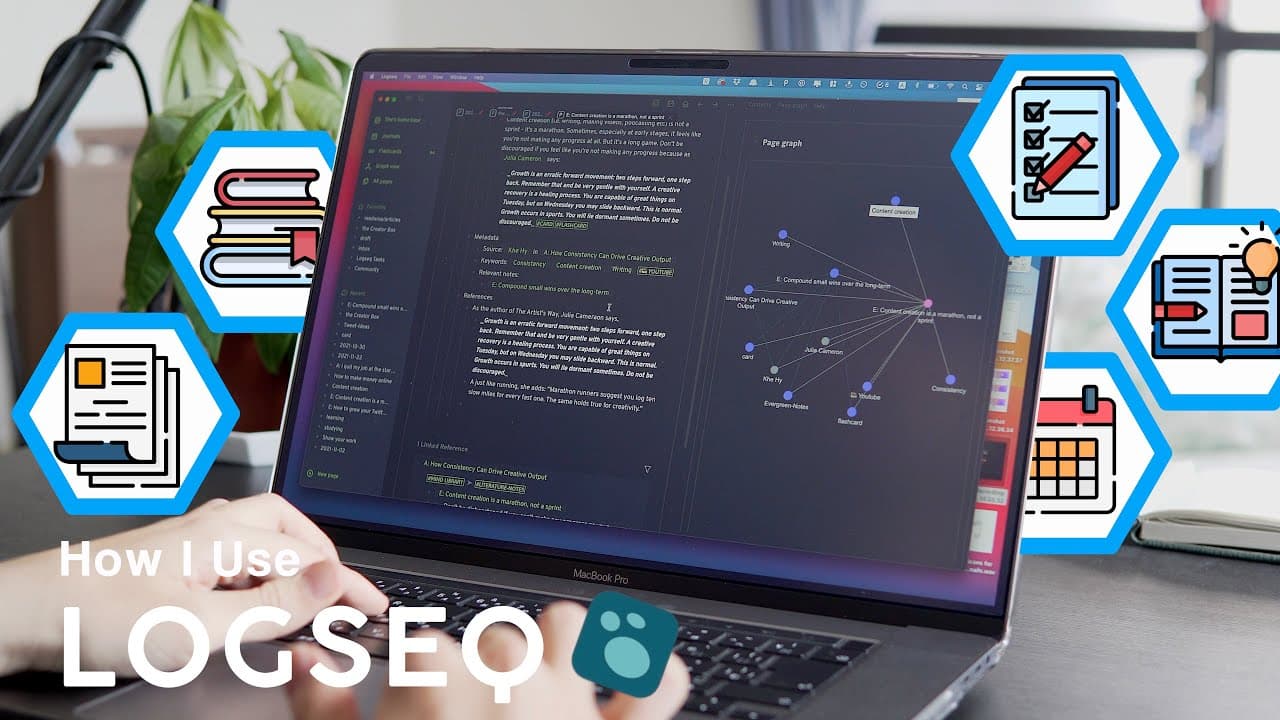
log seek is a not seeking app that is not known by many people but it's one of the best personal knowledge management tools i've ever used in this video i want to show you how i use it every day to organize my life hey my name is shu i am back from long break from youtube i was actually working on my new online course about how i make my youtube vi... Read More
Key Insights
- 📅 Organizing with Logseq: Logseq is a powerful note-taking app that allows for chronological journaling, saving time on organization and providing context for each note.
- 🔍 Easy Highlight Import: Although there is no direct integration with Readwise, using Obsidian and its plugins can allow for seamless importing of highlights from articles and books.
- 🗃️ Atomic Flashcards for Learning: Creating atomic flashcards in Logseq helps in retaining knowledge, as reviewing flashcards prompts memory recall and allows for incremental development of notes.
- 💡 Content Ideas in Logseq: Logseq can be used to save content ideas, with tags for quick reference. However, for organizing blog and YouTube video ideas, Notion provides better options with its multiple formats and layouts.
- 📝 Task Management: While Logseq allows for sophisticated task management using functions like queries and deadline, the lack of a mobile app makes it less practical for daily use, necessitating the use of a different task management app.
- 📚 Book Summaries with Shortform: Shortform, a book summary app, offers detailed book guides that go beyond mere summaries. These can be downloaded as PDFs and integrated into Logseq for easy reference and flashcard creation.
- 💻 Logseq vs. Other Note-taking Apps: Logseq stands out due to its simplicity and focus on writing rather than organizing. It saves mental energy and time compared to traditional note-taking apps like Evernote and OneNote.
- 🔁 Personalization and Adaptation: The methods shared in the video are personalized and may not work for everyone, but viewers are encouraged to find helpful tips and integrate them into their own systems.
Install to Summarize YouTube Videos and Get Transcripts
Explore YouTube Video Summarizer or Get YouTube Transcript Extractor
Questions & Answers
Q: How does Logseq simplify the organization of notes compared to other note-taking apps?
Logseq simplifies note organization by allowing users to write chronologically in a single timeline, eliminating the need to navigate through folders or spend time on categorizing and titling each note.
Q: What benefits does Logseq provide in terms of importing highlights from articles and books?
Logseq, through its integration with Obsidian and Readwise, makes it easy to import highlights from various apps, ensuring that all your highlights are synced across platforms, saving time and effort in accessing and reviewing them.
Q: How does Logseq's method of creating atomic flashcards enhance learning and retention?
By breaking down information into smaller flashcards and reviewing them regularly, Logseq helps users retain knowledge in their long-term memory, ensuring a deeper understanding and recall of what was learned.
Q: Can Logseq be used for content organization and task management?
While Logseq is primarily focused on note-taking and knowledge management, it does offer options for content organization with its tagging system. However, for more sophisticated content and task management, other apps like Notion may be more suitable until Logseq develops a mobile app.
Summary & Key Takeaways
-
Logseq is a powerful note-taking app that allows users to write chronologically in a timeline format, eliminating the need to organize notes into different folders or categories.
-
The app simplifies the process of importing article and book highlights by integrating with Obsidian and Readwise, allowing users to easily access and review their highlights.
-
The method of creating atomic flashcards within Logseq helps users retain and remember information by breaking it down into smaller pieces and reviewing them over time.
Read in Other Languages (beta)
Share This Summary 📚
Summarize YouTube Videos and Get Video Transcripts with 1-Click
Try YouTube Summary with ChatGPT & Claude or YouTube Transcript Generator
Explore More Summaries from Shu Omi 📚


Summarize YouTube Videos and Get Video Transcripts with 1-Click
Try YouTube Summary with ChatGPT & Claude or YouTube Transcript Generator