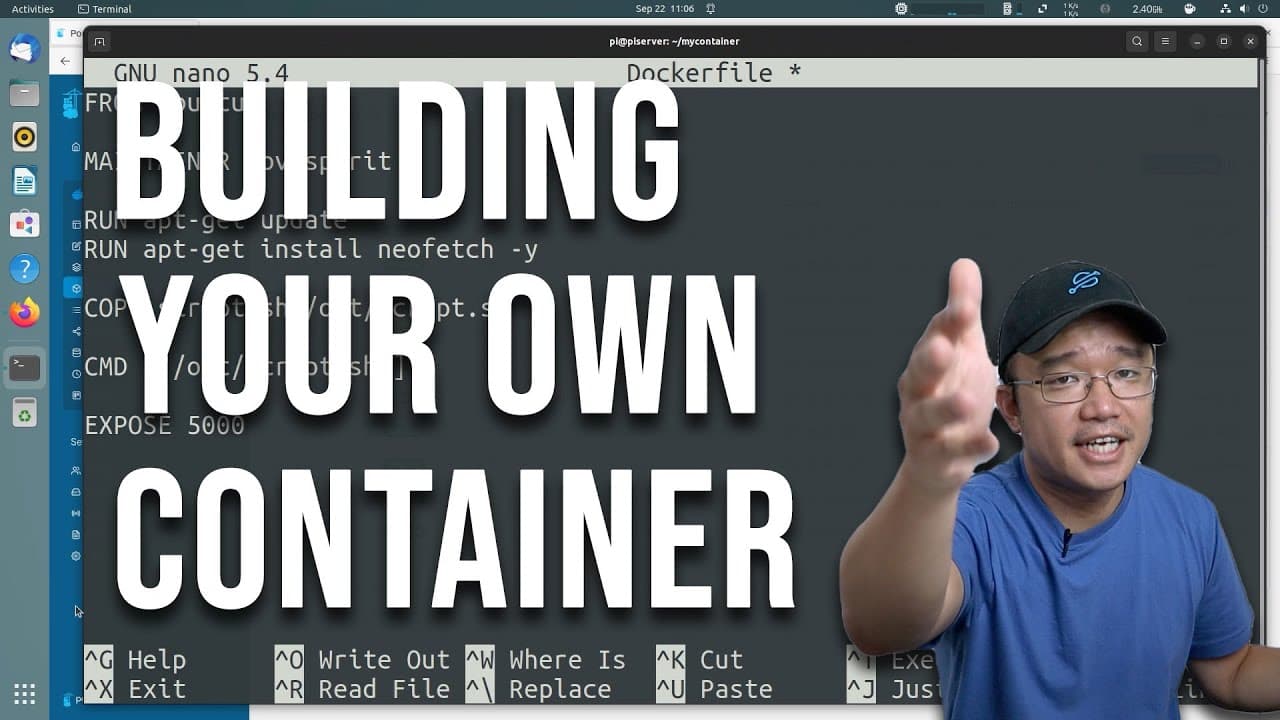
Build YOUR OWN Container Image, Dockerfile
TL;DR
Learn how to create and manage Docker containers on Raspberry Pi.
Transcript
hey guys what's going on it's Don here from Nova Spirit Tech and welcome back to our Channel and today I'm going to be showing you guys how easy it is to set up your own Docker container so let's get started now if you guys are new to this channel I do have a pi hosted Series where we talk about everything Docker from installing to getting pertaine... Read More
Key Insights
- 🏃 Docker provides a robust environment for application deployment, making it easier for developers to build, ship, and run software consistently.
- 😒 Raspberry Pi can serve as a platform for running Docker containers, expanding its potential use cases beyond single-board computing tasks.
- 🈸 Dockerfiles streamline the process of container creation by specifying precise instructions for image setup and application configuration.
- 🤩 Understanding the different commands, like
RUN,CMD, andCOPY, within a Dockerfile is key to effectively managing your containers. - 🥺 Using minimal base images like Alpine can significantly reduce container size, leading to faster deployments and less resource consumption.
- 🛟 Reference repositories on GitHub can serve as valuable learning tools, providing practical examples of Dockerfile structures and commands used in real projects.
- 👤 Regular use of tools like Portainer can simplify the management of multiple Docker containers with a user-friendly interface, enhancing user experience.
Install to Summarize YouTube Videos and Get Transcripts
Explore YouTube Video Summarizer or Get YouTube Transcript Extractor
Questions & Answers
Q: What is Docker and how does it relate to containerization?
Docker is a platform designed for developing, shipping, and running applications inside containers. Containers are lightweight virtualized environments that allow applications to run consistently across different computing environments by encapsulating all dependencies, configurations, and files. Docker simplifies the deployment process by providing tools for packaging applications in containers which can be easily shared and run on any compatible system.
Q: How can I install Docker on my Raspberry Pi?
To install Docker on your Raspberry Pi, you can use the terminal and run a specific script provided by Docker. The command generally involves executing a curl command to download and run the installation script. For example: curl -fsSL https://get.docker.com -o get-docker.sh followed by sh get-docker.sh. Make sure your system is updated beforehand, and you may need to add your user to the Docker group to run Docker commands without sudo.
Q: What constitutes a Dockerfile and why is it important?
A Dockerfile is a text document that contains a series of instructions on how to build a Docker image. This file details things like the base operating system, application dependencies, environment variables, and the application commands. It is crucial because it automates the image creation process, ensuring consistent builds and deployments across environments.
Q: How do I expose a port when creating a Docker container?
To expose a port in a Docker container, you can add the EXPOSE instruction in your Dockerfile followed by the desired port number. For example, if your application runs on port 5000, you would include EXPOSE 5000. This informs Docker to make the specified port accessible from the host, allowing external communication with your containerized application.
Summary & Key Takeaways
-
This content is a tutorial on creating Docker containers, specifically targeting users who want to set them up on Raspberry Pi and desktop computers.
-
It outlines the installation of Docker, creation of a Dockerfile, and running a simple "Hello World" container, showcasing the basic structure and commands necessary for Docker management.
-
Additional details include tips for optimizing container size, handling package installations, and using examples from GitHub to better understand Dockerfile commands.
Read in Other Languages (beta)
Share This Summary 📚
Summarize YouTube Videos and Get Video Transcripts with 1-Click
Try YouTube Summary with ChatGPT & Claude or YouTube Transcript Generator
Explore More Summaries from Novaspirit Tech 📚






Summarize YouTube Videos and Get Video Transcripts with 1-Click
Try YouTube Summary with ChatGPT & Claude or YouTube Transcript Generator