How To Create an eCommerce Website in Minutes!
TL;DR
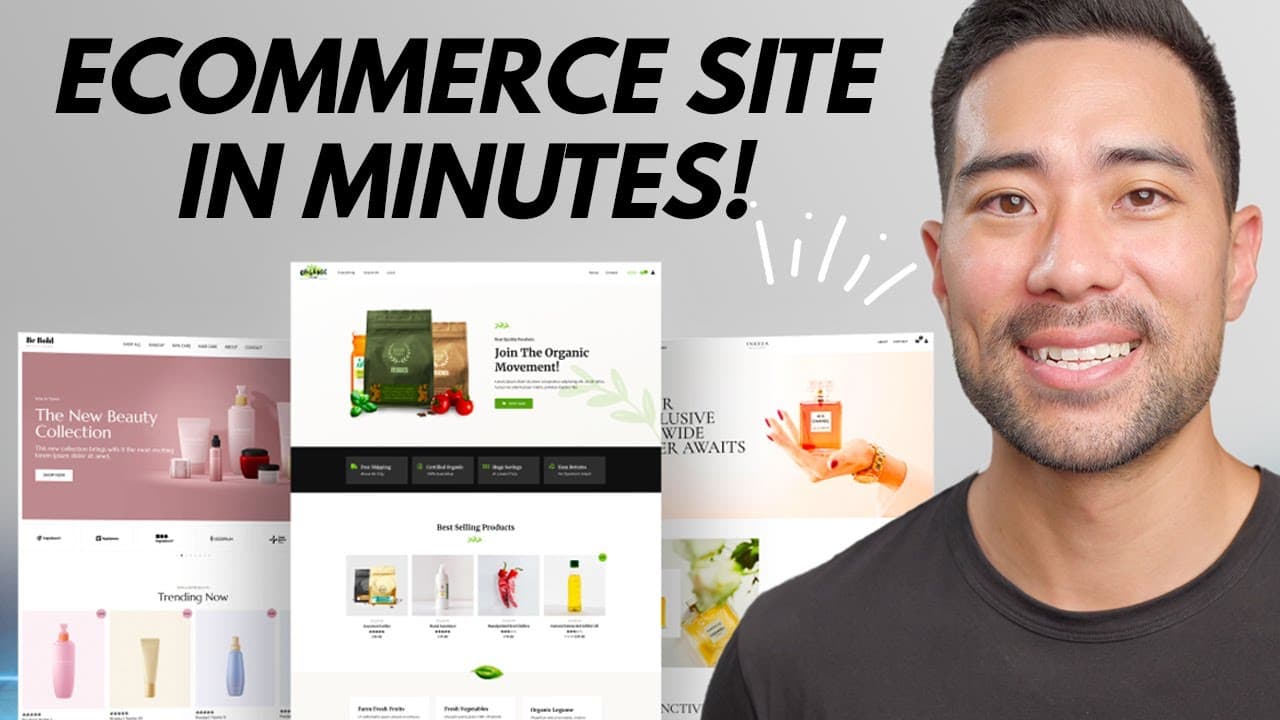
Learn how to create your own professional website and start selling digital or physical products and services using this step-by-step tutorial.
Transcript
hey it's Aurelius welcome back to the channel in this video tutorial you're going to learn how to set up your own eCommerce website where you can sell your digital products physical products or Services too I'll be outlining the core steps to take so that you can get started and have your very own website starting today so let's get to it first of ... Read More
Key Insights
- 💻 Having a professional website is crucial for standing out from competitors and maintaining control over your content, rather than relying solely on social media platforms.
- 💡 Hostinger is a reliable web hosting service with fast-loading servers, a free domain name, and a 30-day money-back guarantee.
- 🛍️ Setting up an eCommerce website with WordPress and WooCommerce is easy and allows you to add digital products, physical products, and services for sale.
- 🌐 Customizing your website's appearance is simple with tools like Elementor, allowing you to personalize themes, logos, colors, and fonts to match your brand.
- 💳 Configuring secure and reliable payment options through plugins like Stripe ensures smooth transactions with your customers.
- 📦 Adding and categorizing products in WooCommerce is straightforward, with options for setting prices, descriptions, and download restrictions for digital products.
- 🎫 Customizing essential pages like the about page and contact page allows you to personalize your brand story and capture customer inquiries efficiently.
- 👀 Optimizing your website's SEO by selecting user-friendly permalinks and implementing a clean design increases visibility and user engagement.
Install to Summarize YouTube Videos and Get Transcripts
Explore YouTube Video Summarizer or Get YouTube Transcript Extractor
Questions & Answers
Q: Why is having a professional website important for eCommerce businesses?
Having a professional website sets your business apart from competitors and allows you to have complete control over your content, landing pages, and product pages. It creates a sense of trust and credibility for potential customers.
Q: What are the benefits of using Hostinger as a web hosting service?
Hostinger ranks highly in speed tests and offers features like unlimited bandwidth, free domain name, 24/7 support, and a 30-day money-back guarantee. It's user-friendly and offers affordable hosting plans, especially with the additional discount from using the coupon code Aurelius.
Q: Why is WooCommerce recommended for setting up an eCommerce website?
WooCommerce is a popular WordPress plugin that enables you to add digital and physical products to your website and start selling them. It provides various customization options, payment gateway integration, and easy management of products and orders.
Q: How can you customize the appearance of your website using WordPress and WooCommerce?
WordPress provides various theme options to choose from, and WooCommerce offers customization options through plugins like Elementor. You can change the logo, layouts, colors, fonts, and backgrounds of your website to align with your brand's identity.
Summary & Key Takeaways
-
Setting up a professional website is essential to stand out from competitors and have complete control over your content.
-
The first steps are to register a domain name and choose a web hosting service, such as Hostinger, known for its fast servers.
-
Use WordPress and the WooCommerce plugin to create and customize your website, including adding products, categories, and payment settings.
Read in Other Languages (beta)
Share This Summary 📚
Summarize YouTube Videos and Get Video Transcripts with 1-Click
Try YouTube Summary with ChatGPT & Claude or YouTube Transcript Generator
Explore More Summaries from Aurelius Tjin 📚





Summarize YouTube Videos and Get Video Transcripts with 1-Click
Try YouTube Summary with ChatGPT & Claude or YouTube Transcript Generator