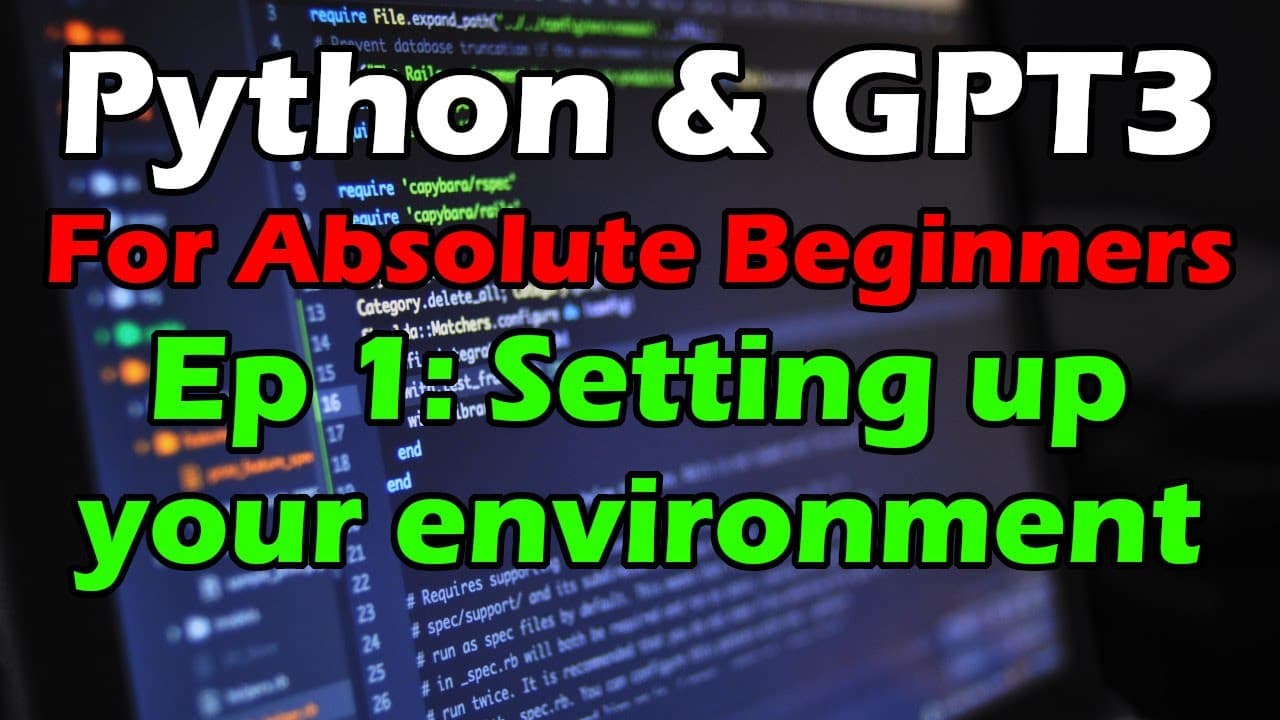
Python & GPT-3 for Absolute Beginners #1 - Setting up your environment
TL;DR
This video provides a step-by-step guide on setting up the Python and GPT3 environment, including downloading necessary tools and configuring API keys.
Transcript
hey everybody david shapiro here with a uh the first video in a new tutorial series so this is python and gpt3 from the ground up so if you don't know anything about python or gpt3 and you want to get into it start here so this is going to be the boot camp starting from zero starting from scratch so the first thing you're going to want to do is tak... Read More
Key Insights
- 🧑🏫 Python and GPT3 tutorial series aims to teach Python and GPT3 from scratch.
- ℹ️ Python.org is the official source for Python downloads and installation.
- 👨💻 Git is a widely used code management tool that enables version control and collaboration.
- ❓ Notepad++ is a minimalist text editor that can be used for Python development.
- 📦 OpenAI is the package required to interact with GPT3.
- 🤩 API keys are essential for authenticating and accessing OpenAI services.
- 👻 Cloning a repository allows easy access to code and resources.
Install to Summarize YouTube Videos and Get Transcripts
Explore YouTube Video Summarizer or Get YouTube Transcript Extractor
Questions & Answers
Q: What is the purpose of this video?
The video serves as a starting point for beginners who want to learn Python and use GPT3 by providing step-by-step instructions for setting up the environment.
Q: Why is Python downloaded from python.org?
Python is downloaded from python.org because it is the official website for Python distribution and provides easy access to Python downloads and documentation.
Q: What is the purpose of using Git in this tutorial?
Git is used for version control and managing code changes. It allows users to clone repositories, track changes, and collaborate with others on code projects.
Q: Why is Notepad++ recommended as a development environment?
Notepad++ is recommended for its simplicity and ease of use. It provides basic text editor functionality and supports various programming languages, including Python.
Q: How do you obtain and set up an API key for OpenAI?
To obtain an API key for OpenAI, users need to create an account on the OpenAI website and generate an API key. The key is then copied and pasted into a designated file in the repository.
Summary & Key Takeaways
-
The video introduces the Python and GPT3 tutorial series.
-
It guides viewers on downloading and installing Python and the OpenAI package.
-
The video explains how to clone a repository from GitHub and use Git for version control.
-
It recommends using Notepad++ as a minimalist development environment.
-
The video demonstrates how to set up an API key and provides a basic code example for using GPT3.
Read in Other Languages (beta)
Share This Summary 📚
Summarize YouTube Videos and Get Video Transcripts with 1-Click
Try YouTube Summary with ChatGPT & Claude or YouTube Transcript Generator
Explore More Summaries from David Shapiro 📚



Summarize YouTube Videos and Get Video Transcripts with 1-Click
Try YouTube Summary with ChatGPT & Claude or YouTube Transcript Generator