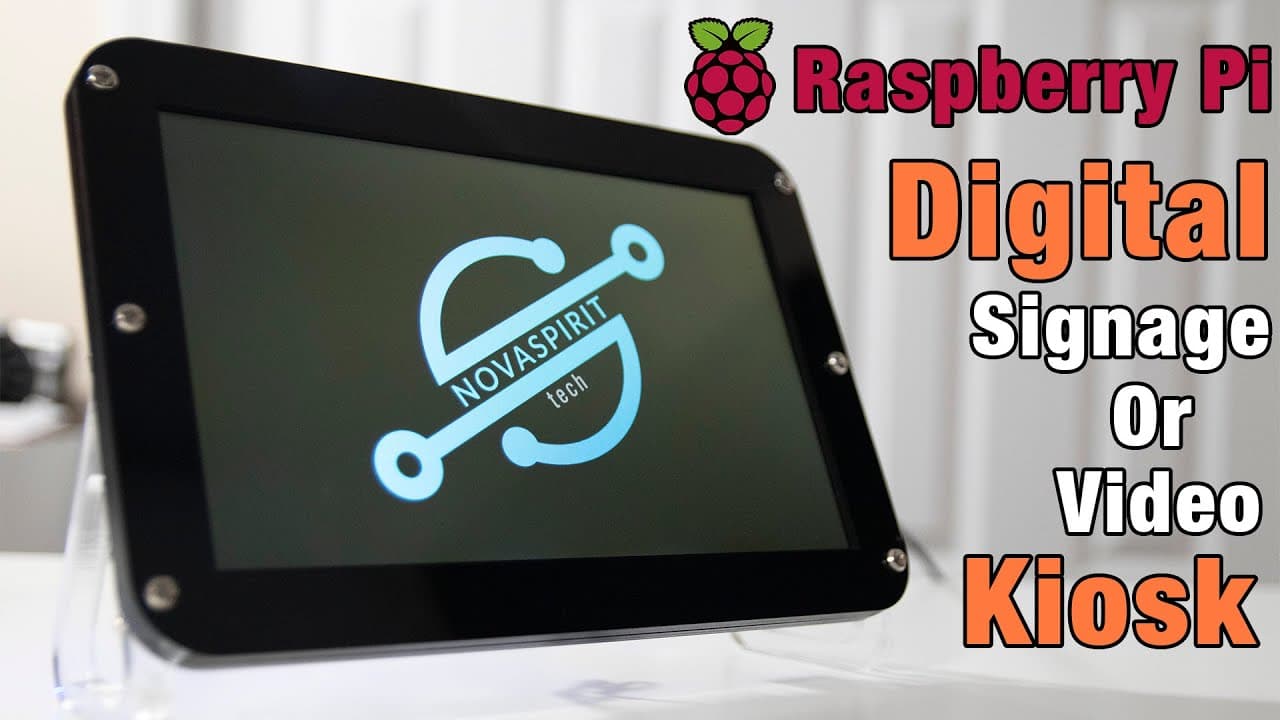
How to DIY your own Digital Signage or Kiosk with Raspberry Pi using Toldotechnik
TL;DR
Learn how to create digital signage using Raspberry Pi and free software.
Transcript
hey guys don here from novaspirittech and welcome back to the channel and today i'm going to be showing you guys how to create a digital signage or video kiosk for your raspberry pi so let's get started now another really good way to use a raspberry pi instead of having it to do projects or use as a desktop pc is digital signage you might not even ... Read More
Key Insights
- 🥶 Total Technic offers a free alternative for digital signage using Raspberry Pi, circumventing ownership fees associated with other software.
- 💨 Its ability to boot quickly enhances user experience for environments needing fast content display, such as in restaurants or promotional displays.
- 👻 Flexible content options allow for either continuous video playback or straightforward web browser access, catering to diverse usage scenarios.
- 👻 HDMI CEC functionality allows integration with TV remotes, streamlining user interaction and promoting easier content management.
- 😘 The software's lightweight architecture keeps installation requirements low, making it accessible to hobbyists and businesses alike.
- 👻 Configuring the system requires simply renaming specific files, allowing users to tailor the display setup according to individual requirements.
- 👤 Comprehensive video demonstrations help guide users step-by-step through the setup process, ensuring a smooth user experience.
Install to Summarize YouTube Videos and Get Transcripts
Explore YouTube Video Summarizer or Get YouTube Transcript Extractor
Questions & Answers
Q: What is the primary software mentioned for creating digital signage on Raspberry Pi?
The primary software mentioned is called Total Technic, which is available for free on GitHub. It's designed to allow Raspberry Pi users to create digital signage setups without the burden of subscription fees that other operating systems often require.
Q: Can Total Technic run video content or only web pages?
Total Technic offers flexibility, allowing users to either display a continuous video loop or boot directly into a full-screen web browser. This makes it suitable for various applications, whether for showcasing videos in a restaurant or running a predefined website, such as a teleprompter.
Q: What are the hardware requirements for running Total Technic on Raspberry Pi?
Total Technic supports Raspberry Pi 2, 3, and 0 models. Unfortunately, it does not support Raspberry Pi 4. Users should ensure they have a compatible device to utilize this software, which is lightweight with minimal storage requirements.
Q: How can HDMI CEC support enhance the user experience with this setup?
HDMI CEC support allows users to control the Raspberry Pi's functions using their TV's remote control, simplifying navigation through content without needing a separate remote or mouse. This feature enhances convenience, especially in settings where the device runs signage or media content for extended periods.
Q: How easy is it to boot the Raspberry Pi using Total Technic?
Booting the Raspberry Pi with Total Technic is impressively quick. For example, a Raspberry Pi 3 can boot in approximately 14 seconds. This rapid startup is ideal for environments that require efficient and reliable content display.
Q: What should users do to modify the default web URL for their signage?
Users need to edit the 'url.txt' file located in the boot directory of the Raspberry Pi. After renaming this file and specifying the desired URL, a simple reboot will direct the device to the new webpage automatically.
Q: Is the setup process for Total Technic complicated?
The setup for Total Technic is straightforward and user-friendly. The video walks through copying the image onto an SD card, configuring necessary files like the WPA supplicant for Wi-Fi, and demonstrates how to toggle between video playback and a web interface.
Q: What are potential applications for this digital signage setup?
This Raspberry Pi digital signage setup is versatile, suitable for restaurant menu displays, movie theater schedules, teleprompters for video production, or even information kiosks. Its low power consumption and ease of use make it a valuable solution for various digital presentation needs.
Summary & Key Takeaways
-
The video details how to use a Raspberry Pi to create affordable and customizable digital signage through software called Total Technic, which is available for free on GitHub.
-
The creator demonstrates how to set up the system, including configuring files necessary for either video playback or displaying web content, all while highlighting the low power consumption of the device.
-
Additional insights include features such as HDMI CEC support for remote control and installation instructions, emphasizing that this project is ideal for teleprompters, restaurant signage, or web-based applications.
Read in Other Languages (beta)
Share This Summary 📚
Summarize YouTube Videos and Get Video Transcripts with 1-Click
Try YouTube Summary with ChatGPT & Claude or YouTube Transcript Generator
Explore More Summaries from Novaspirit Tech 📚





Summarize YouTube Videos and Get Video Transcripts with 1-Click
Try YouTube Summary with ChatGPT & Claude or YouTube Transcript Generator