What's in my Linux : Ubuntu 24.04 Gnome Desktop Setup Tour
TL;DR
The video showcases applications and extensions used for gaming and video production on Ubuntu.
Transcript
all right so today I'm going to be showing you guys the apps that I use and also the extensions that I use on my production machine so let's get started like I said earlier this is my production machine so this is my actual desktop that I used to play games and also edit with not like that usual desktop that you see on my channel where it's my work... Read More
Key Insights
- 👤 Transitioning operating systems can significantly impact application support and user experience, particularly for production-focused tasks.
- 💄 Customizing the desktop environment with themes and extensions can enhance usability and productivity, making tasks more visually comfortable.
- 👤 The management of Flatpak applications through specific tools simplifies user experience and reduces system clutter.
- 🚗 Integration between mobile devices and desktop environments can streamline workflows and improve task management.
- 💦 Visual and functional GUI enhancements can greatly improve user efficiency and satisfaction while working on demanding projects.
- 👤 Applications like DaVinci Resolve are crucial for video editing but can often have unnecessary premium features for specific user needs.
- 🎮 Utilizing tools like GS Connect can facilitate remote control and notification management, reducing the need for constant device switching.
Install to Summarize YouTube Videos and Get Transcripts
Explore YouTube Video Summarizer or Get YouTube Transcript Extractor
Questions & Answers
Q: Why did you switch from Arch Linux to Ubuntu?
I switched because Arch Linux's cutting-edge updates caused compatibility issues, breaking support for various applications I rely on for editing and gaming. Since upgrading left many tools unsupported, I opted for Ubuntu 22.04, which offers more stability and timely updates.
Q: What are the benefits of using Code OSS over traditional editors?
Code OSS serves as an open-source alternative to Visual Studio Code, providing a lightweight editing experience with integrated Git support. Its customizability allows for themes like Dracula, enhancing the user's visual experience while maintaining performance and compatibility on Linux systems.
Q: How do you manage Flatpak permissions and cleanup?
I use Flat Seal to manage permissions for installed Flatpak applications easily, allowing adjustments without terminal commands. Additionally, Flat Sweep helps clean user data and unneeded files, ensuring my system remains efficient without leftover data from deleted apps.
Q: What role does GS Connect play in your setup?
GS Connect integrates my Android phone with my Linux desktop, enabling seamless notifications, clipboard syncing, and remote control features. This enhances productivity by allowing me to manage tasks and notifications from my phone, ensuring I stay updated while working across different devices.
Q: Can you explain the function of the mini view application?
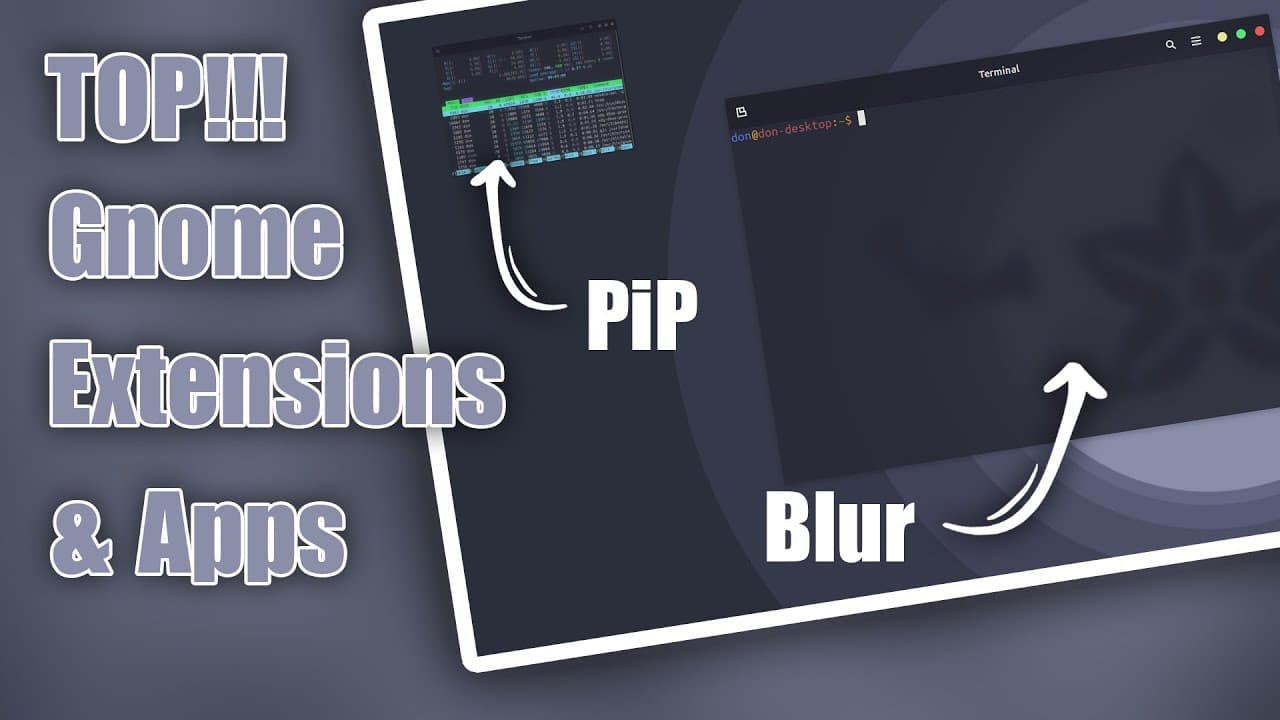
Mini View provides a picture-in-picture mode for terminal applications, allowing users to monitor ongoing tasks without obscuring other windows. This is particularly helpful when multitasking or following guides while performing command-line operations, ensuring a more productive workflow.
Q: What is the importance of the Dracula theme in your environment?
The Dracula theme not only provides a visually appealing dark interface but also enhances the overall usability of the system. It reduces eye strain during long editing sessions and maintains consistency across applications, contributing to a more pleasant user experience.
Summary & Key Takeaways
-
The creator transitioned from Arch Linux to Ubuntu 22.04 due to stability issues, customizing their environment with the Dracula theme and other enhancements.
-
Key applications discussed include Code OSS, DaVinci Resolve, and various Flatpak utilities that help manage permissions and clean up unneeded files.
-
The creator emphasizes the importance of specific upgrades like GS Connect for phone integration and various visual improvements through Gnome extensions for a more streamlined experience.
Read in Other Languages (beta)
Share This Summary 📚
Summarize YouTube Videos and Get Video Transcripts with 1-Click
Try YouTube Summary with ChatGPT & Claude or YouTube Transcript Generator
Explore More Summaries from Novaspirit Tech 📚





Summarize YouTube Videos and Get Video Transcripts with 1-Click
Try YouTube Summary with ChatGPT & Claude or YouTube Transcript Generator