Producing basic descriptive statistics in R
TL;DR
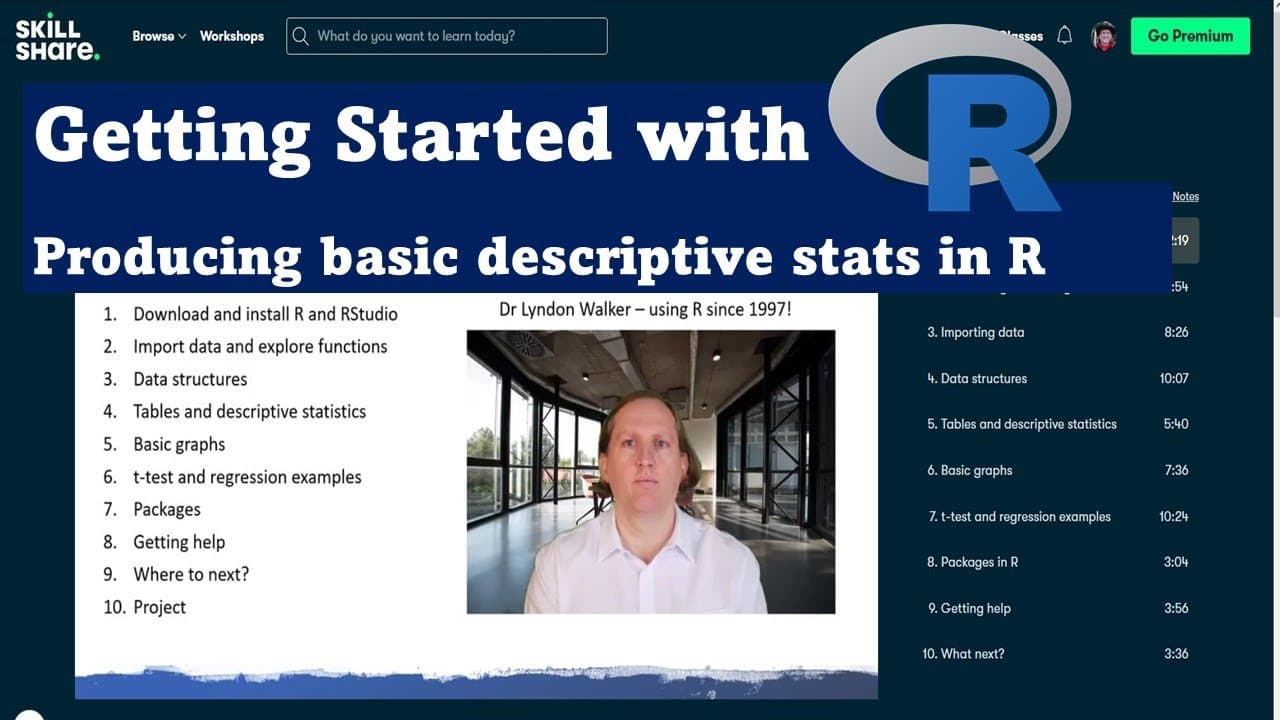
This video teaches basic R functions for descriptive statistics and data tables.
Transcript
hi i'm dr lyndon walker the following video is part of my skillshare course getting started with r here behind me you can see the various different chapters of the skillshare course you can click on the link below the video to take you to the skillshare course and you'll be able to download the data that i use in this video and work along with it i... Read More
Key Insights
- 🛄 Dr. Lyndon Walker's Skillshare course is aimed at beginners wanting to learn R programming for data analysis.
- 💁 The video emphasizes the simplicity of generating basic statistical outputs rather than complex formatting techniques.
- #️⃣ Descriptive statistics, including mean, standard deviation, and the five-number summary, are vital for understanding data distributions.
- 😒 The use of functions like
table(),prop.table(),mean(), andsd()is essential for summarizing both categorical and numeric data. - 🤗 Participants are encouraged to experiment with the AIS dataset, reinforcing hands-on learning.
- 😀 Knowledge of basic R functions facilitates further exploration and analysis of data in advanced statistics courses.
- 💁 Producing well-formatted tables and statistics may require additional skills in R for more advanced users.
Install to Summarize YouTube Videos and Get Transcripts
Explore YouTube Video Summarizer or Get YouTube Transcript Extractor
Questions & Answers
Q: What is the main focus of the video on R functions?
The main focus is to introduce beginners to basic R functions that produce tables for categorical data and descriptive statistics for numeric data. This foundational knowledge is crucial for those starting their data analysis journey, as it allows them to summarize and understand their datasets effectively before delving into more complex statistics.
Q: How does one produce a table of counts for a categorical variable in R?
To produce a table of counts for a categorical variable in R, you can use the table() function. For example, if you're analyzing the 'sex' variable from the AIS dataset, you'd write table(ais_data$sex) to generate a count of males and females, which is an essential step in exploratory data analysis.
Q: What statistics can be computed for numeric variables in this video?
In the video, the mean and standard deviation for a numeric variable, specifically 'body fat,' are computed. The mean() function calculates the average, while the sd() function determines the standard deviation, providing insights into the data's distribution and variability.
Q: Why is it important to have tools for descriptive statistics?
Descriptive statistics tools are essential because they help researchers summarize large datasets in a comprehensible way, highlight key features, and identify patterns. This foundational step is critical for informing future analyses and interpretations of data in broader research contexts.
Q: What does the summary function provide in R?
The summary() function provides a five-number summary for a dataset, which includes the minimum, first quartile, median, third quartile, and maximum. This quickly summarizes the distribution of the data and identifies its central tendency and variability, making it an invaluable tool for data analysis.
Q: What is the significance of using the prop.table() function?
The prop.table() function converts counts from a categorical table into proportions, allowing for an understanding of the relative sizes of categories. This is especially useful for visualizing distributions and making comparisons across different groups in the dataset.
Summary & Key Takeaways
-
The video is part of a Skillshare course that aims to introduce beginners to R programming, focusing on producing tables and descriptive statistics.
-
It covers how to generate one-way and two-way tables for categorical variables and calculates basic statistics, including mean and standard deviation, for numeric variables.
-
The session emphasizes simple methods for descriptive stats instead of advanced techniques, providing foundational insights for those new to data analysis.
Read in Other Languages (beta)
Share This Summary 📚
Summarize YouTube Videos and Get Video Transcripts with 1-Click
Try YouTube Summary with ChatGPT & Claude or YouTube Transcript Generator
Explore More Summaries from Dr Lyndon Walker 📚






Summarize YouTube Videos and Get Video Transcripts with 1-Click
Try YouTube Summary with ChatGPT & Claude or YouTube Transcript Generator