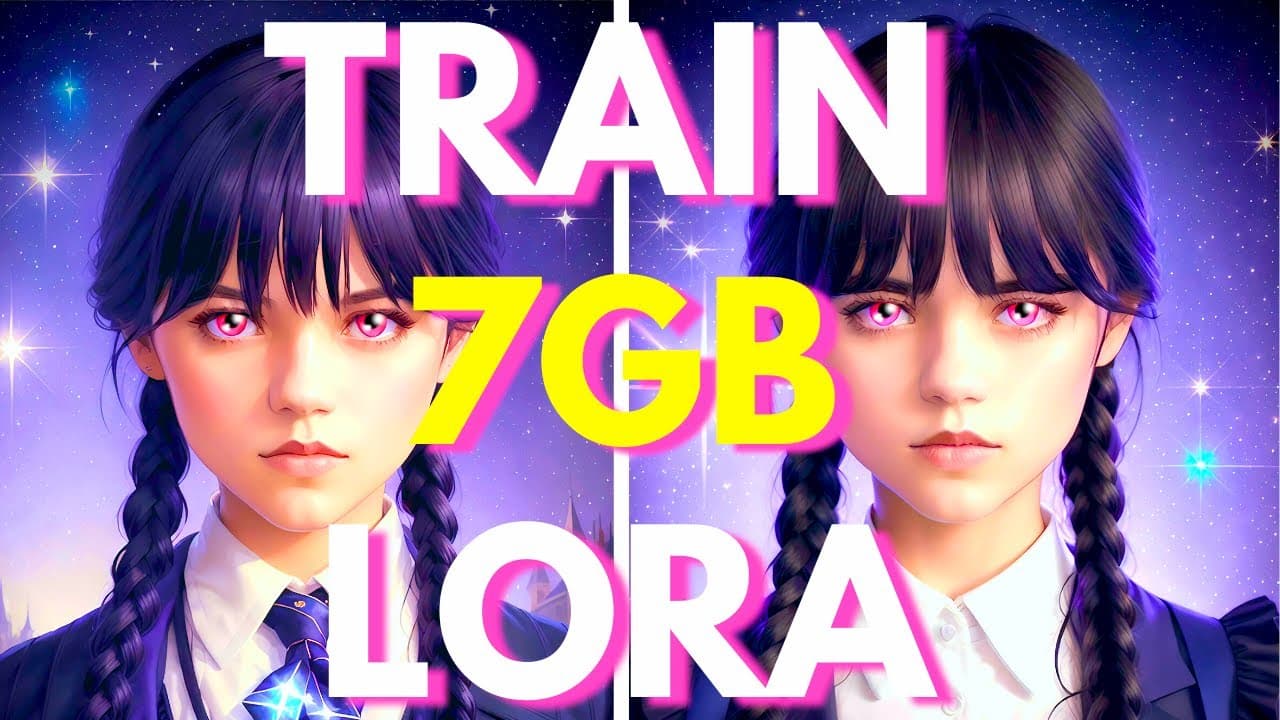
ULTIMATE FREE LORA Training In Stable Diffusion! Less Than 7GB VRAM!
TL;DR
Learn how to train your own subject using Laura, a method optimized for small graphics cards, with the help of Koya SS GUI software.
Transcript
and in this video I will show you how you can train your own subject using Laura now what is Laura well Laura is a method of training your subject using your own images that is optimized for small graphics card meaning that compared to dream wolf or textual inversion you can train a subject with only 6 to 7 gigabytes of vram which is a super good n... Read More
Key Insights
- 👁️ Laura is a method of training subjects using images optimized for small graphics cards, making it accessible to those without a powerful GPU.
- 🔒 The DreamBooth extension is not recommended for training Laura models due to potential compatibility issues.
- 💻 The Koya SS GUI software is a user-friendly tool for training DreamBooth, Laura, and textual inversion models, making it easy and fast to set up.
- 👥 Thanks to Spy BG and Bernard Malte, Laura training is made possible with their guidance and software, respectively.
- 💾 Installation of Koya SS GUI requires Python, git, and Visual Studio to be already installed on the user's computer.
- 🔧 Multiple folders and files need to be created and organized in a specific structure to properly train Laura models.
- 📸 Images used for training Laura models should be of high quality, have variation in lighting and angles, and ideally have 10 or more images.
- ⚙️ Configuration files are provided to simplify the process of setting training parameters for Laura models, but personal adjustments can be made if desired.
Install to Summarize YouTube Videos and Get Transcripts
Explore YouTube Video Summarizer or Get YouTube Transcript Extractor
Questions & Answers
Q: How does Laura differ from Dreambooth and Textual Inversion?
Laura combines the features of Dreambooth and Textual Inversion, allowing training of subjects with smaller file sizes, optimized for small graphics cards.
Q: Why is Koya SS GUI recommended for training Laura models?
Koya SS GUI is recommended because it is easy to use, allows training of Dreambooth, Laura, and Textual Inversion models, and provides fast setup with provided configuration files.
Q: How can users prepare their images for training a Laura model?
Users should ensure that their images are of high quality with variations in lighting and angles. Resizing the images to 512 by 512 resolution is recommended, and each image should be processed manually to modify the caption for a precise description.
Q: What are some tips for choosing the base model for training a Laura model?
The video suggests using the 1.5 model as a base for training a Laura model. When selecting a custom model, it is important to know which base model it is derived from to determine the appropriate checkboxes to select.
Q: What are some recommended training parameters for training a Laura model?
The video recommends leaving most training parameters at their default settings. However, if the GPU is weak, enabling options like memory efficient attention and gradient checkpointing can help reduce vram usage. Batch size of one is recommended for training with a small number of images.
Q: How can the trained Laura model be used in Stable Diffusion?
After training the Laura model, the save tension file can be placed in the appropriate folder in Stable Diffusion. The Koya SS additional networks extension needs to be installed, and the model can be selected in the prompt using the Laura option in the Extra Networks tab. The weight of the model can be adjusted to modify the output image.
Summary & Key Takeaways
-
Laura is a method for training subjects using your own images, optimized for small graphics cards.
-
It combines the features of Dreambooth and Textual Inversion, creating smaller file sizes and allowing training of styles or characters of your choice.
-
The video provides instructions on how to use Koya SS GUI software to train a Laura model, including steps on installation, image preparation, folder structure, and training parameters.
Read in Other Languages (beta)
Share This Summary 📚
Summarize YouTube Videos and Get Video Transcripts with 1-Click
Try YouTube Summary with ChatGPT & Claude or YouTube Transcript Generator
Explore More Summaries from Aitrepreneur 📚


Summarize YouTube Videos and Get Video Transcripts with 1-Click
Try YouTube Summary with ChatGPT & Claude or YouTube Transcript Generator