3D POSING For PERFECT IMAGES In Stable Diffusion! ABSOLUTELY MAGICAL!
TL;DR
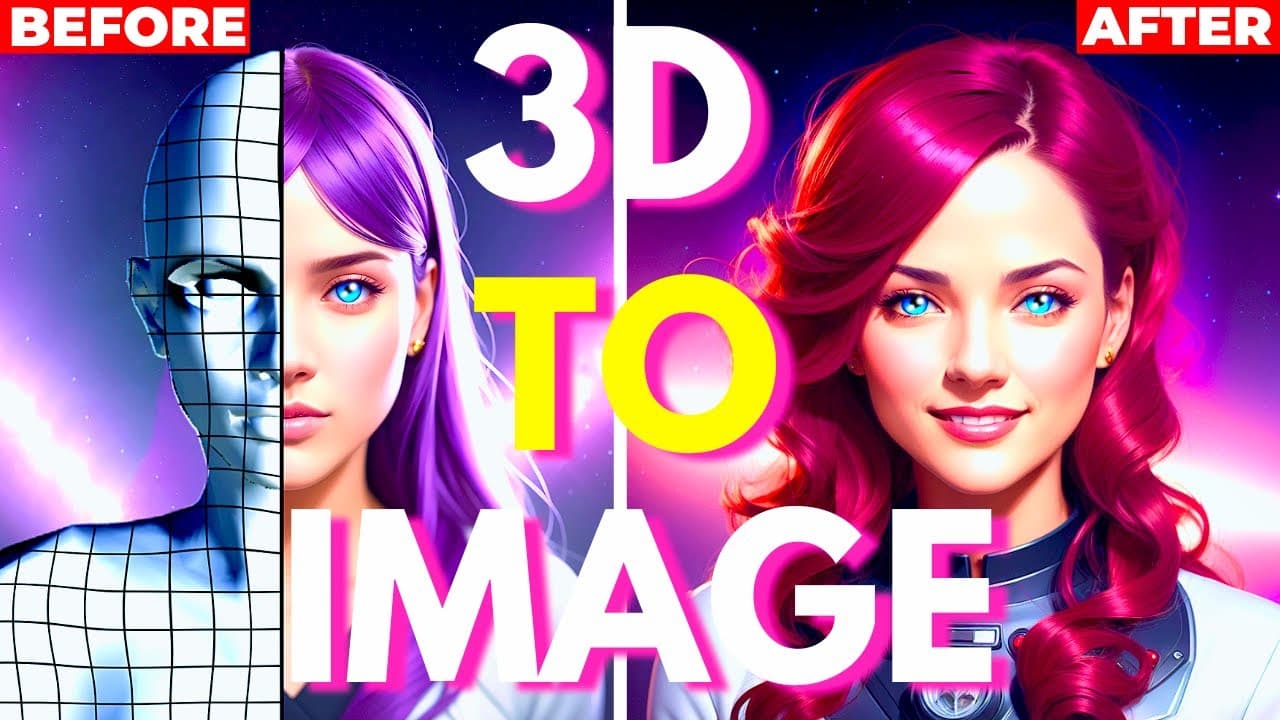
Learn how to use free 3D softwares, Magic Poser and Pose My Art, to easily pose characters and transfer those poses to other characters using Stable D. Fuse.
Transcript
today's video is gonna be pretty cool so do you remember my last video when I showed you how to install the control net extension and where I showed you how to easily transfer into pose of a character from a photo to another character using the open pose model well wouldn't it be nice if you could have any character in any pose that you want and th... Read More
Key Insights
- 🎨 Free 3D softwares, like Magic Poser and Post Mind.art, allow users to pose characters in any position they desire. These software run in the browser, eliminating the need for installation.
- 💻 Magic Poser is extremely easy to use with its inverted kinematic feature, while Post Mind.art offers more presets and animations for users to choose from.
- 🖱️ In Magic Poser, users can easily control the character's pose using three buttons: rotate camera, zoom in/out, and move left/right. They can also manipulate joints and limbs by clicking and rotating the colored circles.
- 🎭 Users can customize characters in both Magic Poser and Post Mind.art, including changing colors, adding hair, locking characters in place, transforming them, and using preset and hand pose options.
- ⚙️ Control Net models, in combination with the pose created in the 3D software, can be used in Stable Diffusion for transforming the pose to another character. Screenshots of the desired poses are used as inputs.
- 🌟 Stable Diffusion's Open Pose model generates an outline of the character's limbs and their positions, which is then transferred to another character in the same pose. The resultant image can be refined using Inpaint and further enhanced by sending it to Extra Skillet.
- 🎉 The same process can be applied to multiple characters, with the duplicate option allowing users to create scenes with characters in different poses. A depth model is used to generate a depth map for better results.
- ✋ To improve the hand appearance in the image, users can first position the hand clearly, choose a preset, screenshot the image, and use the depth model to generate more realistic fingers and hands. All these tools and techniques are free to use.
Install to Summarize YouTube Videos and Get Transcripts
Explore YouTube Video Summarizer or Get YouTube Transcript Extractor
Questions & Answers
Q: How do you use Magic Poser and Pose My Art to pose characters?
To use Magic Poser, simply click on Magic Poser Lite on the website's homepage and start posing the character by manipulating their joints and limbs. Pose My Art works similarly but requires each joint to be moved separately for more precise posing.
Q: Can you use the character poses created in these 3D softwares with Stable D. Fuse?
Yes, the video demonstrates how to transfer the poses created in Magic Poser and Pose My Art to Stable D. Fuse. By taking a screenshot of the pose and using it as an input in Stable D. Fuse, users can generate a 2D image with the character in the same pose.
Q: Are there different models available in Magic Poser and Pose My Art?
Yes, both softwares offer different models that users can choose from. Magic Poser provides options like anime girl, anime boy, woman, man, and more. Pose My Art also offers various models with different poses and animations for users to utilize.
Q: How can users enhance the quality of their poses in the generated images?
The video suggests using additional tools like Inpaint and Extra Skillet with Lexus to refine the generated images. These tools can be used to improve the face, remove noise, and apply stylization to create better quality images.
Summary & Key Takeaways
-
The video introduces two free 3D softwares, Magic Poser and Pose My Art, that allow users to pose characters in any position they want.
-
Magic Poser is user-friendly and offers easy posing with intuitive tools and features, while Pose My Art has more presets and animations for quick posing.
-
Once the desired pose is created, the video shows how to use Stable D. Fuse to transfer the pose to another character and create a 2D image.
Read in Other Languages (beta)
Share This Summary 📚
Summarize YouTube Videos and Get Video Transcripts with 1-Click
Try YouTube Summary with ChatGPT & Claude or YouTube Transcript Generator
Explore More Summaries from Aitrepreneur 📚




Summarize YouTube Videos and Get Video Transcripts with 1-Click
Try YouTube Summary with ChatGPT & Claude or YouTube Transcript Generator