REVOLUTIONARY FREE AI Model Inside Stable Diffusion! EDIT ANY IMAGE USING TEXT!
TL;DR
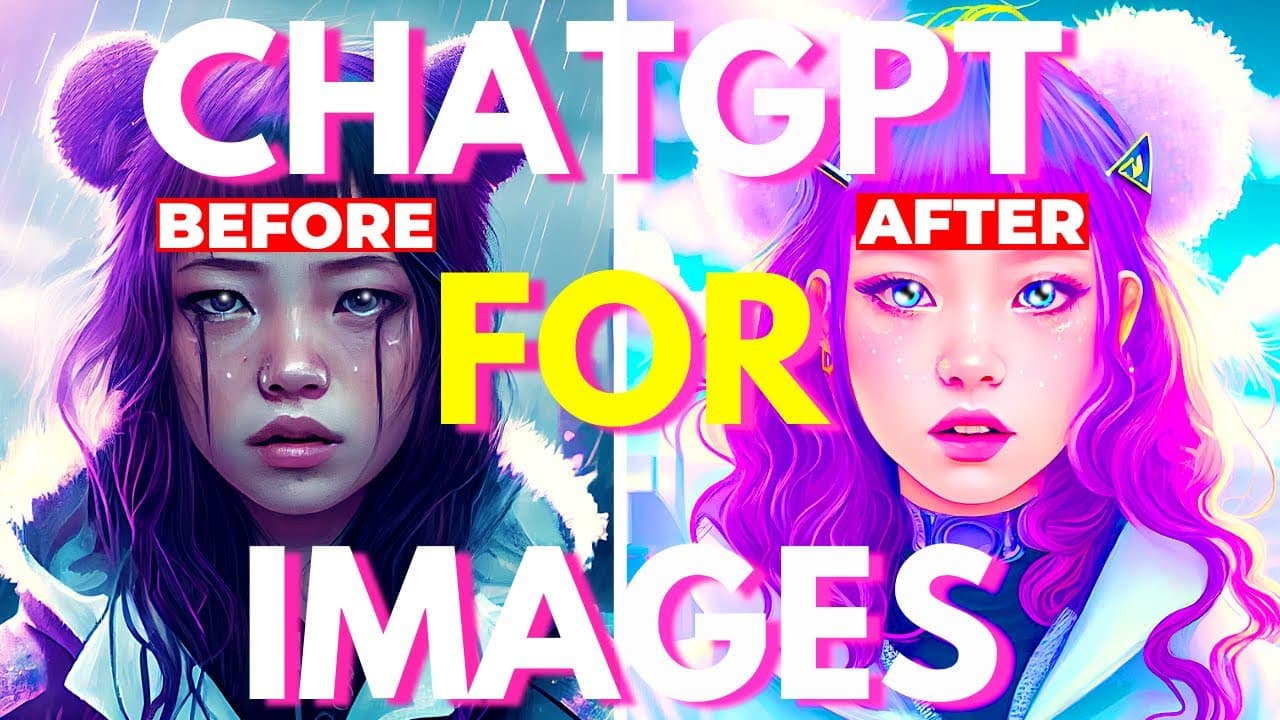
Learn how to install and use the revolutionary Instruct P2P AI model in Stable Diffusion to easily transform and edit any image using simple written instructions.
Transcript
and today I will show you how you can install and use the latest AI model inside stable diffusion called instruct takes to picks so what exactly is instruct picks to picks well it's a new AI model that was created by merging a gpt3 language model and a stable diffusion image model all of that to create a revolutionary combo and basically this new m... Read More
Key Insights
- 🌟 InstaPick 2Pics is a new AI model that combines GPT-3 language and Stable Diffusion image models, allowing easy image transformations through simple instructions.
- 💻 There are two ways to update Stable Diffusion: by using a command prompt or editing a file. Users can also revert to a previous version if they don't like an update.
- 📥 To use InstaPick 2Pics, download and save the model file in the Stable Diffusion web UI folder.
- 🧩 After installing the extension and model, users can generate images by providing prompts in plain English, specifying the desired changes.
- 🌧️ Users can change features like weather, color, style, and even create 3D renders using InstaPick 2Pics.
- ⚛️ The precision of the prompt language is crucial for generating accurate results, so users should be detailed in their descriptions.
- 🎨 The model can also convert black and white images to color, mimic different artistic styles, and even combine multiple models.
- 👽 By merging models, such as the ProtoGen and Pix2Pix models, users can customize InstaPick 2Pics and create even more unique images.
Install to Summarize YouTube Videos and Get Transcripts
Explore YouTube Video Summarizer or Get YouTube Transcript Extractor
Questions & Answers
Q: How can I install and use the Instruct P2P AI model in Stable Diffusion?
To install and use the Instruct P2P AI model in Stable Diffusion, you need to update the software first. You can update Stable Diffusion through a URL or by editing a file. Once updated, download the P2P model, place it in the Stable Diffusion folder, install the extension, and access the model through the Stable Diffusion user interface. From there, you can input written instructions to transform images.
Q: What are some features of the Instruct P2P AI model?
The Instruct P2P AI model allows you to easily transform and edit images by using written instructions. You can change the weather, color, style, or even turn a 2D image into a 3D render. The model takes prompts in English sentences and generates results accordingly. It also offers options to adjust the scale and number of images generated.
Q: Can I revert to a previous version of Stable Diffusion if I don't like an update?
Yes, you can revert to a previous version of Stable Diffusion if you're not satisfied with an update. By using commands in the command prompt window, you can view the history of updates and copy the hash of a specific version you want to revert to. Then, using the 'get checkout' command, you can switch to that previous version. To return to the latest version, use 'get checkout master'.
Q: Are there any potential issues with using the Instruct P2P AI model?
One potential issue with the Instruct P2P AI model is the need for precise and specific prompts. To achieve desired results, it's important to describe instructions precisely, ensuring the AI language model understands your intentions. Additionally, some generated images may not be perfect or may lose certain details, depending on the parameters chosen. Fine-tuning the parameters might be required for optimal outcomes.
Summary & Key Takeaways
-
Stable Diffusion introduces the Instruct P2P AI model, a combination of GPT3 language model and Stable Diffusion image model, for image transformation.
-
To use the Instruct P2P AI model, update Stable Diffusion to the latest version through a URL or by editing a file.
-
Download the P2P model, place it in the Stable Diffusion folder, install the corresponding extension, and use it to transform images based on written instructions.
Read in Other Languages (beta)
Share This Summary 📚
Summarize YouTube Videos and Get Video Transcripts with 1-Click
Try YouTube Summary with ChatGPT & Claude or YouTube Transcript Generator
Explore More Summaries from Aitrepreneur 📚


Summarize YouTube Videos and Get Video Transcripts with 1-Click
Try YouTube Summary with ChatGPT & Claude or YouTube Transcript Generator