Using Regular Expressions - Computerphile
TL;DR
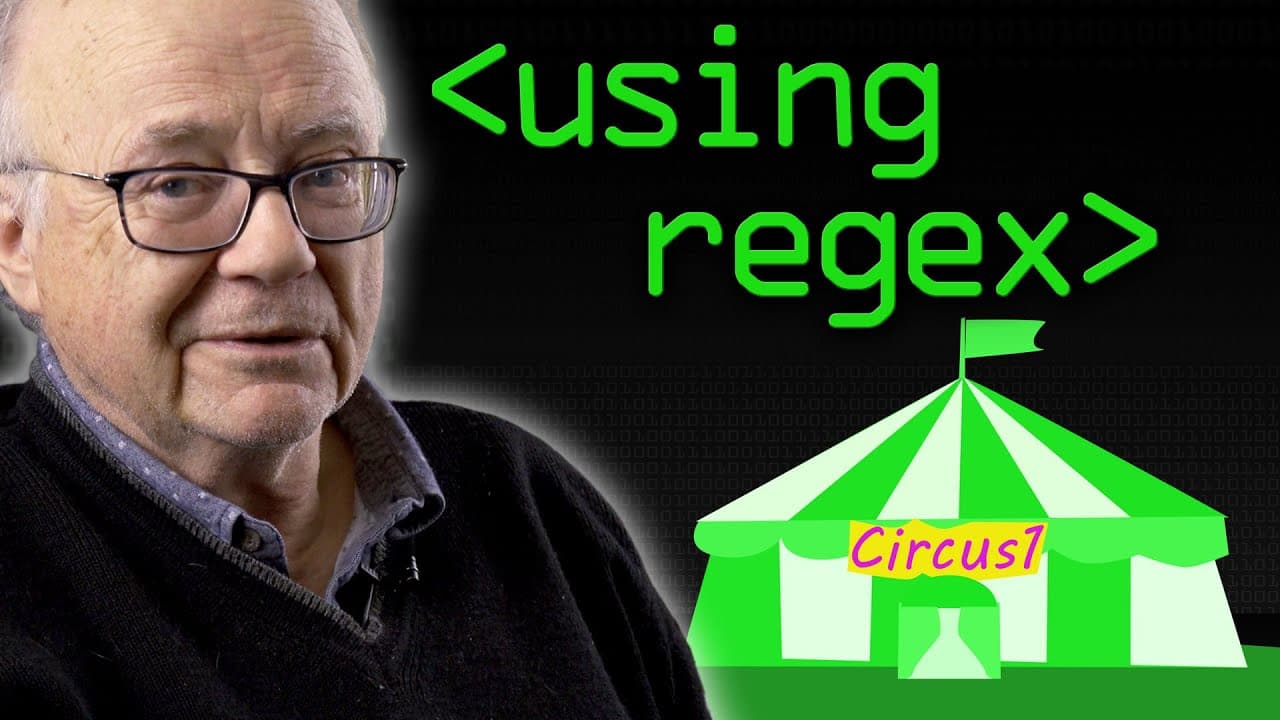
This video provides a practical demonstration of regular expressions in action, showcasing their application in recognizing reserved words and identifying variables.
Transcript
the first thing we've got to talk about today sean because otherwise i'll get it in the neck and so will you for not nudging me and reminding me yes everybody i know this thing here is still using windows 7 and the useful guys at work thanks for doing this chaps have assured me that the moment this filming session is finished if i bring this in the... Read More
Key Insights
- 😑 Regular expressions bridge the gap between theory and practice in programming, showcasing how abstract notions can be applied in real-world scenarios.
- 😑 Regular expressions play a vital role in programming languages, enabling the recognition of reserved words and the identification of variables.
- 😑 Regular expressions are executed in a specific order, prioritizing the recognition of predefined patterns before attempting to match variables.
- 😑 The use of spaces in regular expressions can provide clarity and improve the efficiency of pattern matching.
- 😑 Regular expressions are suitable for short, one-line tasks and may not be ideal for complex hierarchical structures like XML.
- 😑 Learning and mastering regular expression notation is beneficial for programmers of all expertise levels.
- 😑 Regular expressions demonstrate their versatility by finding applications beyond compilers, such as in languages like Perl, PHP, and Python.
Install to Summarize YouTube Videos and Get Transcripts
Explore YouTube Video Summarizer or Get YouTube Transcript Extractor
Questions & Answers
Q: What is the purpose of regular expressions in programming?
Regular expressions are powerful tools used in programming to match and manipulate strings based on specific patterns. They allow for efficient search and identification of text that matches a defined pattern, making tasks like data validation and extraction easier.
Q: Can regular expressions differentiate between uppercase and lowercase characters?
Yes, regular expressions are case-sensitive by default. They can distinguish between uppercase and lowercase characters, allowing for the recognition of specific patterns and differentiation between reserved words and variable names based on casing.
Q: How can regular expressions be used to recognize reserved words in a programming language?
In the video, the presenter demonstrates how regular expressions can be used to match and recognize reserved words like "circle," "line," and "spline" in a simple programming language. These reserved words are defined as specific patterns, and any input matching those patterns are identified as reserved words.
Q: What is the significance of spaces in regular expressions?
Spaces can serve as delimiters or separators in regular expressions, allowing for the separation of different patterns or elements to be analyzed separately. In the video, spaces are utilized to distinguish between reserved words, variables, and other character combinations.
Summary & Key Takeaways
-
The video introduces regular expressions (regex) and highlights the importance of learning and understanding their notation, regardless of one's expertise level.
-
The presenter demonstrates the use of regex in identifying reserved words and distinguishing them from potential variable names in a simple programming language.
-
The video showcases how regex can efficiently recognize specific patterns and perform actions based on those patterns, such as echoing back reserved words or identifying variable names.
Read in Other Languages (beta)
Share This Summary 📚
Summarize YouTube Videos and Get Video Transcripts with 1-Click
Try YouTube Summary with ChatGPT & Claude or YouTube Transcript Generator
Explore More Summaries from Computerphile 📚



Summarize YouTube Videos and Get Video Transcripts with 1-Click
Try YouTube Summary with ChatGPT & Claude or YouTube Transcript Generator