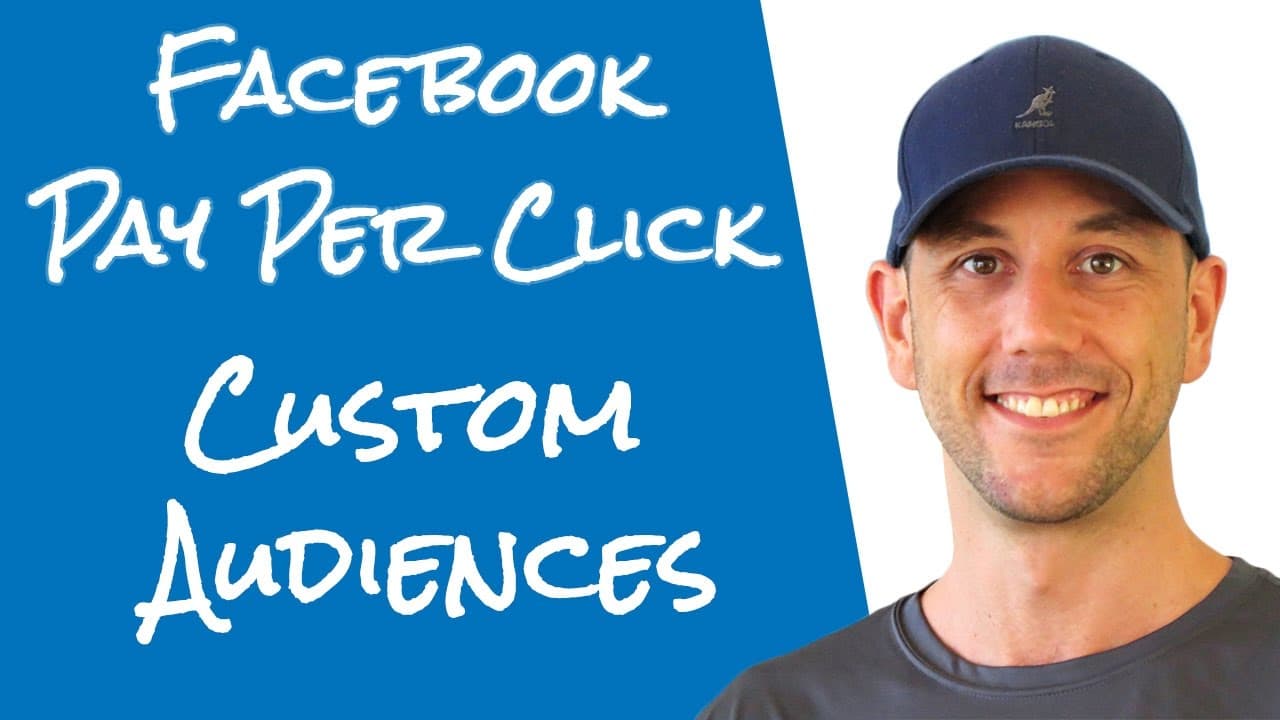
Facebook Pay Per Click - How To Create A Custom Audience From Your Email List Or Customer List
TL;DR
Learn to create Facebook custom audiences from email lists.
Transcript
hey miles Becker here in this video we're gonna create some custom audiences inside of our Facebook pay-per-click system this is specifically pertinent to you if you already have a list of customers if you already have a prospect list and you want to take that list and enter them into Facebook so a you can retarget them or be you can create additio... Read More
Key Insights
- Custom audiences on Facebook allow marketers to retarget existing customers and prospects, enhancing the effectiveness of ad campaigns.
- Look-alike audiences can be created from custom lists, targeting new users similar to existing customers for better conversion rates.
- The process involves exporting email lists from providers like Aweber, formatting them, and uploading to Facebook Ads Manager.
- Facebook Ads Manager may change over time, but the fundamental process of creating custom audiences remains consistent.
- Using browser add-ons to hide Facebook timelines can minimize distractions and improve focus when managing ad campaigns.
- Naming conventions for audience lists, including dates and identifiers, help maintain organization and track updates effectively.
- Uploaded customer lists are quickly processed by Facebook, allowing immediate creation of look-alike audiences or ad campaigns.
- Creating custom audiences and look-alike audiences is a cost-effective way to drive more leads and customers through Facebook PPC.
Install to Summarize YouTube Videos and Get Transcripts
Explore YouTube Video Summarizer or Get YouTube Transcript Extractor
Questions & Answers
Q: How do you create a custom audience on Facebook?
To create a custom audience on Facebook, export your email list from your email service provider, such as Aweber, into a CSV or TXT file. Then, log into Facebook Ads Manager, navigate to the Audiences section, and upload your file. Facebook will match the emails to its users, allowing you to target them with ads.
Q: What is a look-alike audience on Facebook?
A look-alike audience on Facebook is a group of users who are similar to your existing customers or email list. By analyzing over 160 data points, Facebook identifies users with similar behaviors and interests. This helps expand your reach to new potential customers who are likely to be interested in your products or services.
Q: Why is it important to organize and update your email lists for Facebook ads?
Organizing and updating your email lists is crucial for maintaining effective Facebook ad campaigns. By keeping your lists current, you ensure that your custom audiences reflect your latest customer data, leading to more accurate targeting. This practice enhances the performance of your ads by reaching the most relevant audience.
Q: What are the benefits of using custom audiences in Facebook advertising?
Custom audiences in Facebook advertising allow you to retarget existing customers and prospects, improving ad relevance and conversion rates. By focusing on users who have already shown interest in your brand, you can tailor your messages to encourage further engagement, ultimately leading to better ROI on your ad spend.
Q: How can browser add-ons help when managing Facebook ads?
Browser add-ons, such as those that hide Facebook timelines, can minimize distractions when managing Facebook ads. By removing the social feed, marketers can focus solely on their ad campaigns, improving productivity and making it easier to navigate the Facebook Ads Manager without being sidetracked by unrelated content.
Q: What should you consider when naming your audience lists?
When naming your audience lists, include details like the date and any relevant identifiers, such as the source website or campaign. This helps you track updates, organize your lists efficiently, and quickly identify the audience segments you are targeting, ensuring that your marketing efforts remain organized and effective.
Q: How quickly does Facebook process uploaded customer lists?
Facebook processes uploaded customer lists relatively quickly, often within a few minutes. Once processed, you can immediately create look-alike audiences or launch ad campaigns targeting these lists. This fast turnaround allows marketers to swiftly implement and adjust their strategies based on the latest customer data.
Q: What is the advantage of using look-alike audiences in Facebook PPC?
Look-alike audiences in Facebook PPC expand your reach to new users who are similar to your existing customers, increasing the likelihood of engagement and conversions. By targeting individuals with similar behaviors and interests, you can efficiently grow your customer base and improve the overall effectiveness of your marketing campaigns.
Summary & Key Takeaways
-
The video demonstrates how to create custom audiences on Facebook using your existing email lists. This allows you to retarget customers and create look-alike audiences for more effective marketing campaigns. The process involves exporting lists from email providers and uploading them to Facebook Ads Manager.
-
Miles Beckler explains the importance of organizing and updating your email lists to maintain effective audience targeting. He highlights the benefits of using look-alike audiences to reach new potential customers who resemble your existing audience, enhancing the reach and efficiency of your ads.
-
The video provides practical advice for navigating Facebook Ads Manager, including tips on avoiding distractions and maintaining focus. By regularly updating and managing custom audiences, marketers can optimize their Facebook pay-per-click strategies to achieve better results and lower advertising costs.
Read in Other Languages (beta)
Share This Summary 📚
Summarize YouTube Videos and Get Video Transcripts with 1-Click
Try YouTube Summary with ChatGPT & Claude or YouTube Transcript Generator
Explore More Summaries from Miles Beckler 📚





Summarize YouTube Videos and Get Video Transcripts with 1-Click
Try YouTube Summary with ChatGPT & Claude or YouTube Transcript Generator