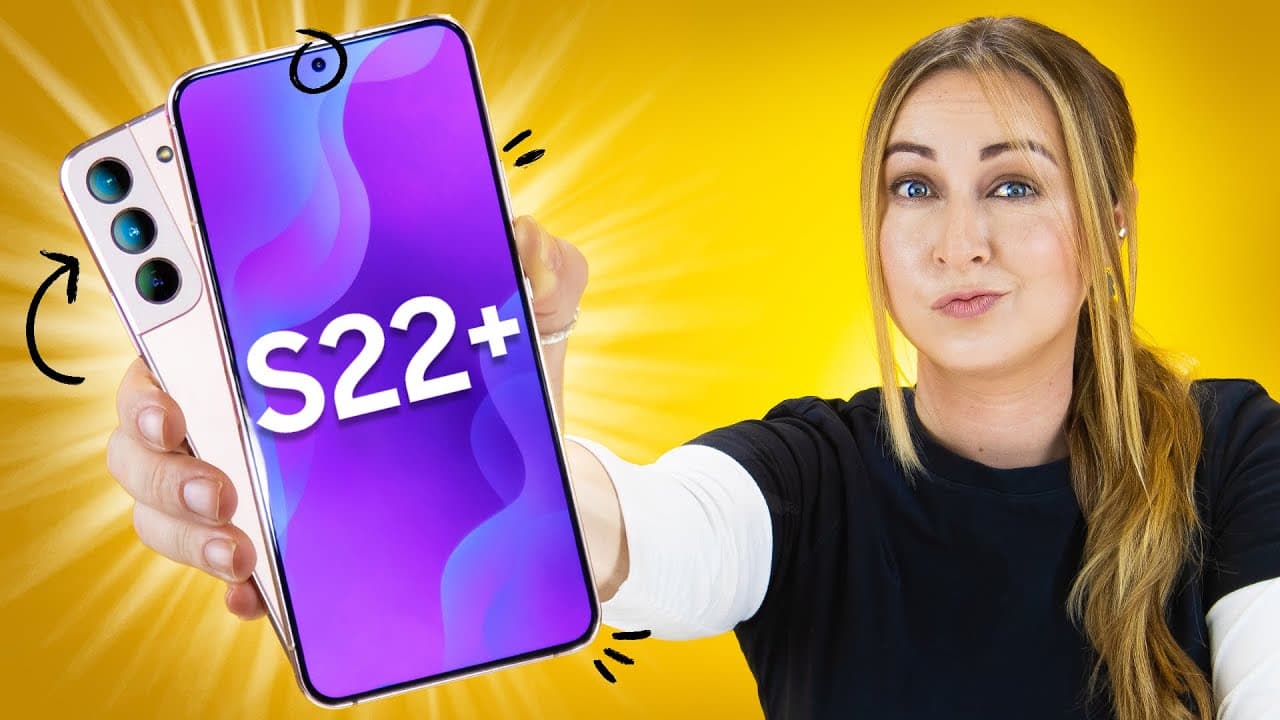
Samsung Galaxy S22 & S22+ Tips & Tricks!!!
TL;DR
The Samsung Galaxy S22 Plus offers amazing camera capabilities, including object erasing and shadow removal. It also has a feature called Knightography for low-light photography and offers customization options for the home screen.
Transcript
so this is the samsung galaxy s22 plus and i have a couple of tips and tricks exclusive to the s22 range and i also have a couple for my other samsung galaxy users so let's get into it right off the bat the cameras on this phone are pretty amazing and you can do some really cool things once you've taken a picture if you click the edit button and th... Read More
Key Insights
- 🎥 The Samsung Galaxy S22 Plus offers advanced camera features, including object erasing and shadow removal, as well as the ability to capture extra detail with a detail enhancer.
- 👻 Knightography is a unique feature that allows for superior low-light photography, even in portrait mode.
- 🤝 The Super Steady feature provides excellent video stabilization, eliminating motion blur and shaking.
- 😀 Raw images can be enhanced using the Expert RAW app, giving users the ability to adjust lighting, contrast, and more in post-processing.
- ❓ The Assistant Menu offers convenient shortcuts and features, such as screenshot capture and cursor activation.
- 😀 Customization options for the home screen allow users to match the color palette of their wallpaper and apply it to the native app icons.
- 🔅 The S22 Plus has an extra brightness option for better screen visibility in direct sunlight and an extra dim mode for nighttime use.
Install to Summarize YouTube Videos and Get Transcripts
Explore YouTube Video Summarizer or Get YouTube Transcript Extractor
Questions & Answers
Q: How can you erase shadows in pictures taken with the Samsung Galaxy S22 Plus?
To erase shadows, click the edit button after taking a picture, then click on the three dots and select the object erase option. This feature works well in some cases but may not be effective in all situations.
Q: What is Knightography and how does it enhance low-light photography?
Knightography is a feature exclusive to the Samsung Galaxy S22 range. It allows the selfie camera to capture a significant amount of light, producing high-quality low-light photos that appear as if they were taken in normal daylight.
Q: How does the Super Steady feature enhance video stabilization on the Samsung Galaxy S22 Plus?
The Super Steady feature on the S22 Plus utilizes physical camera movement to stabilize videos even further. This allows for smooth footage, even when filming while moving or running.
Q: How can you capture extra detail in photos with the Samsung Galaxy S22 Plus?
Enable the Detail Enhancer feature by selecting the 50-megapixel aspect ratio option. This feature enhances textures and details in photos, creating more visually impressive images.
Summary & Key Takeaways
-
The Samsung Galaxy S22 Plus has impressive camera features, such as object erasing and shadow removal.
-
The phone's Knightography feature allows for high-quality low-light photography.
-
Customization options for the home screen, including color-matching and icon palettes, are available.
Read in Other Languages (beta)
Share This Summary 📚
Summarize YouTube Videos and Get Video Transcripts with 1-Click
Try YouTube Summary with ChatGPT & Claude or YouTube Transcript Generator
Explore More Summaries from Hayls World 📚





Summarize YouTube Videos and Get Video Transcripts with 1-Click
Try YouTube Summary with ChatGPT & Claude or YouTube Transcript Generator