How to Use LangChain for Database Queries
TL;DR
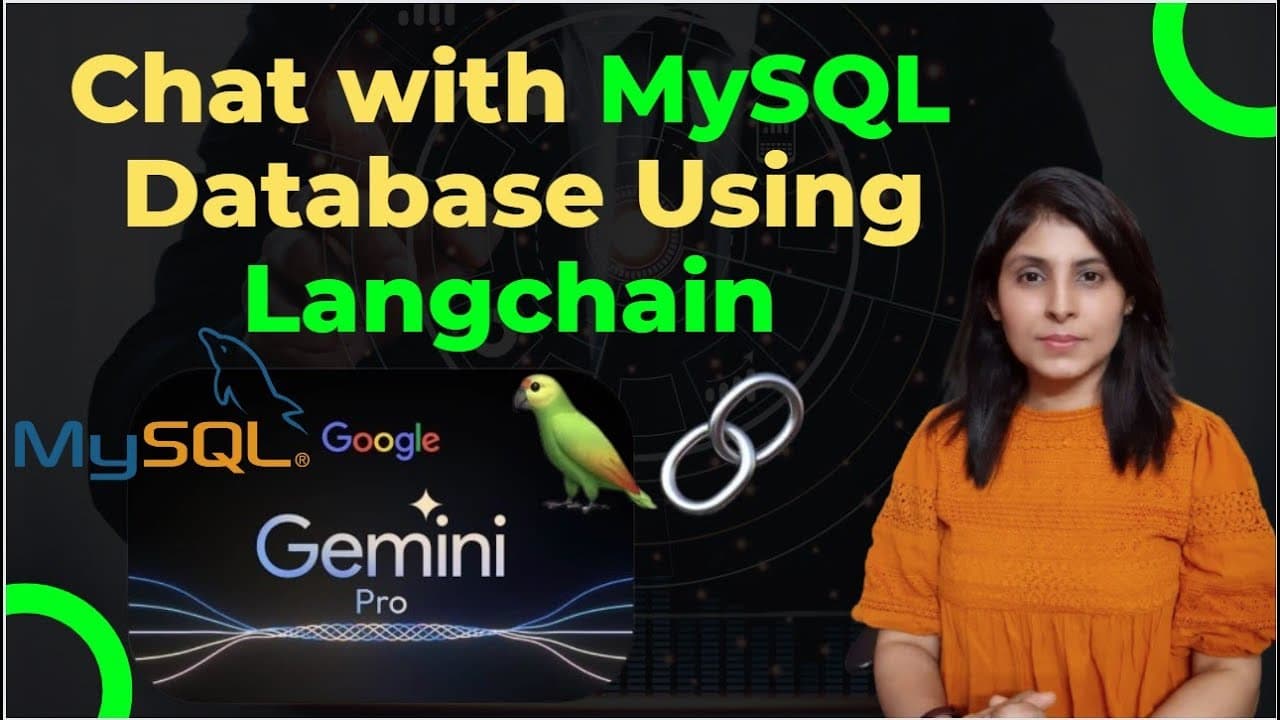
LangChain enables interaction with databases using large language models (LLMs) by converting natural language questions into SQL queries. This approach allows users to retrieve data from databases like MySQL and display results on a screen. LangChain supports creating applications such as chatbots, custom dashboards, and more by leveraging LLMs for efficient data querying.
Transcript
hello everyone my name is arohi and welcome to my channel so guys in my today's video we will learn how to interact with the database using large language models so we will write a question in English which will then be processed by an llm model to generate SQL query then these SQL queries will retrieve data from the mySQL database and it will show... Read More
Key Insights
- LangChain facilitates interaction with databases using LLMs to convert natural language into SQL queries.
- Applications include chatbots that answer questions based on database-stored data, enhancing customer service.
- Travel agencies can deploy chatbots for real-time travel information by querying travel databases.
- HR departments can use chatbots connected to HR databases to handle employee queries about policies and schedules.
- Custom dashboards can be built to display real-time insights, such as sales figures by region, using database data.
- LangChain supports translating natural language questions directly into SQL queries for data retrieval.
- The tutorial demonstrates setting up a MySQL database and using LangChain to query it via a Jupyter notebook.
- A Streamlit app can be created to provide a user-friendly interface for querying databases using LangChain.
Install to Summarize YouTube Videos and Get Transcripts
Explore YouTube Video Summarizer or Get YouTube Transcript Extractor
Questions & Answers
Q: How to interact with a database using LangChain?
LangChain enables interaction with databases by converting natural language questions into SQL queries using large language models (LLMs). Users can input questions in English, which are processed by an LLM to generate SQL queries. These queries retrieve data from a database, such as MySQL, and display the results, facilitating applications like chatbots and dashboards.
Q: What are the applications of using LangChain with databases?
LangChain can be used to develop chatbots that answer questions based on database-stored data, create custom dashboards for real-time insights, and build applications that translate natural language questions into SQL queries. This approach is beneficial for customer service, travel information, HR assistance, and more, where real-time data retrieval and interaction are crucial.
Q: How does LangChain convert natural language into SQL queries?
LangChain uses large language models (LLMs) to process natural language questions and generate corresponding SQL queries. By inputting a question in English, the LLM interprets the query's intent and formulates an SQL command that retrieves the desired data from the database, allowing seamless interaction with complex data systems.
Q: What setup is required to use LangChain with MySQL?
To use LangChain with MySQL, users need to install MySQL and MySQL Workbench. After setting up the database and tables, users connect LangChain to the database by providing credentials and database details. The tutorial demonstrates using a Jupyter notebook for coding and a Streamlit app for a user-friendly interface.
Q: How can chatbots benefit from LangChain's database interaction?
Chatbots benefit from LangChain's ability to interact with databases by providing accurate, real-time answers to user queries. For example, a customer service chatbot can retrieve order status or transaction details from a database, enhancing the user experience by offering prompt and precise responses based on stored data.
Q: What is the role of Google’s Gemini Pro in LangChain's process?
Google’s Gemini Pro is a large language model (LLM) used in LangChain to convert natural language questions into SQL queries. It interprets the user's input and generates SQL commands that interact with the database, facilitating seamless data retrieval and enabling applications like chatbots and dashboards to function effectively.
Q: How does the Streamlit app enhance LangChain's functionality?
The Streamlit app enhances LangChain's functionality by providing a user-friendly interface for querying databases. Users can input questions, and the app displays the generated SQL query and results, making it easier to interact with the database without needing to write code, thus broadening accessibility for non-technical users.
Q: What are the key steps in setting up LangChain for database interaction?
Key steps include installing MySQL and MySQL Workbench, setting up the database and tables, and connecting LangChain to the database with necessary credentials. Users then utilize a Jupyter notebook or Streamlit app to input questions, which are converted into SQL queries by an LLM, facilitating data retrieval and application development.
Summary & Key Takeaways
-
LangChain allows users to interact with databases using LLMs by converting questions into SQL queries. This enables applications like chatbots and dashboards to retrieve and display data from databases such as MySQL.
-
The tutorial covers setting up MySQL and MySQL Workbench, connecting them with LangChain, and using Google’s Gemini Pro LLM for query generation.
-
A Streamlit app is demonstrated for user-friendly database querying, showcasing the practical application of LangChain in building interactive data-driven applications.
Read in Other Languages (beta)
Share This Summary 📚
Summarize YouTube Videos and Get Video Transcripts with 1-Click
Try YouTube Summary with ChatGPT & Claude or YouTube Transcript Generator
Explore More Summaries from Code With Aarohi 📚



Summarize YouTube Videos and Get Video Transcripts with 1-Click
Try YouTube Summary with ChatGPT & Claude or YouTube Transcript Generator