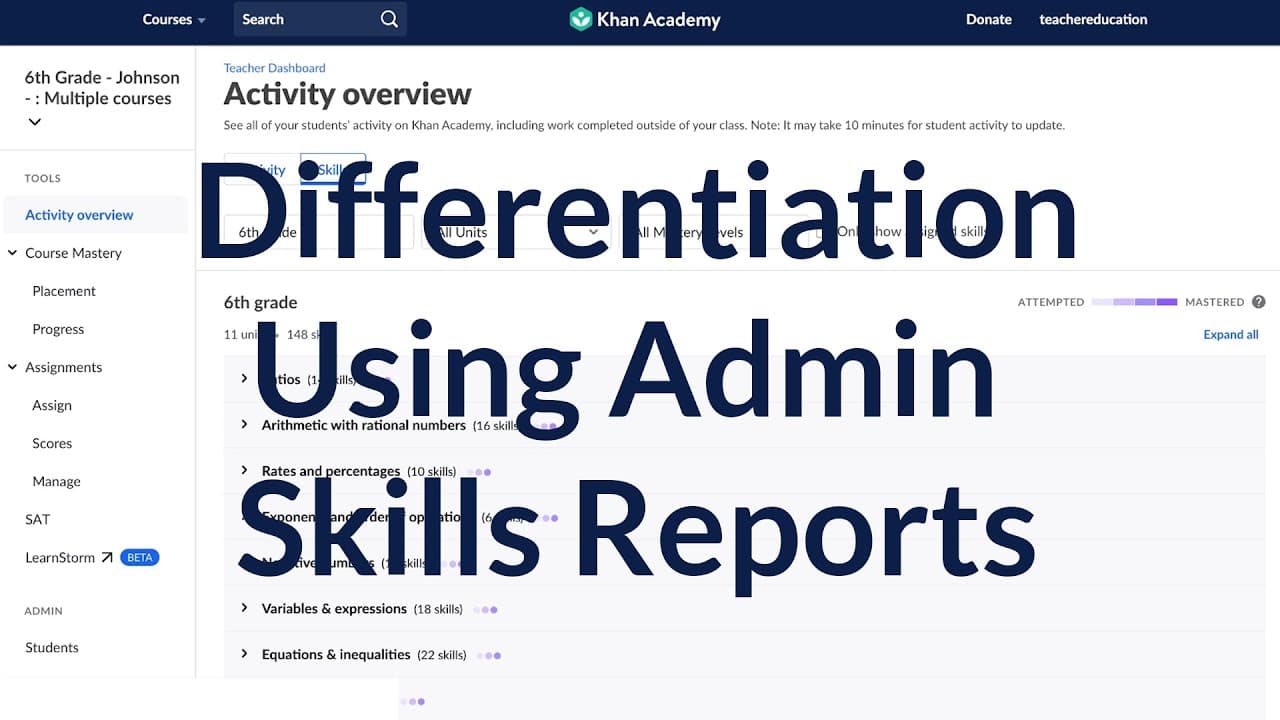
Using the Administrator Skills Report to drive differentiation on Khan Academy
TL;DR
Learn how to use the Skills Progress Report in Khan Academy to support teachers in differentiation and improve student learning.
Transcript
- [Instructor] Today I'm gonna be showing you how to use the Skills Progress Report in the administrator dashboard in the Khan Academy platform. This is gonna be a great tool in order for you to support your teachers in differentiation in their classrooms. You can share this data with specific teachers, PLCs, or department chairs. So once you log i... Read More
Key Insights
- 🧑🎓 The Skills Progress Report in Khan Academy's administrator dashboard is a powerful tool for supporting teachers and improving student learning.
- 👨🏫 Administrators can customize the report based on date range, courses, schools, grades, and teachers, allowing for a personalized analysis.
- 💯 The report provides valuable information on student skill levels, common core standards, and areas where additional support may be needed.
- 💁 By using the Skills Progress Report, administrators can compare teachers, identify areas for intervention, and make data-informed decisions to improve instruction.
- 👻 Sharing the report with teachers fosters collaboration and allows for targeted support.
- 💁 Administrators can export the report as a CSV file or take screenshots to easily share the information.
- 🧑🎓 The Skills Progress Report can be used to support differentiation in the classroom and improve student outcomes.
Install to Summarize YouTube Videos and Get Transcripts
Explore YouTube Video Summarizer or Get YouTube Transcript Extractor
Questions & Answers
Q: What is the purpose of the Skills Progress Report in Khan Academy?
The Skills Progress Report is designed to assist administrators in supporting teachers by providing data on student learning and identifying areas for improvement or intervention.
Q: Can the Skills Progress Report be customized?
Yes, administrators can customize the report by choosing a date range, specific courses, schools, grades, and teachers. This allows for a tailored analysis of student progress.
Q: How can administrators use the Skills Progress Report to support teachers?
Administrators can use the report to compare teachers' effectiveness in teaching specific skills, identify areas where students may need additional support, and make data-informed decisions to improve instruction.
Q: How can administrators share the Skills Progress Report with teachers?
Administrators can take a screenshot of the report or export it as a CSV file to share with teachers. This allows for collaboration and targeted support.
Summary & Key Takeaways
-
The Skills Progress Report in Khan Academy's administrator dashboard is a valuable tool for supporting teachers in differentiating instruction.
-
This report allows you to customize the data based on date range, courses, schools, grades, and teachers.
-
By analyzing the report, administrators can identify areas where students may need additional support or where teaching methods can be improved.
Read in Other Languages (beta)
Share This Summary 📚
Summarize YouTube Videos and Get Video Transcripts with 1-Click
Try YouTube Summary with ChatGPT & Claude or YouTube Transcript Generator
Explore More Summaries from Khan Academy 📚






Summarize YouTube Videos and Get Video Transcripts with 1-Click
Try YouTube Summary with ChatGPT & Claude or YouTube Transcript Generator