How to Resolve Google Indexing Issues
TL;DR
To address Google indexing issues, ensure hreflang tags are correctly implemented, avoid conflicting canonical tags, and use Search Console for insights. If content appears de-indexed, check for technical errors and allow time for changes to reflect. Direct communication with Google can help resolve specific indexing problems.
Transcript
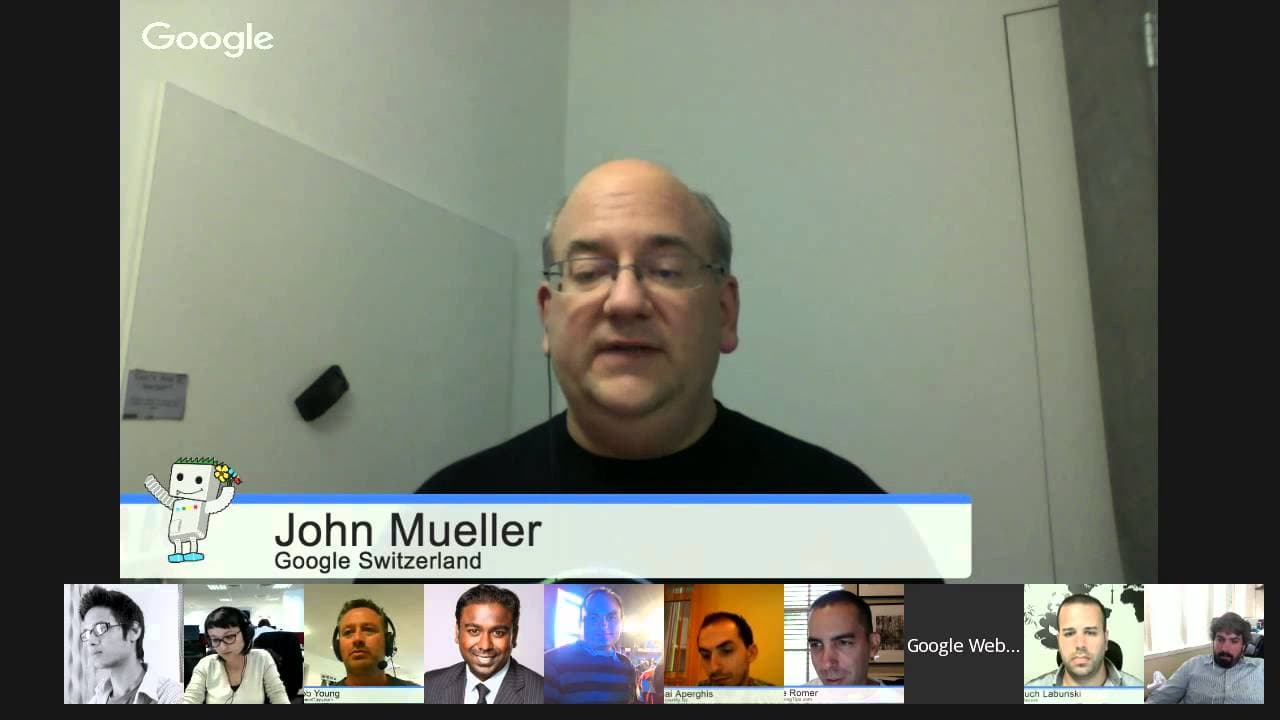
JOHN MUELLER: Welcome everyone to today's Google Webmaster Central Office hours. My name is John Mueller. I'm a webmaster trends analysts here at Google in Switzerland. And part of what I do is talk with webmasters and publishers like the people here in the Hangout or people that submitted lots of questions already. As always, when we get started, ... Read More
Key Insights
- Hreflang tags are crucial for multilingual sites to indicate language and regional targeting.
- Conflicting canonical tags can cause de-indexing issues; ensure each language version points to itself.
- Google Search Console is a valuable tool for diagnosing indexing and crawling issues.
- 302 redirects can eventually be treated as 301s if they appear permanent.
- Structured data, like schema.org, helps with rich snippets but doesn't directly influence rankings.
- Site moves can take time to reflect in search results, especially with well-established sites.
- Page speed improvements enhance user experience but have limited direct impact on rankings.
- Google's algorithms differ from other search engines, leading to variations in rankings.
Install to Summarize YouTube Videos and Get Transcripts
Explore YouTube Video Summarizer or Get YouTube Transcript Extractor
Questions & Answers
Q: How to fix indexing issues caused by conflicting canonical tags?
Ensure that each language version of your site has a self-referential canonical tag. This means the German version should have a canonical pointing to itself, and the same for other languages. Avoid cross-language canonical tags, which can confuse search engines and lead to de-indexing.
Q: What is the role of hreflang tags in multilingual sites?
Hreflang tags help search engines understand the language and regional targeting of web pages. They ensure that users see the correct language version of a page based on their location and language settings. Proper implementation prevents issues like duplicate content and incorrect indexing.
Q: How can I speed up the re-indexing process after making changes?
Use Google Search Console's 'Fetch as Google' tool to request re-indexing of updated pages. Submit updated sitemaps with new timestamps to signal changes. However, be patient, as some updates, especially site-wide or structural changes, can take weeks or months to fully propagate in search results.
Q: What are the best practices for handling session IDs in URLs?
Avoid session IDs in URLs if possible, as they can create duplicate content issues. If unavoidable, use canonical tags to point to the preferred URL version without session IDs. Additionally, configure URL parameter handling in Search Console to specify that session IDs are irrelevant for indexing.
Q: How does Google handle 302 redirects over time?
If a 302 redirect remains in place for an extended period, Google may treat it as a 301 permanent redirect. However, this process is not time-specific and depends on Google's assessment of the redirect's permanence. Use 301 redirects for permanent URL changes to ensure proper link equity transfer.
Q: How do structured data and schema.org markup affect SEO?
Structured data and schema.org markup help search engines understand page content and enhance search results with rich snippets. However, they do not directly influence rankings. Use structured data to improve visibility and click-through rates by providing additional context in search results.
Q: What should I do if my site's rankings differ across search engines?
Different search engines use distinct algorithms, leading to varying rankings. Focus on best practices like high-quality content, technical SEO, and user experience to improve visibility across platforms. Monitor performance in each search engine and adjust strategies based on specific algorithmic differences.
Q: How can I ensure my mobile site is indexed correctly?
Ensure your mobile site provides equivalent content to the desktop version, even if the layout differs. Use rel=canonical tags on mobile pages to point to the desktop version and rel=alternate tags on desktop pages to indicate the mobile version. Avoid blocking resources needed to render the mobile page.
Summary & Key Takeaways
-
To resolve indexing issues, check for conflicting canonical tags and ensure hreflang tags are correctly set for multilingual sites. Use Google Search Console to identify and address technical errors affecting indexing. Allow time for changes to propagate, as site moves and algorithmic updates can take weeks or months to reflect.
-
When restructuring a website, reuse content carefully and ensure URLs are correctly redirected to maintain search visibility. Avoid duplicate content penalties by using canonical tags and noindex directives where appropriate. For multilingual sites, separate URLs for each language version are essential for proper indexing.
-
Redirects, whether 301 or 302, can influence how Google indexes pages. Ensure redirects are set correctly to transfer link equity. For A/B testing or site redesigns, use staging environments to avoid indexing issues. Google's algorithms continuously evolve, requiring ongoing SEO adjustments to maintain visibility.
Read in Other Languages (beta)
Share This Summary 📚
Summarize YouTube Videos and Get Video Transcripts with 1-Click
Try YouTube Summary with ChatGPT & Claude or YouTube Transcript Generator
Explore More Summaries from Google Search Central 📚






Summarize YouTube Videos and Get Video Transcripts with 1-Click
Try YouTube Summary with ChatGPT & Claude or YouTube Transcript Generator