Is This The Future of Note-Taking? | GPT-3 for Studying and Writing
TL;DR
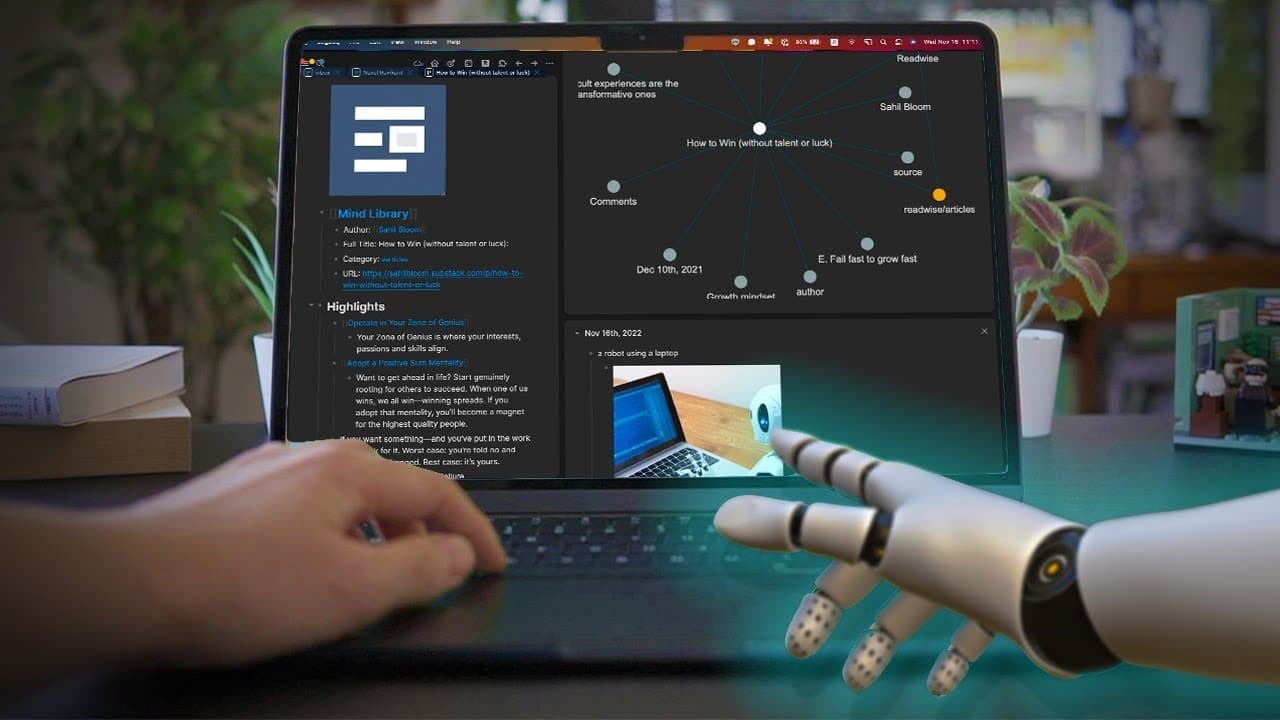
This video demonstrates how to use LogSeek, an AI note-taking app, for efficient studying, research, and overcoming writer's block.
Transcript
there are now many AI writing apps out there recently a new one came out called Lex which is getting a lot of hype on the internet I haven't had a chance to try out yet but it looks promising essentially what they do is to use AI to help you write better and faster on the other hand there are also more and more note-taking apps that are now using A... Read More
Key Insights
- There are now many AI writing apps available, with Lex being a new one that is gaining attention and looks promising.
- AI writing apps can help users write better and faster, making them useful for content creators and writers.
- Napping and Logseek are examples of AI note-taking apps that are becoming more popular.
- AI note-taking apps are beneficial for studying and learning, providing assistance in organizing thoughts and generating outlines.
- 🔍 AI Assistance in Writing:
- AI can assist in writing by providing information and answers to questions while writing a blog post, essay, or any other piece.
- GPT3 can be asked to summarize a book, provide important points, or answer specific questions. However, caution is needed for accuracy, especially in academic writing.
- AI can help overcome writer's block by completing sentences or paragraphs based on a prompt, providing a starting point for writers.
- It is recommended to use a plagiarism checker before publishing a piece written with AI assistance.
- GPT3 can generate outlines, providing a skeleton structure for writing, making it easier to organize thoughts on a given topic.
- This feature is especially useful for students taking notes during lectures or for self-learning new subjects.
- AI, such as GPT3, can suggest resources and provide a list of materials to start learning about specific topics, helping users identify a learning path.
- 💻 Setting Up AI Note-Taking:
- Downloading Logseek and selecting a folder to store notes is the first step in setting up AI note-taking.
- Installing plugins for GPT3 and obtaining the API key from Open AI are essential to enable AI assistance in note-taking through Logseek.
Install to Summarize YouTube Videos and Get Transcripts
Explore YouTube Video Summarizer or Get YouTube Transcript Extractor
Questions & Answers
Q: How can AI-assisted note-taking apps like LogSeek enhance the writing process?
AI-assisted note-taking apps like LogSeek can enhance the writing process by providing quick access to summaries, generating outlines, and helping overcome writer's block.
Q: What are the potential risks of relying on AI for writing and studying?
While AI can be a helpful assistant, there are risks of inaccuracies and plagiarism when relying solely on AI-generated content. It is essential to double-check information sources and use plagiarism checkers before publishing anything produced with AI.
Summary & Key Takeaways
-
The video highlights the benefits of using AI-assisted note-taking apps like LogSeek for writing and studying purposes.
-
It discusses various workflows, such as using AI to summarize materials, generate outlines, and overcome writer's block.
-
The video also provides a step-by-step guide on how to set up LogSeek and integrate it with GPT-3 AI models.
Read in Other Languages (beta)
Share This Summary 📚
Summarize YouTube Videos and Get Video Transcripts with 1-Click
Try YouTube Summary with ChatGPT & Claude or YouTube Transcript Generator
Explore More Summaries from Shu Omi 📚


Summarize YouTube Videos and Get Video Transcripts with 1-Click
Try YouTube Summary with ChatGPT & Claude or YouTube Transcript Generator