Android 14 For Raspberry Pi is Not Ready Yet
TL;DR
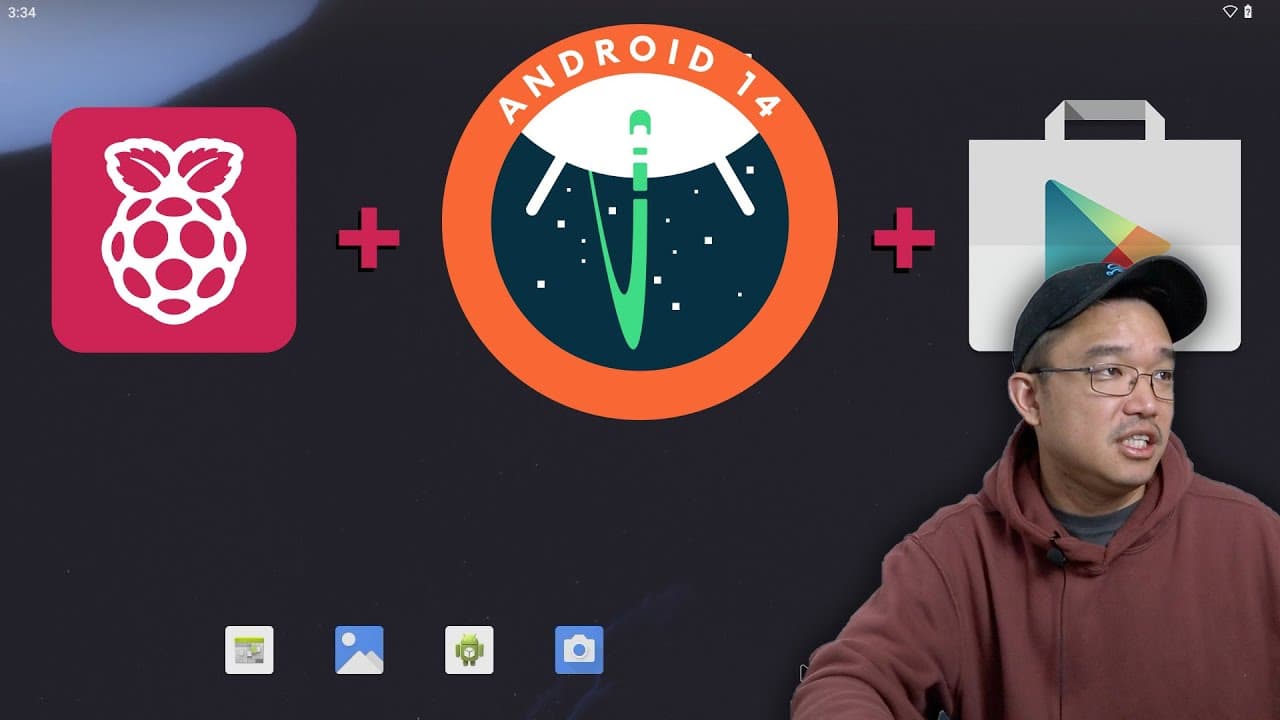
A tutorial on installing Android 14 on Raspberry Pi 4, highlighting issues and features.
Transcript
hey guys what's going on it's th here from Nova Spirit Tech and today we're going to be checking out Android 14 for the Raspberry Pi 4 so let's get started so this is very much like the Android 13 for the Raspberry Pi and I'll leave a link over here for that video because I actually I think I mentioned some stuff in there that is still usable with ... Read More
Key Insights
- ♓ The installation of Android 14 on Raspberry Pi 4 can be accomplished following steps similar to Android 13, utilizing specific patches for enhancements.
- 😃 WHile basic functionalities work, significant connection issues exist that hamper secure Wi-Fi usability without additional patches.
- 😘 Users need to ensure adequate RAM (at least 2 GB) for smoother operation, as lower memory configurations can lead to sluggish performance.
- 👏 Compatibility with apps like Netflix and popular games can be problematic under Android 14, necessitating fallback to Android 13 for stable use.
- 😄 Light GApps can be troublesome, and exploring alternatives for Google Apps is advised for ease of installation.
- ❓ Thorough documentation on patches and processes is essential for successful setup and configuration of the operating system.
- 👤 The timeline from release to user-friendly operation may require patience as ongoing adjustments and updates are expected in future iterations.
Install to Summarize YouTube Videos and Get Transcripts
Explore YouTube Video Summarizer or Get YouTube Transcript Extractor
Questions & Answers
Q: What preparations are needed before installing Android 14 on Raspberry Pi 4?
Before installation, you need to download the Android 14 image, any necessary patches (particularly for Wi-Fi), and Light GApps or other Google Apps packages. It's also suggested to flash onto an appropriate SD card or SSD and prepare your device ID for Google App Store functionality.
Q: What are the limitations experienced with Wi-Fi connectivity on Android 14?
The video notes difficulties when connecting to secured Wi-Fi networks using WPA2 or WPA3 protocols, which require a TWRP flashable patch to resolve. Open networks connect properly, but additional steps are necessary for secure connections.
Q: How does performance on Android 14 compare to Android 13 on Raspberry Pi 4?
Initial performance on Android 14 is sluggish due to complications with running on lower RAM (1 GB). Upgrading to at least 2 GB improves responsiveness. Users experienced issue with app compatibility, especially with Netflix and some games, suggesting a need for stable updates.
Q: Why might users consider staying with Android 13 instead of upgrading to Android 14?
Users may want to remain on Android 13 due to the numerous ongoing issues with Android 14, such as Wi-Fi connectivity problems and app compatibility concerns. The presenter recommends waiting for further updates to Android 14, which is still in development stages.
Summary & Key Takeaways
-
The video explains how to install and set up Android 14 on a Raspberry Pi 4, using techniques similar to those for Android 13. Viewers are shown how to manage installations, including necessary patches and software.
-
Key challenges include Wi-Fi connectivity with secure networks, requiring an additional TWRP patch and the selection of compatible Google Apps to enhance functionality.
-
The presenter notes performance issues and compatibility problems with certain applications, specifically mentioning that users may want to stick with Android 13 for now due to ongoing development needs.
Read in Other Languages (beta)
Share This Summary 📚
Summarize YouTube Videos and Get Video Transcripts with 1-Click
Try YouTube Summary with ChatGPT & Claude or YouTube Transcript Generator
Explore More Summaries from Novaspirit Tech 📚






Summarize YouTube Videos and Get Video Transcripts with 1-Click
Try YouTube Summary with ChatGPT & Claude or YouTube Transcript Generator