Raspberry Pi x86 Wine Update
TL;DR
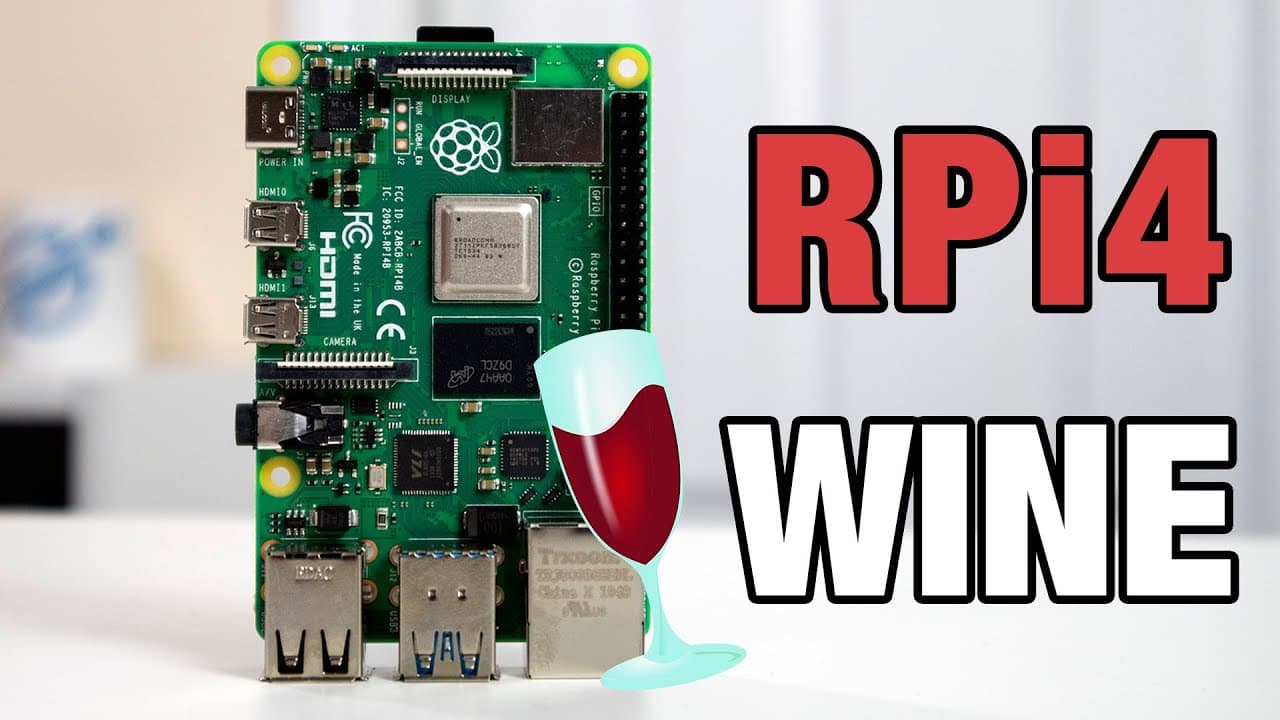
Learn how to run Windows applications on Raspberry Pi using Wine.
Transcript
hey guys what's going on it's down here from Nova Sparrow Tech and welcome back to my channel and today we will be checking it out something I've been working on for the past couple of weeks so let's get started now before we begin I do want to announce that everything I talked about in this video you can actually get on my patreon and the reality ... Read More
Key Insights
- 🏃 Wine serves as a bridge to run Windows applications on Raspberry Pi, expanding its usability.
- 👻 The shift to an installer format allows greater flexibility for users to implement Wine on their desired system configurations.
- 👶 Upgrading to newer versions of software often results in improved performance and better compatibility with existing applications.
- 🤗 The importance of community engagement is highlighted as a means to motivate developers working on open-source projects.
- 🙂 Lighter applications are recommended for initial testing to ensure stability in the Wine setup.
- 👶 Ongoing development and updates are planned for future compatibility with newer versions of Linux.
- 🖐️ User feedback plays a crucial role in shaping the features and improvements made to the Wine setup.
Install to Summarize YouTube Videos and Get Transcripts
Explore YouTube Video Summarizer or Get YouTube Transcript Extractor
Questions & Answers
Q: What is the main purpose of setting up Wine on Raspberry Pi?
The primary purpose of setting up Wine on Raspberry Pi is to allow users to run Windows-compatible applications (like EXE files) on a Linux-based system. This is particularly useful for leveraging familiar Windows software in a lightweight and versatile environment such as Raspberry Pi.
Q: How has the installation process for Wine changed compared to previous methods?
The installation process has shifted from distributing a complete image of the operating system to offering an installer that integrates seamlessly with existing Linux setups. This change allows users to easily install Wine on any compatible image instead of needing a specific pre-configured version, enhancing accessibility and flexibility.
Q: How does using a newer version of Wine improve performance?
By using a newer version of Wine, the performance and compatibility with Windows applications increase significantly. The presenter mentions that switching from Wine version 13.9 to 15.9 leads to better execution efficiency and faster response times, resulting in an overall improved user experience when running applications on Raspberry Pi.
Q: What kind of applications does the presenter recommend testing on this setup?
The presenter suggests starting with lighter applications for testing the Wine setup on Raspberry Pi, such as basic software like Notepad++ and PuTTY. These applications are less demanding on resources, making them ideal for initial testing while ensuring that more complex applications can be evaluated in subsequent updates.
Q: What resources does the creator provide for users to get started with Wine?
Users can access detailed tutorials on the creator's website, which includes step-by-step guidance for installing Wine on their Raspberry Pi systems. Additionally, the creator has committed to updating the installation guide and tutorials as they continue to improve the software and its compatibility with various applications.
Q: How can audience engagement influence the creator’s work on the project?
Audience engagement, particularly through the creator's Patreon, significantly influences the motivation and speed of development for the Wine project. The more support and active participation received from patrons, the higher the creator's motivation to fix bugs, implement new features, and enhance the overall functionality of the Wine environment on Raspberry Pi.
Summary & Key Takeaways
-
The video discusses the use of Wine on Raspberry Pi to run Windows programs, along with the recent improvements made in the installation process.
-
The creator emphasizes the transition from a full image release to an installer format, making it easier for users to integrate Wine with their existing Linux images.
-
Viewers are encouraged to join the creator's Patreon for access to this project and provide feedback or suggestions for applications to test.
Read in Other Languages (beta)
Share This Summary 📚
Summarize YouTube Videos and Get Video Transcripts with 1-Click
Try YouTube Summary with ChatGPT & Claude or YouTube Transcript Generator
Explore More Summaries from Novaspirit Tech 📚






Summarize YouTube Videos and Get Video Transcripts with 1-Click
Try YouTube Summary with ChatGPT & Claude or YouTube Transcript Generator