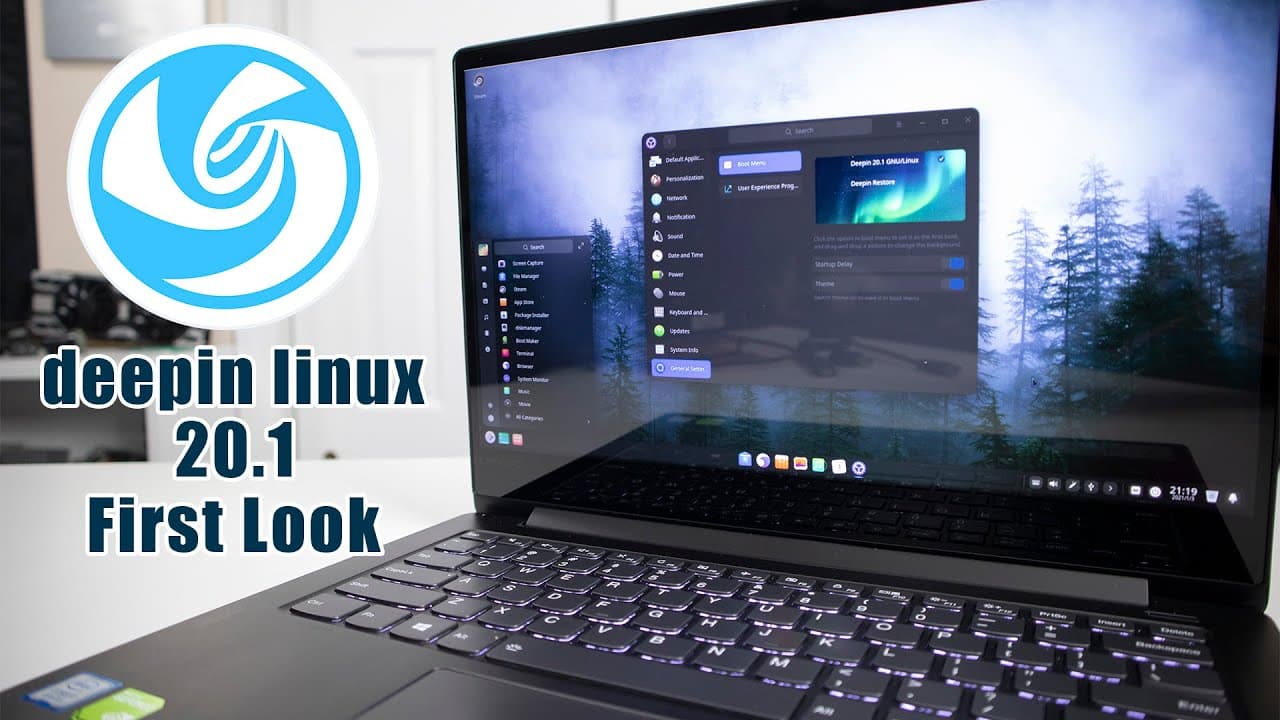
Deepin Linux 20.1 New Features First Look
TL;DR
Review of Deepin Linux 20.1 features and improvements.
Transcript
hey guys what's going on it's don here from nova spare tech and welcome back to the channel and today we are going to be checking out deep in linux 20.1 so let's get started now it's been a while since i last checked out deep in linux because i think the version was 15.4 or 15.5 or something like that but they made a ton of improvements since then ... Read More
Key Insights
- 🥡 The installation of Deepin Linux 20.1 is exceptionally easy, taking only a few clicks for setup.
- 👤 Users can choose modes (efficiency or fashion) to tailor their experience according to preferences.
- 👤 The control center consolidates settings management, enhancing user accessibility to system configurations.
- 💄 Deepin Linux 20.1 has improved the visual appeal of menus and notifications, making them more modern and fluid.
- 👤 Advanced graphical options like fractional scaling cater to users requiring specific display resolutions.
- 🈸 The app store in Deepin Linux facilitates easy application installation but has privacy implications for some users.
- 👻 System monitor features are user-friendly, allowing easy management of services and resource tracking.
Install to Summarize YouTube Videos and Get Transcripts
Explore YouTube Video Summarizer or Get YouTube Transcript Extractor
Questions & Answers
Q: What are the main improvements in Deepin Linux 20.1 compared to previous versions?
Deepin Linux 20.1 brings notable enhancements, including a visually appealing interface with rounded elements, an integrated control center for settings, and refined application management. Users can choose between efficiency and fashion modes, improving overall usability. The fractional scaling feature is also a significant addition for better display adaptability.
Q: How user-friendly is the installation process for Deepin Linux 20.1?
The installation process for Deepin Linux 20.1 is designed to be incredibly user-friendly. Users can complete the installation in about four clicks, followed by setting up basic preferences like language and username. These streamlined steps make it accessible for both newcomers and experienced users.
Q: What unique applications does Deepin Linux include for daily tasks?
Deepin Linux features a variety of bespoke applications, including its themed Chromium-based Deepin Browser, Deepin Mail client, Deepin Music player, and Deepin Video player. These applications are designed to provide a smoother and cohesive user experience while being tailored to the operating system's aesthetic.
Q: Are there any drawbacks reported in Deepin Linux 20.1?
Users have noted a few drawbacks in Deepin Linux 20.1, such as a limited selection for date formatting in the time settings, lacking the more traditional month-day-year format. Additionally, some users expressed concern over the app store's communication with China, raising privacy considerations.
Summary & Key Takeaways
-
The installation of Deepin Linux 20.1 is straightforward, requiring minimal clicks and setup time, with options for efficiency and fashion modes.
-
The operating system has undergone significant visual enhancements, such as a more rounded menu design and the introduction of a control center for settings management.
-
Deepin Linux includes an integrated app store and various personalized applications like Deepin Browser and Deepin Music, enriching user experience while maintaining ease of use.
Read in Other Languages (beta)
Share This Summary 📚
Summarize YouTube Videos and Get Video Transcripts with 1-Click
Try YouTube Summary with ChatGPT & Claude or YouTube Transcript Generator
Explore More Summaries from Novaspirit Tech 📚






Summarize YouTube Videos and Get Video Transcripts with 1-Click
Try YouTube Summary with ChatGPT & Claude or YouTube Transcript Generator