I CANNOT Highlight Text on The Web

Oct 27, 2026
1 min read
0 views
Sometimes clicking the color popup doesn't work due to technical issues around the browser extension. There are some ways to fix this: refreshing the page, switching tabs, and right-click highlight, etc. Sorry for the inconvenience... We are constantly improving the browser extension.
Please try one or some of the followings 👇
Refresh the page (or hit
**Cmd + Shift + R**)Switching browser tabs
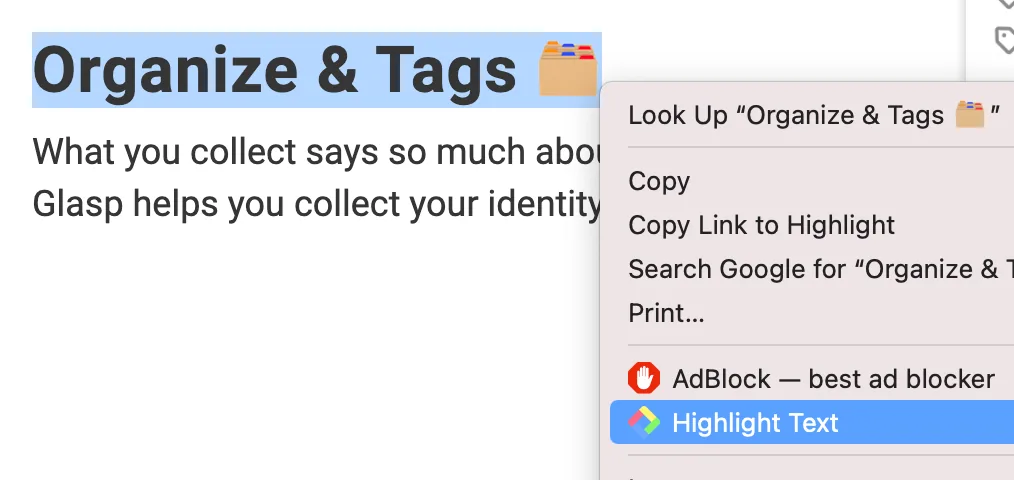
Right-click Highlight (robust way to highlight)
Update the browser version
Update the Glasp browser extension to the latest version
Please remove the browser extension and re-install again (sorry for the inconvenience). Chrome Web Store: Glasp
Open a new tab (hit
**Cmd + N**on Mac)
Please reach out to us if these don't work:
Comments
Add a comment