Can I export my highlights and notes into other note-taking apps or somewhere else?

Oct 27, 2026
1 min read
0 views
Yes! You have two ways to export your highlights & notes into outside Glasp: copy-n-paste or download!
**Copy-n-paste**one by oneYou can copy the whole content of the selected page including the meta data like URL, Title, Tags, etc. You can just paste it to anywhere. It's a
markdown style copy-n-paste.

Click the "Copy Content" will copy the selected page's whole content in the clipboard.
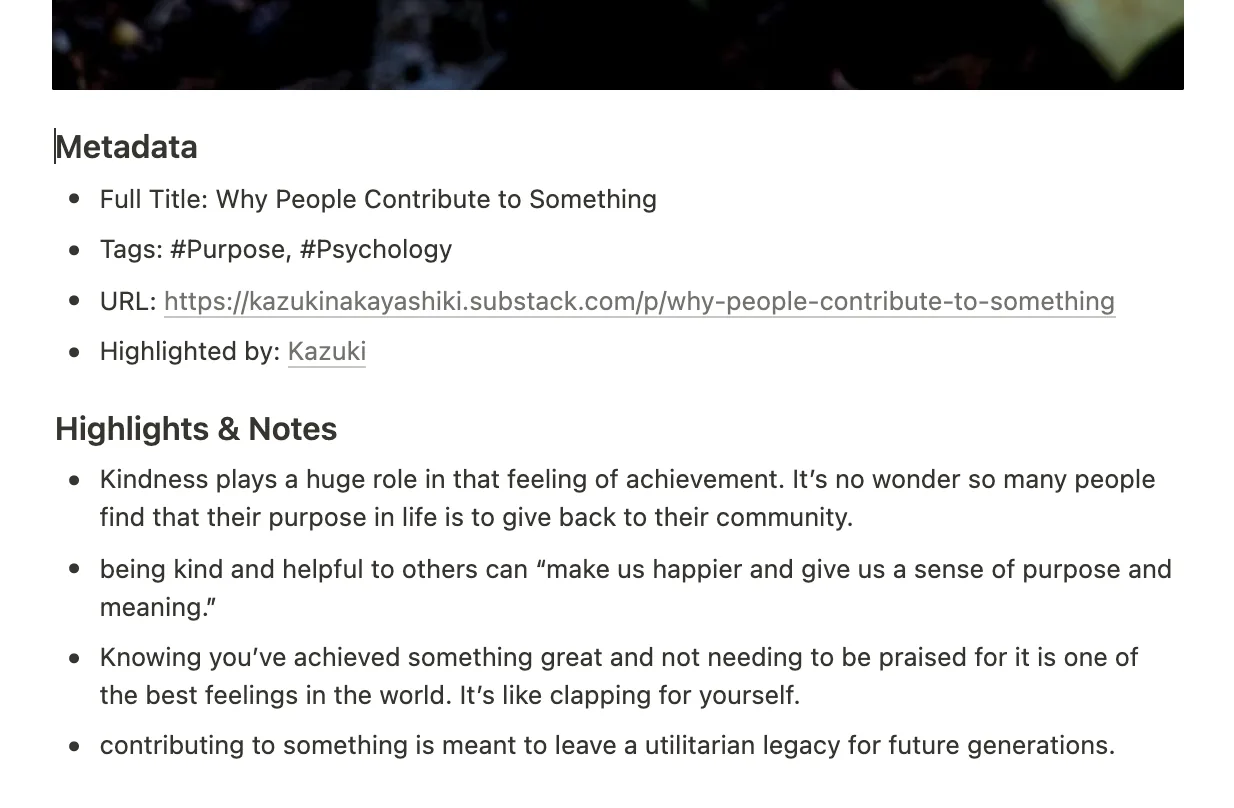
When you paste it on Notion, it will look like this.
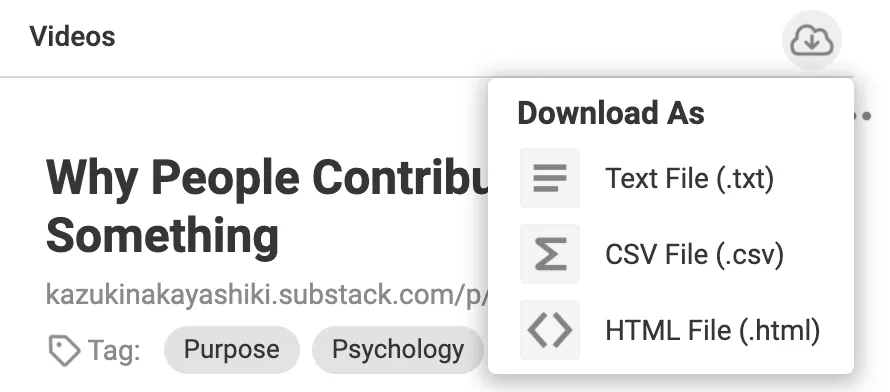
**Download**selected pages and the highlights & notesYou can download all the pages from your page. There are 3 formats:
text,csv, andhtml.
Comments
Add a comment