How to Sign In to the Glasp & YouTube Summary Extension

Oct 27, 2026
1 min read
0 views
Glasp Extension
Click the browser extension icon located at the top right of your browser.
Select the Glasp Extension icon from the list.
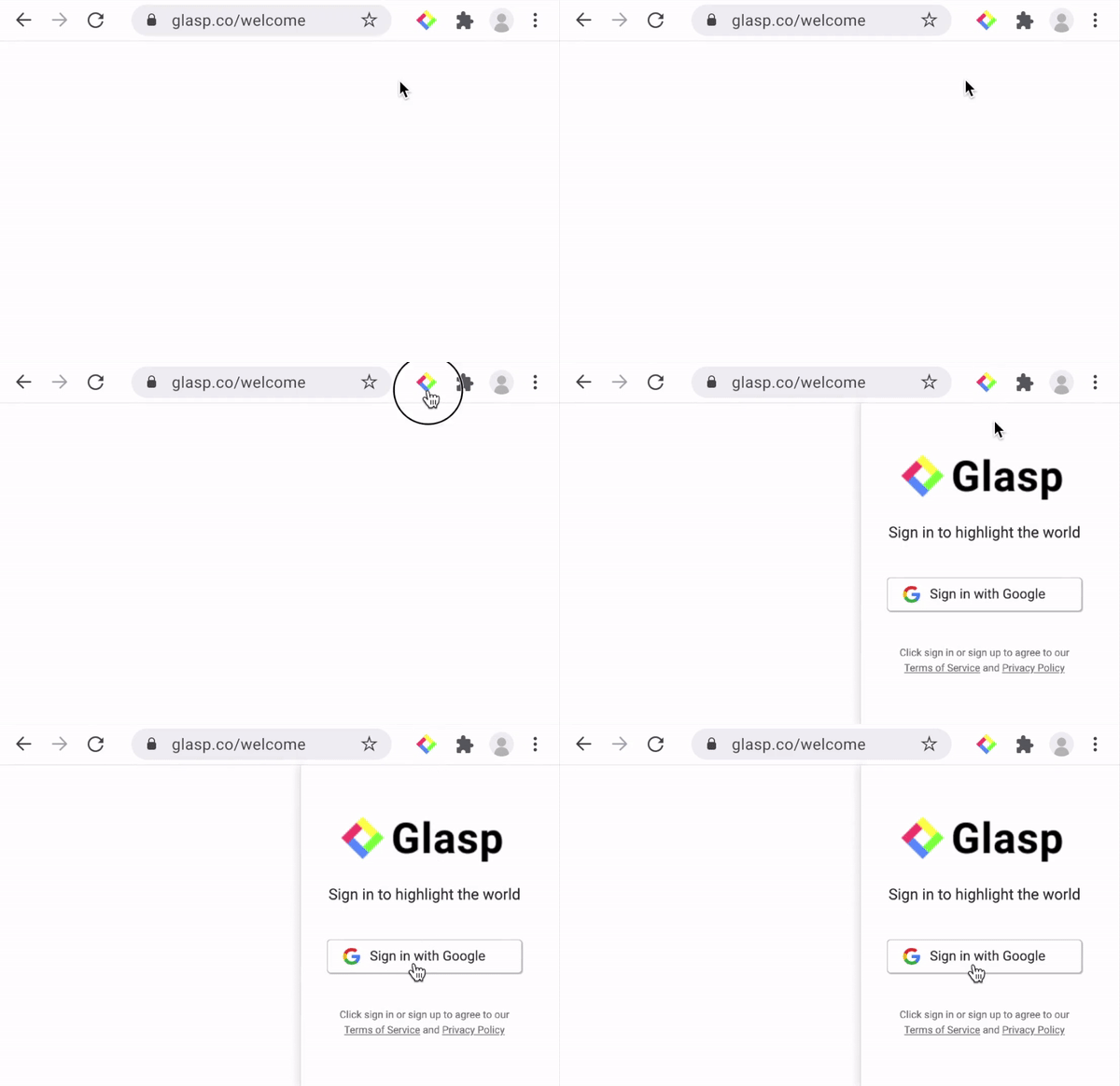
Click the "Log in / Sign up" button.
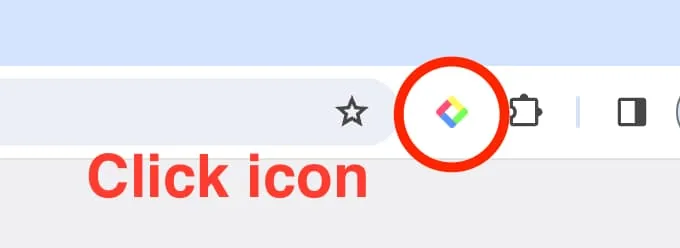
Step 1: Click the Glasp Browser icon on your browser (on the right top)
YouTube Summary Extension
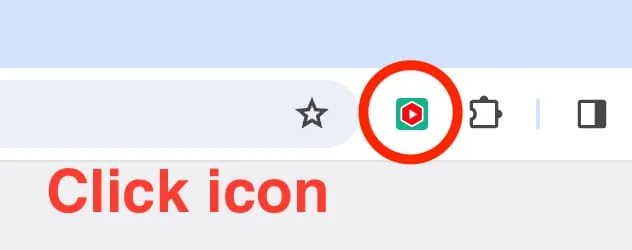
Step 1: Click the YouTube Summary icon on your browser (on the right top)
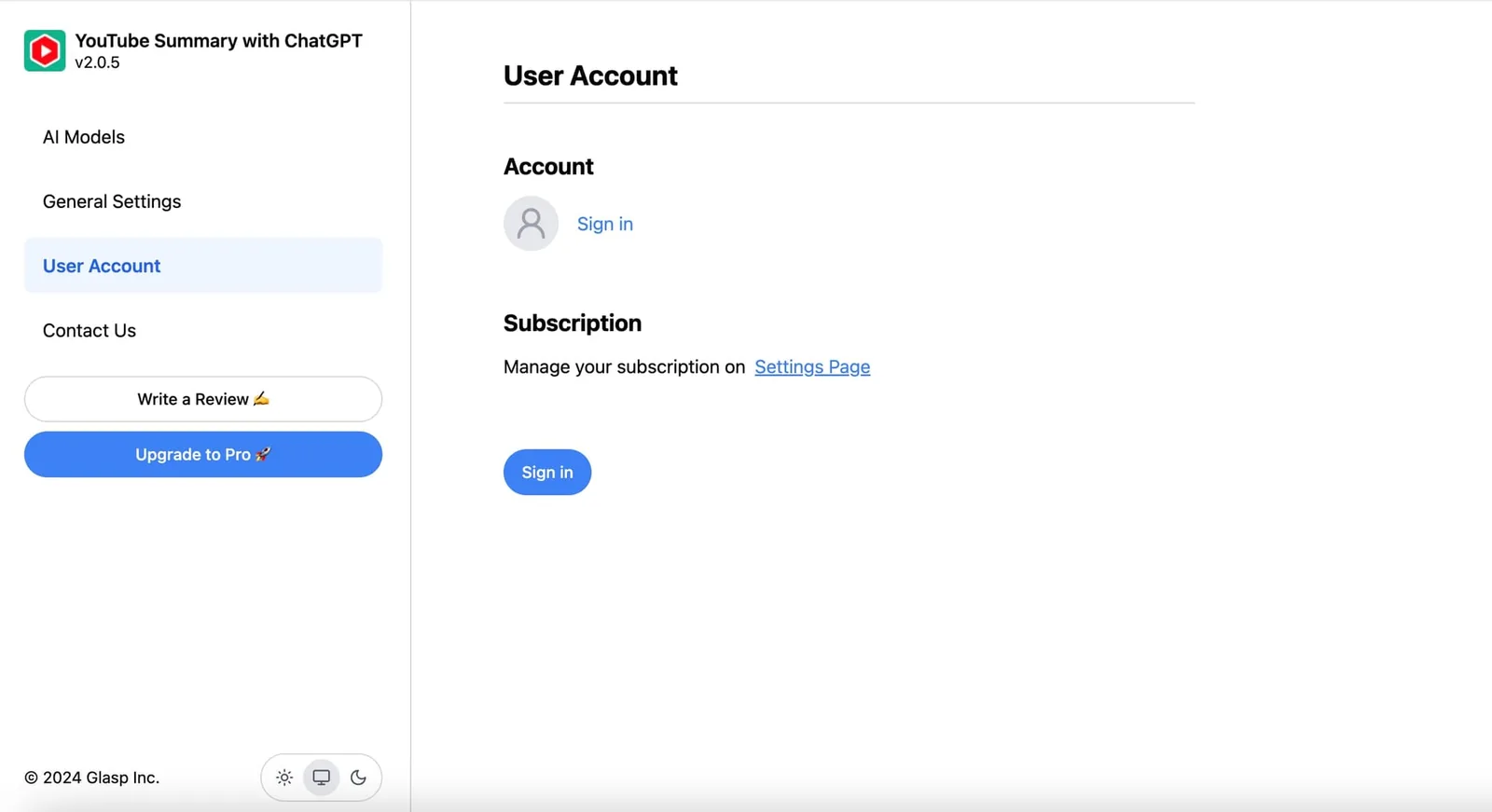
User Account
Please sign into your account if you haven't signed in yet.
Comments
Add a comment