How to Change Your Glasp Pricing Plan

Oct 27, 2026
1 min read
0 views
If you’d like to switch your subscription plan, follow the steps below:
Go to your Subscription Management page.
Select Manage My Subscription to open the billing portal.
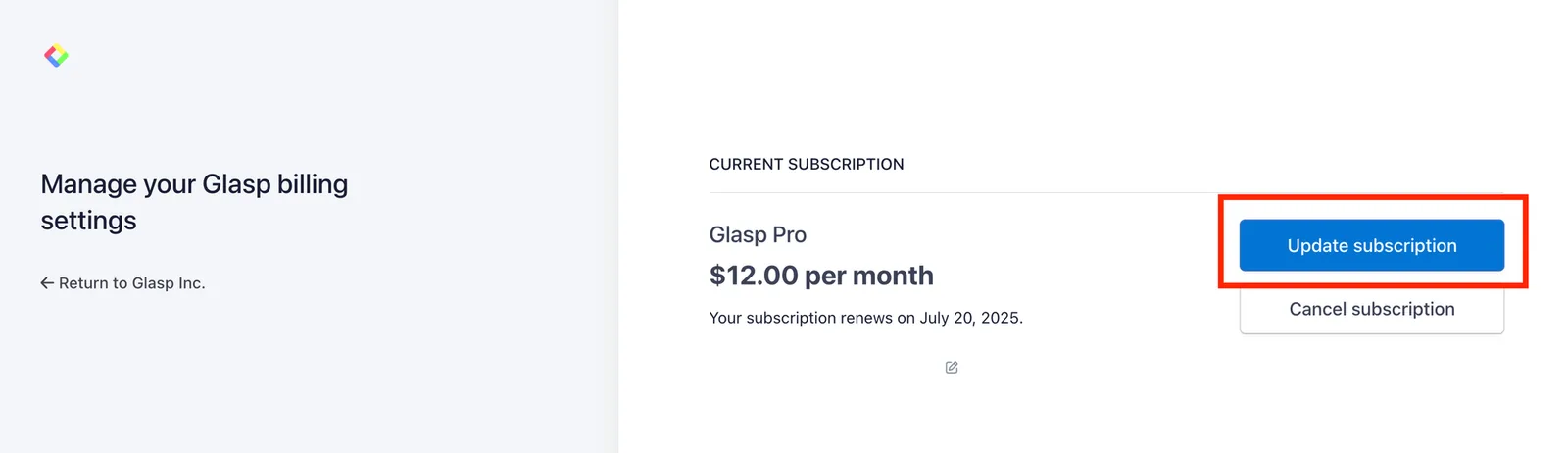
In the top-right corner, select Update Subscription.
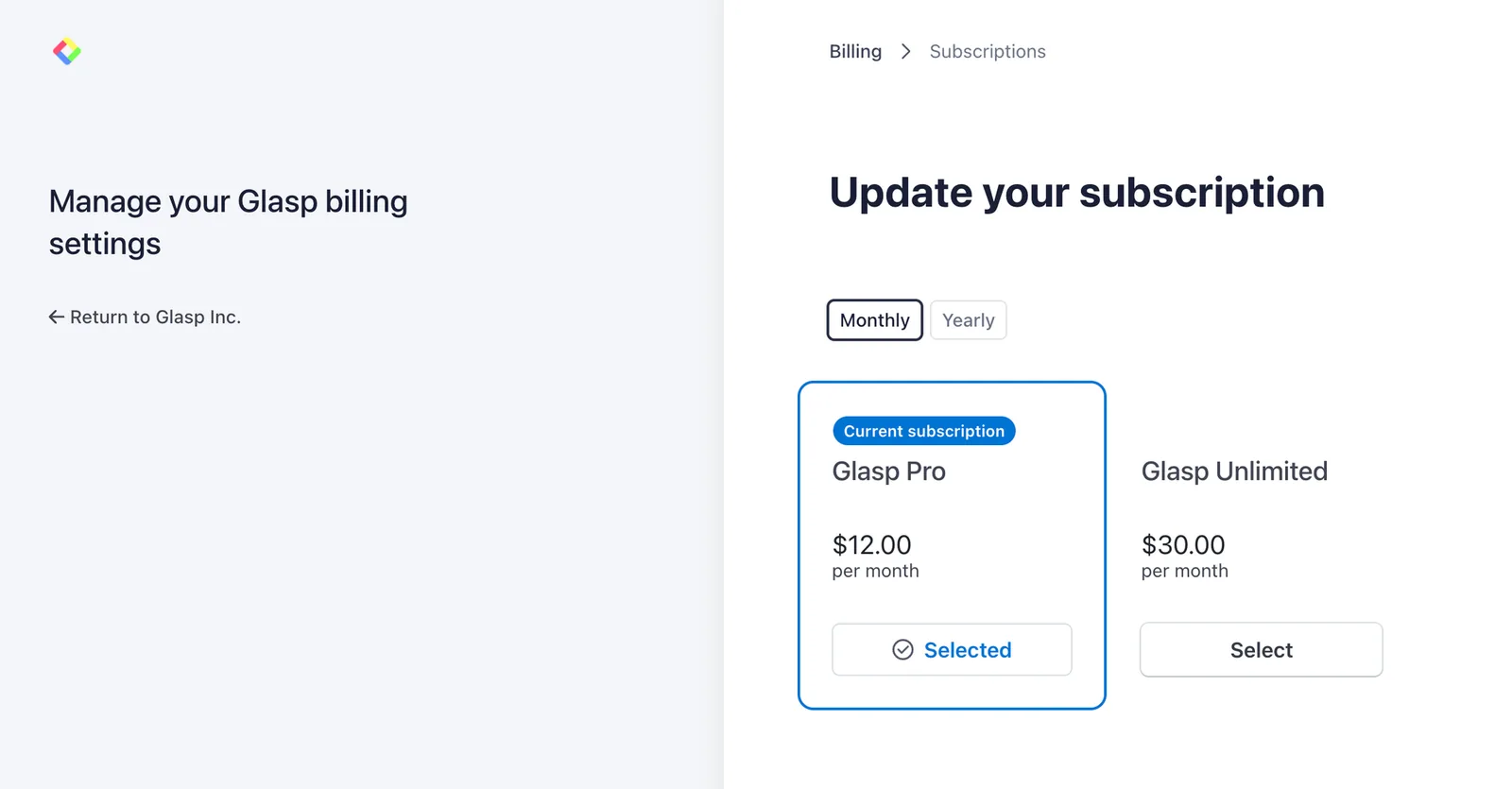
From there, you can switch between Monthly or Yearly plans, and choose either the Pro or Unlimited tier.
Comments
Add a comment