How Scan to CAD Services Help Modernize Legacy Engineering Documents!

Sep 01, 2026
6 min read
2 views
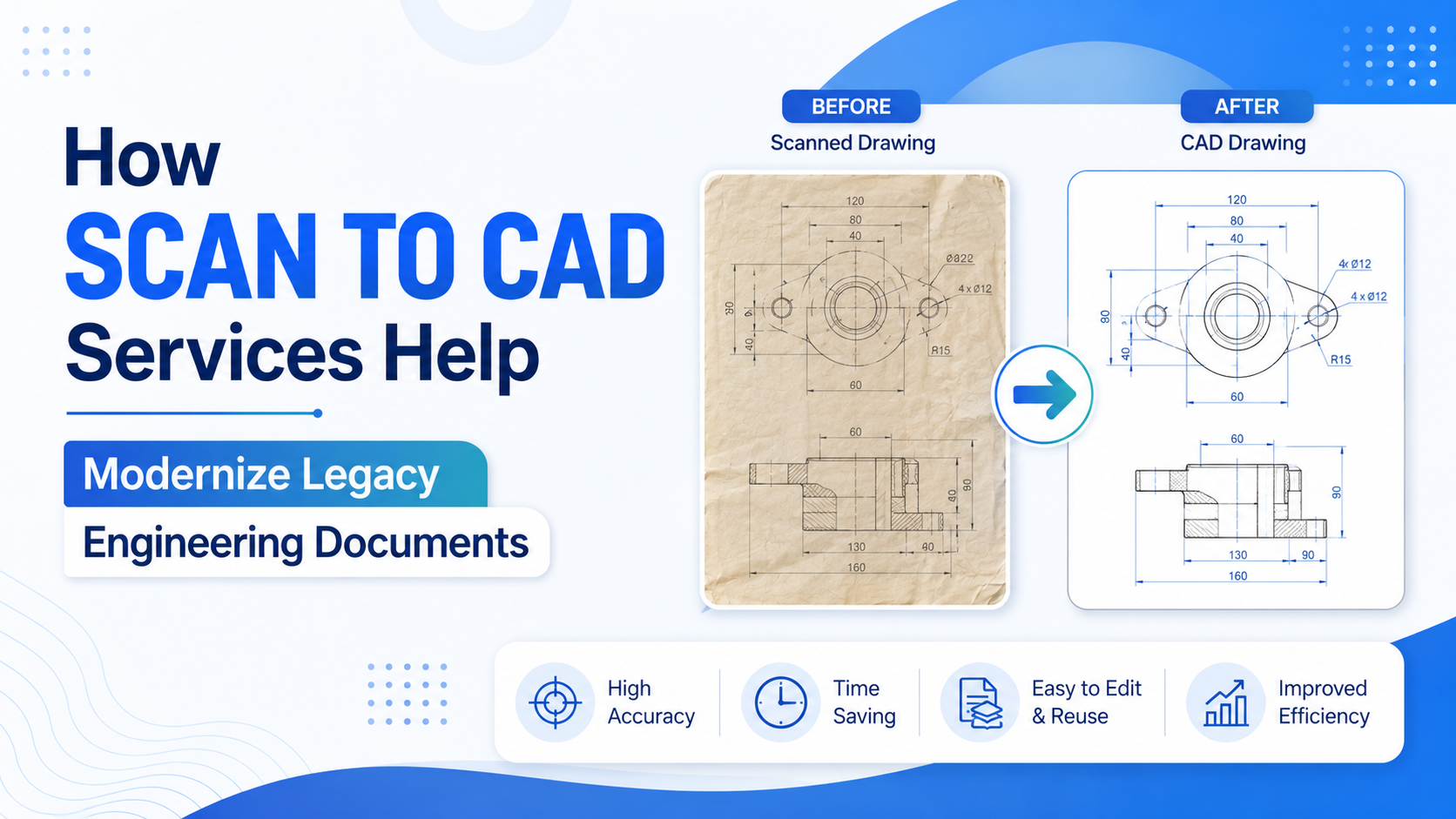
Scan to CAD services convert physical blueprints, microfilm, and scanned PDFs into digital, editable CAD files. This modernization eliminates manual re-entry, reduces errors, improves team collaboration, and makes legacy drawings compatible with modern CAD and BIM software—saving time and money across the project lifecycle.
Old engineering drawings hold enormous value. They document how a building was constructed, how a machine was assembled, and how infrastructure was designed decades ago. But when those drawings live on paper, microfilm, or blurry scanned PDFs, they become a headache for modern teams.
Design and manufacturing workflows now run on digital tools. Trying to fit an aging paper blueprint into that process slows everyone down. That's where Scan to CAD Conversion services come in—turning static, hard-to-edit documents into clean, workable digital files.
This post explains what these services do, why they matter, which industries rely on them most, and how to roll them out successfully. If your organization is sitting on a mountain of legacy drawings, read on.
The challenge of legacy engineering documents
Plenty of companies still depend on paper blueprints, microfilm archives, or low-resolution scanned PDFs. These formats worked fine in their era, but they create real friction today.
Here's the core problem: legacy documents don't play nicely with modern software. A CAD technician can't easily edit a scanned drawing. A structural engineer can't pull a paper blueprint into a BIM model. So teams resort to manual data re-entry, tracing over old drawings by hand in new software.
That manual approach carries three big downsides:
It's slow. Re-drafting a single complex drawing can take hours or days.
It's error-prone. Every manual transcription introduces the risk of typos, misread dimensions, and missing details.
It's expensive. Skilled drafters spend hours on repetitive work instead of design tasks that add value.
The result is a bottleneck. Projects stall while teams wrestle with documents that should be helping them move faster.
What are Scan to CAD services?
Scan to CAD services convert physical or scanned engineering drawings into digital CAD files that can be edited, measured, and shared. The process bridges the gap between analog archives and digital design environments.
The typical workflow looks like this:
Scanning. Advanced scanning technology captures the original drawing at high resolution, preserving fine details and annotations.
Conversion. Skilled technicians redraw or trace the scanned image into a native CAD format, rebuilding lines, layers, dimensions, and text as editable geometry.
Quality assurance. Each converted file goes through review checks to confirm accuracy against the original, catching any discrepancies before delivery.
The best providers support a wide range of output formats—DWG, DXF, and other common CAD file types—so the finished files work with tools like AutoCAD, Revit, and other industry-standard software. This compatibility is what makes the conversion genuinely useful rather than just a digital copy.
Key benefits of modernizing legacy documents
Digitizing old drawings does far more than clear out filing cabinets. Here's what organizations gain:
Improved accessibility. Digital files can be searched, indexed, and retrieved in seconds instead of hunting through physical archives.
Better collaboration. Remote and distributed teams can access, mark up, and share the same file at once, no matter where they sit.
Fewer errors. Professional conversion is far more accurate than manual transcription, protecting the integrity of critical dimensions and specs.
Faster timelines. With editable files ready to go, design and manufacturing work moves ahead without re-drafting delays.
Cost savings. Less rework, fewer mistakes, and better efficiency add up to real budget savings over time.
Stronger compliance. Modern CAD files make it easier to meet current design standards and regulatory requirements.
Together, these benefits turn dusty archives into active, working assets.
Which industries benefit most from Scan to CAD conversion?
Almost any field that relies on technical drawings can gain from digitization. A few sectors stand out:
Manufacturing and aerospace. Precise, editable CAD files support production, part revisions, and stringent quality standards.
Architecture and construction. Converting old floor plans and site drawings feeds directly into BIM workflows for renovations and expansions.
Utilities and infrastructure. Accurate digital records of pipelines, grids, and networks support maintenance and expansion planning.
Facility management. Digital building plans make repairs, retrofits, and space planning far simpler.
Historical preservation. Restoration projects depend on accurate documentation of original structures, which digitization helps protect for the long term.
Best practices for implementing Scan to CAD services
A successful conversion project takes more than just handing over a stack of drawings. Follow these steps to get the most from the process:
Assess and prioritize your document inventory
Start by taking stock of what you have. Identify which drawings are used most often or hold the highest value, and convert those first. A phased approach keeps the project manageable and delivers quick wins.
Choose a provider with relevant experience
Look for a service partner with a track record in your specific industry. Experience with aerospace tolerances, for example, differs from experience with architectural plans. A provider like Archdraw Outsourcing that understands your field will deliver files that fit your workflow.
Set clear quality standards and timelines
Define your expectations up front—file formats, layer structures, naming conventions, and delivery deadlines. Clear standards prevent rework and keep everyone aligned.
Plan for digital asset management
Converting files is only half the job. Decide how you'll organize, name, and store the new digital assets so teams can actually find and use them later.
Train your teams
Finally, make sure staff know how to work with the new CAD files and any updated software workflows. A short training investment pays off in smoother adoption.
Turn your archives into an advantage
Modernizing legacy engineering documents is a strategic move, not just a housekeeping task. Digital, editable drawings speed up projects, cut down errors, and let teams collaborate without geographic limits.
Scan to CAD services bridge the divide between analog records and today's digital design tools. Organizations that digitize their engineering documents position themselves to work faster, more accurately, and more collaboratively than competitors still buried in paper. If you're ready to unlock the value in your archives, Scan to CAD Conversion services from a trusted partner like Archdraw Outsourcing are a smart place to start.
Frequently asked questions
How much do Scan to CAD services cost?
Pricing depends on the complexity of each drawing, the volume of documents, and the required output format. Simple drawings cost less to convert than detailed multi-layer plans. Most providers offer quotes based on your specific document inventory, so it's worth requesting an assessment before committing.
How long does the conversion process take?
Turnaround varies with project size and drawing complexity. A small batch of straightforward drawings may take a few days, while large archives with intricate detail can take several weeks. Setting clear timelines with your provider up front helps keep the project on schedule.
Are converted CAD files accurate?
Yes—when handled by a professional service with proper quality assurance. Skilled technicians redraw each element and review the finished file against the original, making the result far more reliable than manual in-house transcription.
What file formats do Scan to CAD services support?
Most providers deliver common CAD formats such as DWG and DXF, which work with AutoCAD, Revit, and other standard design software. Confirm your required formats with the provider before starting so the finished files fit your existing tools.
Who should use Scan to CAD services?
Any organization holding paper blueprints, microfilm, or scanned PDFs that need to be edited or integrated into modern workflows. Manufacturing, aerospace, architecture, construction, utilities, and facility management teams all benefit from digitizing their legacy drawings.