How Can Developers Integrate a Currency API Into an Application?

Sep 23, 2026
9 min read
12 views
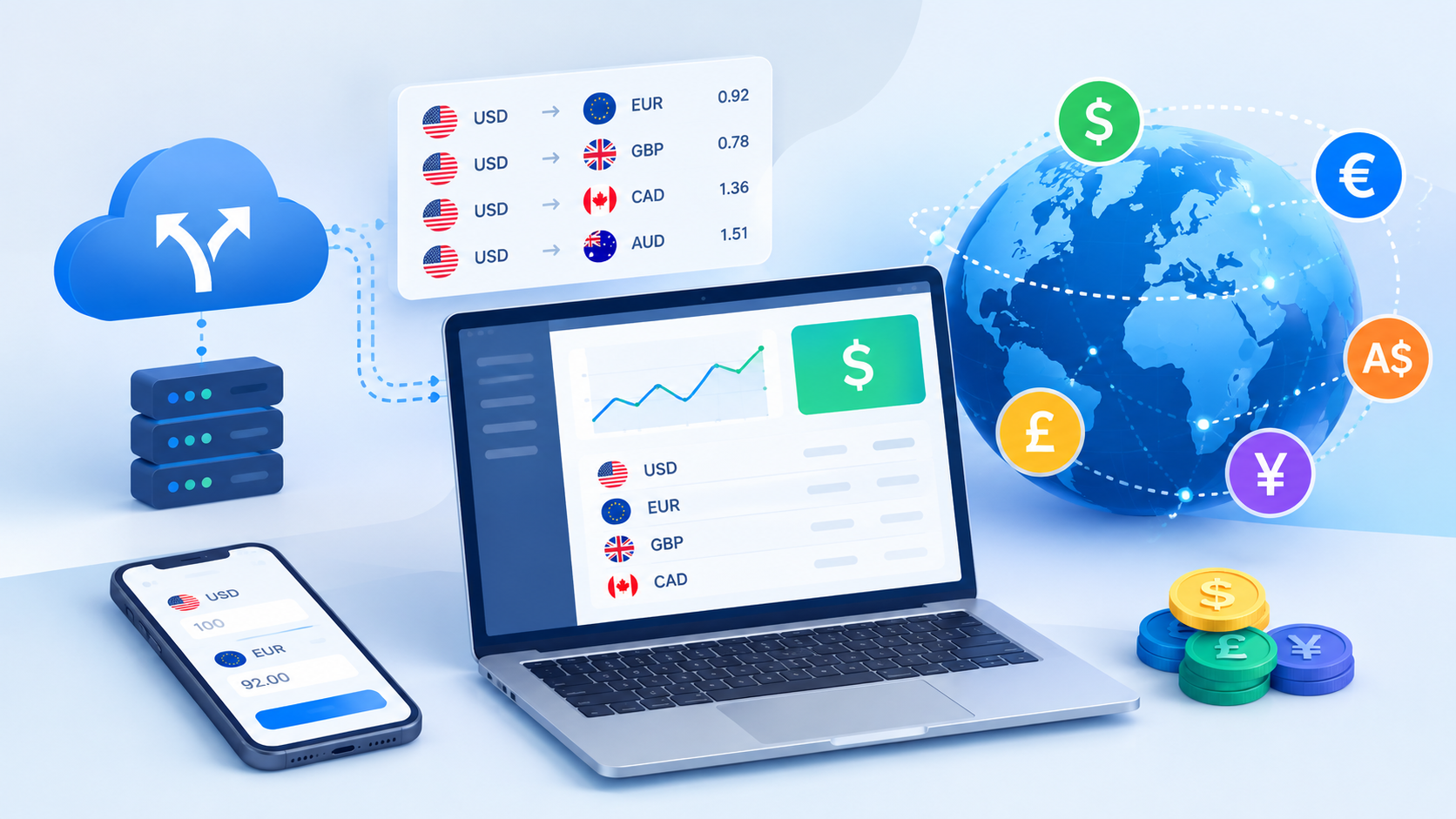
Developers often need to display accurate exchange rates, convert prices between currencies, or support international payments without maintaining currency data manually. A json currency api provides a practical way to retrieve structured exchange-rate data and connect it to websites, mobile apps, dashboards, ecommerce platforms, and financial tools.
What Is a Currency API?
A currency API is a web-based service that provides currency-related data through programmable endpoints. Instead of collecting exchange rates manually, an application sends an HTTP request to the API and receives current or historical currency information in a structured format such as JSON.
Most currency APIs provide data such as:
Exchange rates between supported currencies
Currency conversion results
Base and target currencies
Historical exchange rates
Timestamp information
Supported currency lists
Currency symbols or codes
For developers, this means currency information can become part of an application's normal data flow rather than being maintained as static content.
How Does a Currency API Integration Work?
A typical integration involves obtaining API credentials, selecting an endpoint, sending a request, processing the response, and displaying the required currency information inside the application.
The basic process looks like this:
Create an account with a currency API provider.
Obtain an API key or authentication credential.
Review the available endpoints and documentation.
Select a base currency and required target currencies.
Send an HTTP request from your application.
Parse the JSON response.
Use the returned exchange-rate data in your application.
Add error handling and appropriate caching.
The exact implementation depends on the programming language and the API provider, but the underlying workflow is generally similar.
What Should Developers Do Before Integrating a Currency API?
Before writing code, developers should identify exactly what currency information the application needs. A simple price-conversion feature may require only current exchange rates, while a financial dashboard could need historical rates, multiple base currencies, timestamps, and frequent updates.
Consider these requirements:
Identify the Required Currencies
Determine which currencies your application supports. For example, an international ecommerce website might need USD, EUR, GBP, CAD, AUD, and JPY.
Avoid requesting unnecessary currencies when the API allows you to specify individual targets. This can make the response easier to process and reduce unnecessary data handling.
Determine How Frequently Data Must Update
Not every application needs exchange rates refreshed every few seconds.
A product catalog displaying approximate international prices may work with periodically refreshed rates. A trading-related application may have significantly different requirements.
The appropriate update frequency should depend on how sensitive the application is to currency fluctuations.
Check API Authentication
Many currency APIs use an API key for authentication. Developers should determine how the provider expects the key to be passed and whether different authentication methods are available.
For server-side applications, credentials should normally be stored securely rather than exposed in publicly accessible frontend code.
How Do You Make a Currency API Request?
Once the API credentials and endpoint are available, the application can make an HTTP request.
A simplified request might look conceptually like this:
GET /latest?base=USD&symbols=EUR,GBP,JPYThe API may return a JSON response containing the requested rates:
{
  "base": "USD",
  "rates": {
    "EUR": 0.92,
    "GBP": 0.78,
    "JPY": 150.20
  }
}
The application can then read the relevant values and use them wherever required.
For example, if an ecommerce application stores a product price in USD, it can use the EUR exchange rate to calculate a displayed EUR price.
The actual endpoint, parameter names, authentication method, and response structure vary by provider, so developers should follow the provider's documentation rather than assuming every API works the same way.
How Can Developers Integrate a Currency API With JavaScript?
JavaScript applications can request currency data using tools such as fetch().
A basic implementation could follow this structure:
async function getExchangeRates() {
  const response = await fetch("YOUR_API_ENDPOINT");

  if (!response.ok) {
    throw new Error("Unable to retrieve exchange rates");
  }

  const data = await response.json();

  return data;
}
The returned object can then be used to update prices, conversion fields, charts, or other interface elements.
For browser-based applications, developers should pay particular attention to API-key security. If exposing the credential in client-side JavaScript would compromise it, the request should instead be routed through a backend service.
How Can Developers Use a Currency API With Python?
Python applications can integrate currency services through HTTP libraries such as requests.
For example:
import requests

response = requests.get("YOUR_API_ENDPOINT")

if response.ok:
    data = response.json()
    print(data)
else:
    print("Currency data could not be retrieved")
Once the JSON response is available, Python can process the values and pass them to other parts of the application.
This approach can be useful for backend services, reporting systems, data-processing applications, ecommerce platforms, and automated workflows.
What Are the Most Common Currency API Use Cases?
Currency APIs can support a wide range of software applications.
Ecommerce Platforms
An international store can use exchange-rate information to calculate approximate prices for customers in different countries.
For example, a product stored at $100 USD could be converted into EUR or GBP when the customer selects another currency.
Travel Applications
Travel websites can help users understand hotel, transportation, or activity costs in their preferred currency.
Financial Dashboards
Business dashboards can use currency data to display revenue, expenses, or financial metrics across multiple markets.
Invoicing Software
An invoicing system can use exchange-rate information when businesses need to work with customers or suppliers using different currencies.
SaaS Applications
Subscription-based software can display localized pricing or calculate reporting values across different markets.
Should Currency Conversion Happen on the Frontend or Backend?
The decision depends on the application's architecture and security requirements. Frontend conversion can provide a responsive user experience, but backend processing is often preferable when API credentials must remain private or when conversion logic affects business transactions.
A practical architecture can look like:
Application → Backend → Currency API → Backend → Application
The backend retrieves the exchange-rate information, validates the response, applies application-specific logic, and sends only the required data to the frontend.
This approach also gives developers more control over caching, authentication, logging, and error handling.
How Should Developers Handle API Errors?
An integration should not assume every API request will succeed.
Potential problems include:
Invalid API credentials
Unsupported currency codes
Incorrect request parameters
Rate limits
Temporary API outages
Network failures
Invalid or incomplete responses
Expired subscriptions or usage limits
Applications should handle these conditions gracefully.
Instead of allowing a failed API request to break an entire page, developers can show a clear message, use previously cached data where appropriate, or retry the request under controlled conditions.
Why Is Caching Important for Currency Data?
Caching can reduce repeated API requests and improve application performance.
Suppose a website displays exchange rates in several places on the same page. Sending a separate API request for every component is unnecessary. A backend service can retrieve the required data once, temporarily cache it, and allow multiple components to use the same response.
However, cached currency data should have an appropriate expiration period. The acceptable cache duration depends on the application's purpose and how current the displayed exchange rate needs to be.
How Can Developers Keep Currency Data Secure?
Security should be considered from the beginning of an API integration.
Developers should:
Keep private API credentials outside public source code.
Store secrets in environment variables or a secure secrets-management system.
Avoid committing API keys to public repositories.
Use HTTPS when communicating with the API.
Validate API responses before using them.
Apply access controls to backend endpoints.
Monitor unusual API usage.
Rotate credentials when necessary.
These practices are useful for protecting both the API account and the application that depends on it.
What Are the Limitations of Currency API Integration?
A currency API does not automatically solve every currency-related requirement.
Developers should consider limitations such as supported currencies, update frequency, historical-data availability, request limits, authentication requirements, pricing, and service availability.
Another important consideration is the difference between an exchange rate used for informational purposes and the final rate applied by a bank, card network, payment processor, or financial institution. An application's displayed conversion should not automatically be presented as the exact amount a customer will ultimately pay unless the underlying transaction uses the same rate and conditions.
What Is the Best Way to Test a Currency API Integration?
Testing should cover both successful responses and failure scenarios.
A useful testing checklist includes:
Test valid currency codes.
Test unsupported currency codes.
Test invalid API credentials.
Test missing parameters.
Test network failures.
Test API rate-limit responses.
Verify JSON parsing.
Check decimal and rounding behavior.
Test multiple currencies.
Confirm that cached data expires correctly.
Developers should also verify how their application behaves when the API returns delayed, incomplete, or unexpected data.
How Can Developers Make Currency Conversion More Reliable?
Reliable currency functionality depends on more than simply connecting an endpoint. The surrounding application should have clear conversion rules, appropriate caching, validation, error handling, and consistent rounding.
For example, an application should define whether it stores monetary values using decimal-safe representations rather than relying on ordinary floating-point calculations. This becomes especially important when currency conversions affect invoices, balances, accounting records, or payments.
Developers should also keep the original currency and converted currency identifiable throughout the application. A value such as 100 is ambiguous without knowing whether it represents USD, EUR, GBP, or another currency.
Frequently Asked Questions
What is a currency API used for?
A currency API provides exchange-rate and currency information to software applications. Developers can use it for currency conversion, international pricing, financial reporting, travel applications, ecommerce platforms, invoicing, and other applications that require currency data.
How do I connect a currency API to my website?
You generally need to create an account with an API provider, obtain authentication credentials, select an appropriate endpoint, send an HTTP request, parse the JSON response, and display or process the returned currency information within your website.
Can I use a currency API with JavaScript?
Yes. JavaScript applications can communicate with currency APIs through HTTP requests using tools such as fetch(). For security-sensitive integrations, developers may route API requests through a backend rather than exposing credentials in frontend code.
Can a currency API provide historical exchange rates?
Some currency APIs provide historical exchange-rate endpoints. Availability depends on the provider, supported currencies, subscription plan, date range, and other service limitations.
How often should an application update exchange rates?
There is no universal refresh interval. The appropriate frequency depends on the application's requirements. A simple pricing display may need less frequent updates than an application where currency changes have a direct financial impact.
Is a currency API suitable for ecommerce?
Yes. Ecommerce applications can use currency APIs to calculate and display prices in different currencies. Developers should clearly distinguish displayed conversions from the final transaction amount when payment providers apply their own exchange rates or fees.
Where should I store my currency API key?
For applications where the key is private, it should generally be stored securely on the server or through a secrets-management system rather than directly inside publicly accessible frontend code.
Try a Currency API for Your Application
Developers looking to add exchange-rate functionality can explore a currency data service and review its supported currencies, endpoints, authentication options, documentation, and usage limits before selecting an integration approach. Explore CurrencyLayer

Conclusion
Integrating currency data into an application is a straightforward process when developers first define their data requirements and then build around authentication, API requests, response handling, security, caching, and error management. Whether the application needs localized ecommerce prices, financial reports, travel conversions, or international invoicing, a well-structured currency rate api integration can provide the data needed to support those features without maintaining exchange rates manually.