Highlight, then summarize
Select the passages that matter as you read. Those highlights are handed to the model with the page, so the summary is built around what you stopped at rather than around the lede.
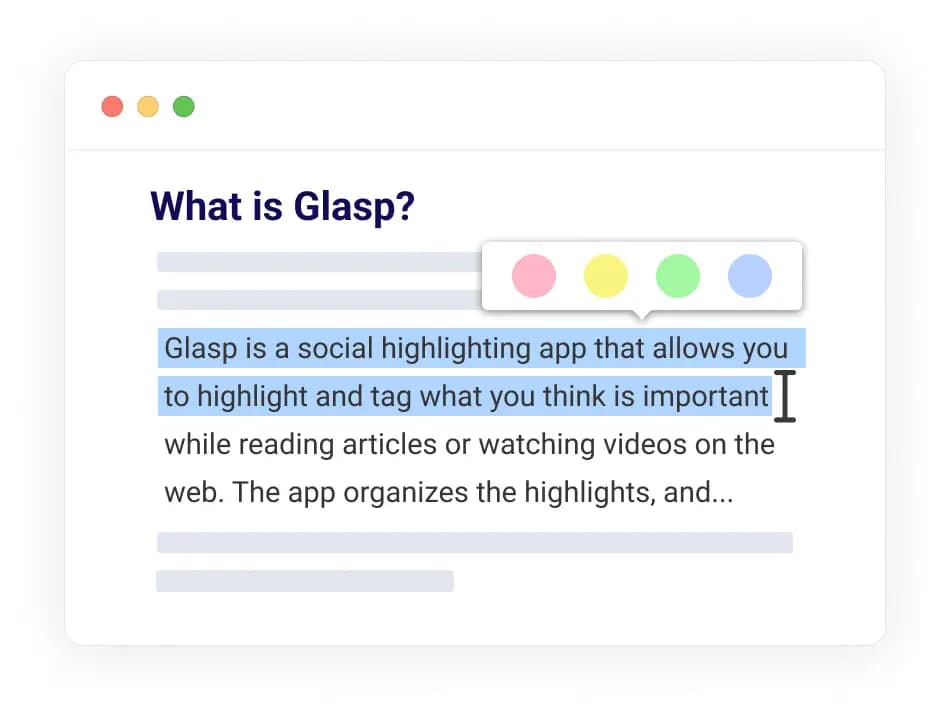
One click, in the tab you are already in. Highlight first and the summary is about what you flagged, not about the first three paragraphs.
Reading on your phone?
Share any link into the Glasp app and get an AI summary in the Reader — iPhone, iPad and Android.


Glasp summarizes any web article with ChatGPT or Claude without leaving the tab. Highlight the passages that matter first and Glasp hands them to the model as context, so the summary is shaped by your reading rather than by the article's opening argument. Summaries are stored with the source and your notes, and export to Notion, Obsidian, Markdown or CSV. Free monthly quota, no credit card.
Add Glasp to Chrome, Safari, Edge or Firefox and open any article you want to get through.
Optional, but this is what makes the summary yours: your passages are passed to the model as context.
Pick a model and click summarize. The summary is stored with the article and your highlights, and exports with them.
Select the passages that matter as you read. Those highlights are handed to the model with the page, so the summary is built around what you stopped at rather than around the lede.
Summarize with the GPT family or with Claude, and change your mind per article.
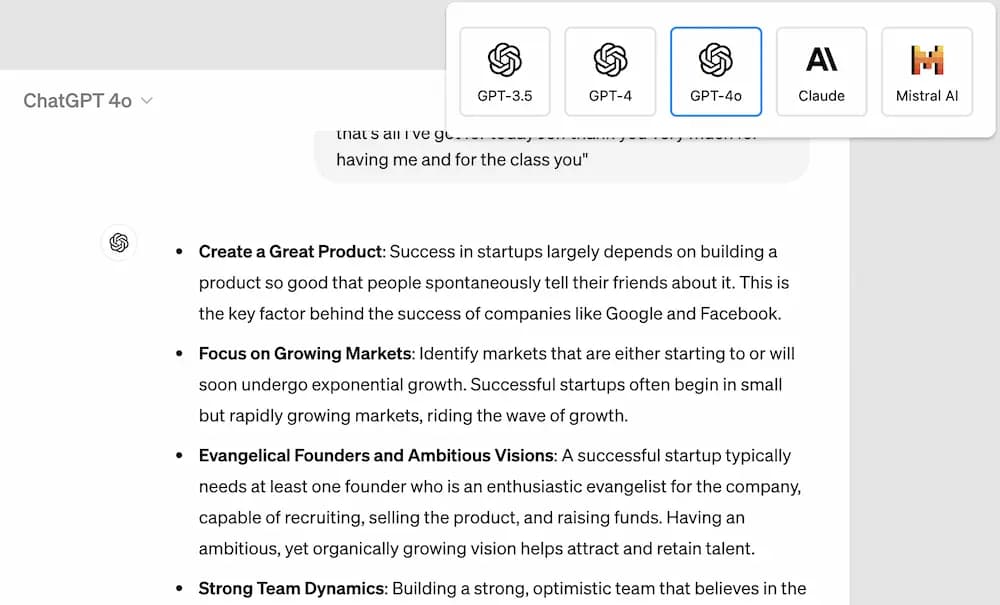
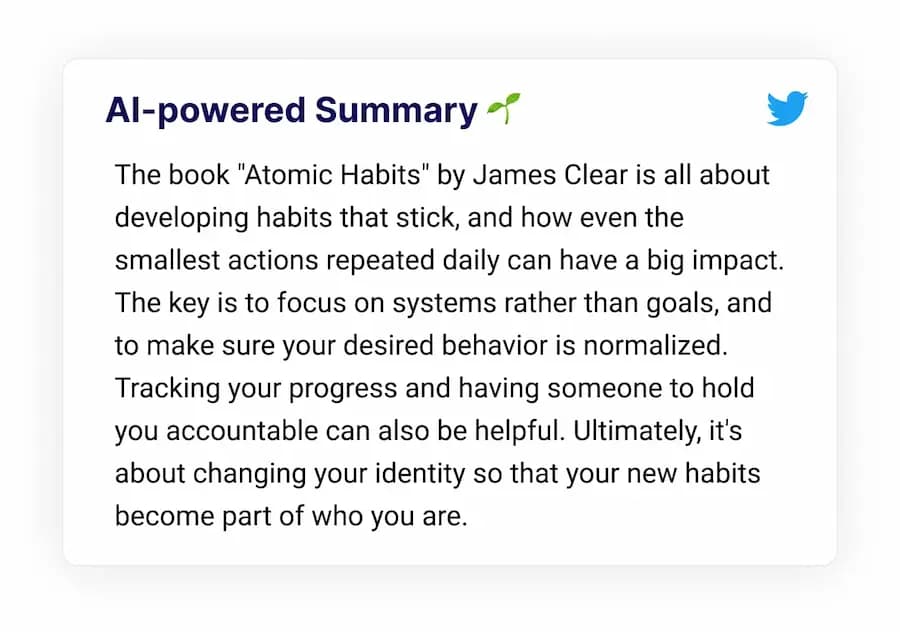
Months later the article comes back with its summary, your highlights and your notes attached — not as a bookmark you no longer recognize.
researchers, students, and lifelong learners highlight with Glasp.
“I love Glasp! I use it every time I read online articles. Highlighting with Glasp enforces me to actually read rather than scan through an article. I retain so much more info and can easily revisit my previously read articles to recall details and notes I've made.”

“I've researched every highlighting tool from Liner and Hypothesis to Instapaper and Pocket, and Glasp is the best hands-down. First, it creates a whole category of its own with social highlighting. This is important because it helps learners get recognized for finding amazing highlights, and it helps them connect with others who are learning the same thing at the same time. Also, it has the best highlighting workflow. While reading an article, you can select text in order to highlight and annotate without having to go to a different page. Furthermore, all of your highlights for a specific article appear on a right sidebar as you're reading, and they're easy to copy and paste into another note-taking app.”

“I used Instapaper but ended up hating it and stopped. There just wasn't a tool for me to continue using until Glasp. I was hooked immediately for the ease of use (highlight directly on the article web page), organized feed, and learning from others' highlights and notes. It makes sticking to learning something so easy and you can no longer find any excuses. Highly recommended to anyone who loves reading awesome articles or want to start forming such habit.”

It summarizes a web article with ChatGPT or Claude without leaving the tab the article is open in. If you have highlighted passages first, Glasp passes them to the model as context, so the summary reflects the parts you flagged rather than the opening paragraphs.
Yes. Every Glasp account includes a free monthly AI quota with no credit card. The pricing page has higher limits for heavy use.
Models from OpenAI (the GPT family) and Anthropic (Claude), refreshed as better ones ship.
Yes. Ask for it in the language you want and the model produces it there, whatever language the article is in.
If the article renders in your browser, Glasp can summarize what is on the page. It does not bypass paywalls.
Yes. Summaries travel with your highlights into Notion, Obsidian, Roam Research and mem.ai, or download as Markdown, HTML, CSV, plain text or JSON.
The same summarizer runs on both. See the PDF summary page for documents and the YouTube summary page for video, or the AI summary page for how personalization works across all of them.
More questions? Read the docs or email hi [at] glasp.co.
Add Glasp to your browser and summarize the article you already have open. It's free.
Start on your phone
Share any link into the Glasp app and get an AI summary in the Reader — iPhone, iPad and Android.