Products
Features
YouTube Video Summarizer
Summarize YouTube videos
Web & PDF Highlighter
Highlight web pages & PDFs
Chat with PDF
Ask any PDF questions with AI
Ask AI Clone
Chat with your highlights & memories
Audio Transcriber
Transcribe audio files to text
Glasp Reader
Read and highlight articles
Kindle Highlight Export
Export your Kindle highlights
Idea Hatch
Hatch ideas from your highlights
Integrations
Obsidian Plugin
Notion Integration
Pocket Integration
Instapaper Integration
Medium Integration
Readwise Integration
Snipd Integration
Hypothesis Integration
Apps & Extensions
Chrome Extension
Safari Extension
Edge Add-ons
Firefox Add-ons
iOS App
Android App
Discover
Discover
Ideas
Discover new ideas and insights
Articles
Curated articles and insights
Books
Book recommendations by great minds
Posts
Essays and notes from readers
Quotes
Inspiring quotes collection
Videos
Curated videos and summaries
Explore Glasp
Glasp Newsletter
Weekly insights and updates
Glasp Talk
Interview series with great minds
Glasp Blog
Latest news and articles
Glasp Use Cases
Learn how others use Glasp
Build & Support
Glasp API
Access Glasp's API for developers
MCP Connector
Connect Glasp to Claude & ChatGPT
Community
Glasp Reddit Community
Students
Student discount and benefits
FAQs
Frequently Asked Questions
AboutPricing
DashboardLog inSign up

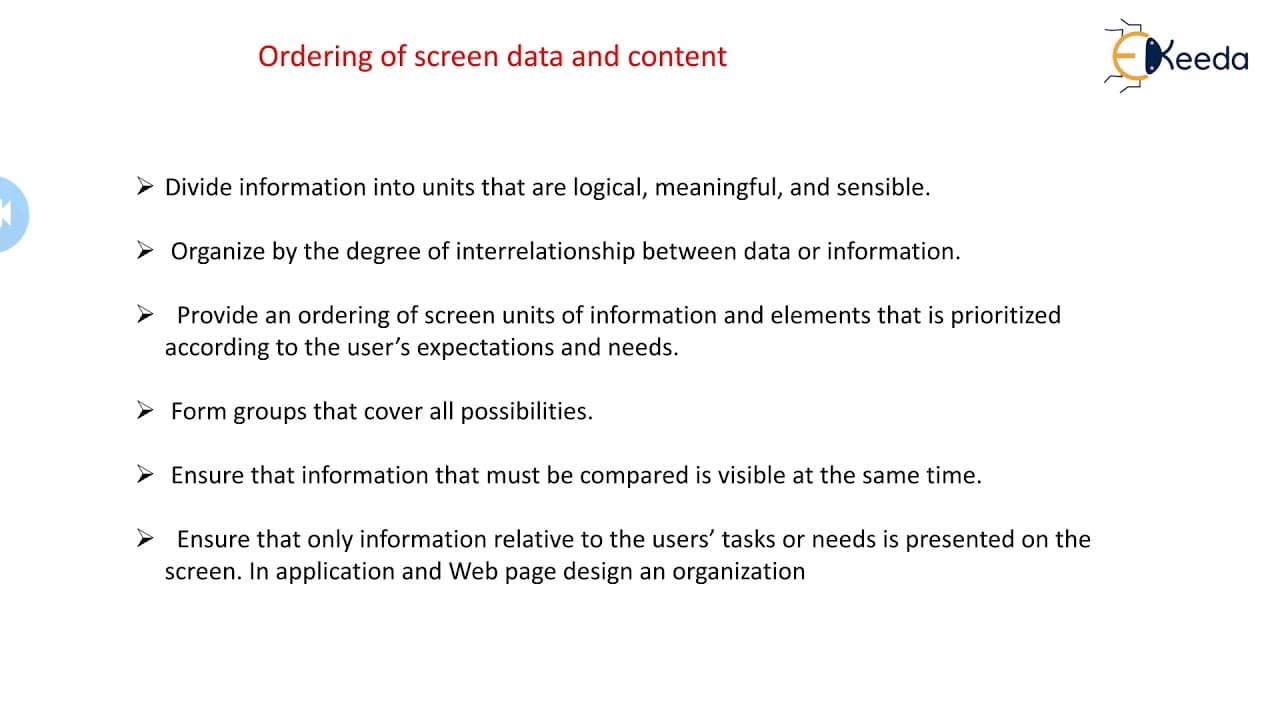
Organising Screen Elements and Ordering of Screen Data and Content
156 views
•
July 21, 2023
by
Ekeeda
YouTube video player
Organising Screen Elements and Ordering of Screen Data and Content

TL;DR

Organizing screen elements for visual clarity, consistency, and user accessibility is key to effective interface design.

Transcript

hello friends let us study about organizing the screen elements so organizing the screen elements is clearly and meaningfully so visual clarity is attained when those presentation components are composed and exhibited in a genuine and justifiable base so its screen components out helps you to give a certificate consistency that how your screen comp... Read More

Key Insights

  • 👤 Organizing screen elements enhances visual clarity and user accessibility.
  • 👤 Logical arrangement based on user needs improves interface design.
  • 🦻 Techniques like ordering, frequency, and importance aid in effective organization.
  • 👤 User engagement is impacted by the organization of screen elements.
  • 👤 User interaction influences how screen elements are arranged for better user experience.
  • ❓ Meaningful naming of components contributes to a clear and consistent interface.
  • 💁 Prioritizing information effectively is essential for organizing screen content.

Install to Summarize YouTube Videos and Get Transcripts

Explore YouTube Video Summarizer or Get YouTube Transcript Extractor

Questions & Answers

Q: Why is organizing screen elements important in interface design?

Organizing screen elements is crucial as it enhances visual clarity, consistency, and accessibility for users. It ensures a seamless user experience and helps in prioritizing information effectively.

Q: What are some key aspects of organizing screen content effectively?

Key aspects include logical arrangement based on user needs, meaningful naming of components, and utilizing techniques like ordering, frequency, and importance to enhance user accessibility.

Q: How does organizing screen elements impact user engagement?

Well-organized screen elements improve user engagement by providing a clear and consistent interface. It helps users easily navigate through the content, find relevant information, and enhances overall user experience.

Q: What role does user interaction play in the organization of screen elements?

User interaction plays a significant role as it influences how screen elements are arranged and presented. Understanding user needs and behavior helps in organizing content effectively to meet user expectations.

Summary & Key Takeaways

  • Organizing screen components with visual clarity and meaningful names enhances user experience.

  • Screen elements should be arranged logically based on user needs to improve accessibility.

  • Various techniques like ordering, frequency, and importance help in organizing screen content effectively.


Read in Other Languages (beta)

English

Share This Summary 📚

Summarize YouTube Videos and Get Video Transcripts with 1-Click

Download browser extensions on:

Try YouTube Summary with ChatGPT & Claude or YouTube Transcript Generator

Explore More Summaries from Ekeeda 📚

How Does Armature Resistance Control DC Motor Speed? thumbnail
How Does Armature Resistance Control DC Motor Speed?
Ekeeda
Short Circuit in a Bridge - Faults and Protection - High Voltage Direct Current Transmission thumbnail
Short Circuit in a Bridge - Faults and Protection - High Voltage Direct Current Transmission
Ekeeda
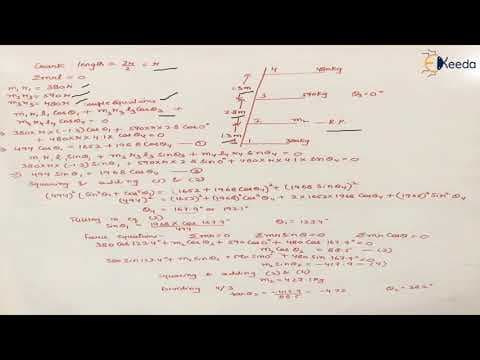
Balancing of Inline Engines Numericals - Balancing in Dynamics of Machinery - Dynamics of Machinery thumbnail
Balancing of Inline Engines Numericals - Balancing in Dynamics of Machinery - Dynamics of Machinery
Ekeeda
Numerical on Induced Voltage - Part 2 - Synchronous Machine - Electrical Machines - IV thumbnail
Numerical on Induced Voltage - Part 2 - Synchronous Machine - Electrical Machines - IV
Ekeeda
Design Of Knuckle Joint Design Aspects And Formulae In Knuckle Joint - Design Against Static Loads thumbnail
Design Of Knuckle Joint Design Aspects And Formulae In Knuckle Joint - Design Against Static Loads
Ekeeda
Node Analysis with Dependent Sources Problem 3 | DC Circuits and Network Theorems | EXTC Engineering thumbnail
Node Analysis with Dependent Sources Problem 3 | DC Circuits and Network Theorems | EXTC Engineering
Ekeeda

Summarize YouTube Videos and Get Video Transcripts with 1-Click

Download browser extensions on:

Try YouTube Summary with ChatGPT & Claude or YouTube Transcript Generator

Apps & Extensions

  • Chrome Extension
  • Safari Extension
  • Edge Add-ons
  • Firefox Add-ons
  • iOS App
  • Android App

Key Features

  • YouTube Video Summarizer
  • Web & PDF Summarizer
  • Web & PDF Highlighter
  • Chat with PDF
  • Ask AI Clone
  • Audio Transcriber
  • Glasp Reader
  • Kindle Highlight Export
  • Idea Hatch

Integrations

  • Obsidian Plugin
  • Notion Integration
  • Pocket Integration
  • Instapaper Integration
  • Medium Integration
  • Readwise Integration
  • Snipd Integration
  • Hypothesis Integration

More Features

  • APIs
  • MCP Connector
  • Blog & Post
  • Embed Links
  • Image Highlight
  • Personality Test
  • Quote Shots

Company

  • About us
  • Blog
  • Community
  • FAQs
  • Job Board
  • Newsletter
  • Pricing
Terms

•

Privacy

•

Guidelines

© 2026 Glasp Inc. All rights reserved.