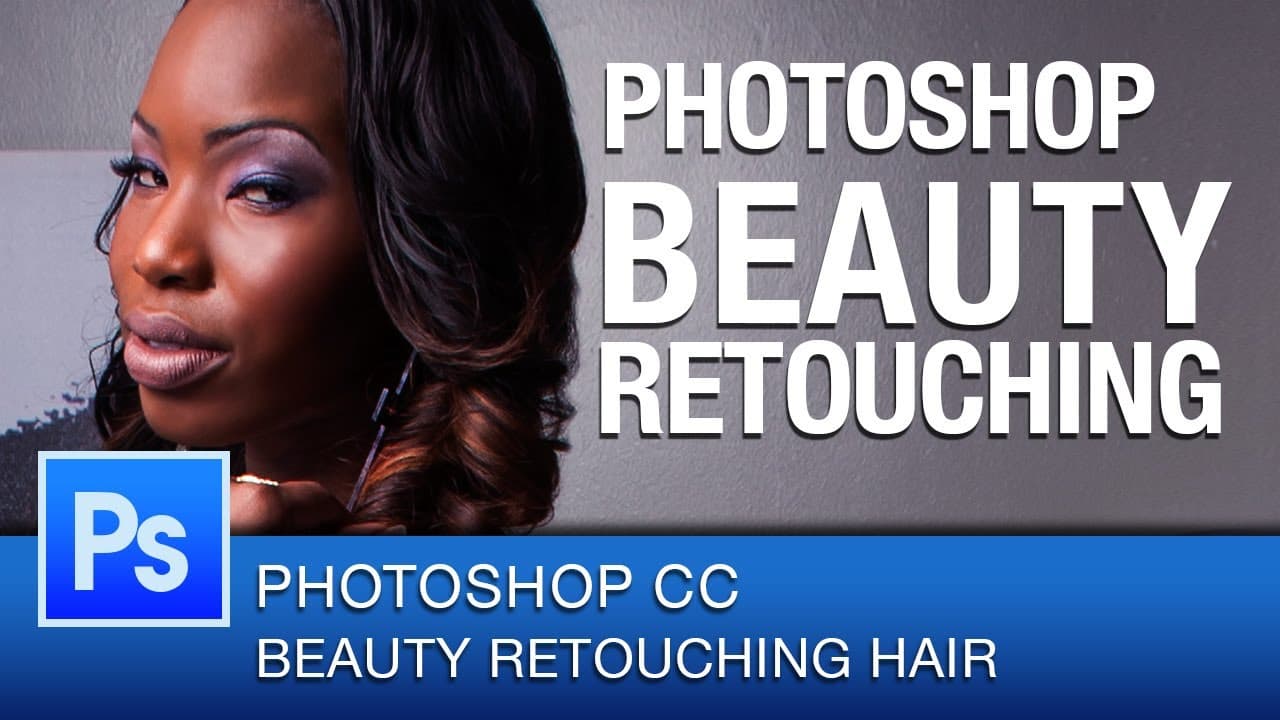
Photoshop Beauty Retouching Hair | Photoshop CC
TL;DR
Learn how to retouch hair in Photoshop for beauty portraits.
Transcript
hey everyone this is roberto blake and welcome to another photoshop CC beauty routing tutorial today we're going to be doing a retouching focus on beautiful hair and that means we're going to be eliminating as many stray hairs as we can cleaning up the hairline and also bring out some contrast and highlights in the hair today we're going to be usin... Read More
Key Insights
- 👱 Retouching hair involves eliminating stray hairs and cleaning up the hairline for a polished look.
- 👱 Adding contrast and highlights to the hair can enhance the overall appearance of the image.
- 🚱 Non-destructive editing is crucial for maintaining the integrity of the original photograph.
- 👱 Using the clone stamp tool and healing brushes facilitates precise and effective hair retouching.
- 👻 Working with layers and blend modes allows for more control over the retouching process.
- 💇 Retouching stray hairs can significantly improve the overall quality of a beauty portrait.
- ❓ Utilizing a Wacom tablet for retouching tasks can enhance precision and efficiency.
Install to Summarize YouTube Videos and Get Transcripts
Explore YouTube Video Summarizer or Get YouTube Transcript Extractor
Questions & Answers
Q: What is the primary focus of this Photoshop tutorial?
The main focus is retouching hair in beauty portraits by eliminating stray hairs, cleaning up the hairline, and enhancing contrast and highlights.
Q: Who is the photographer whose work is being featured in this tutorial?
The photographer is John Covington, known for his fantastic photography work showcased throughout the tutorial.
Q: What tools are recommended for retouching hair non-destructively?
The clone stamp tool, healing brush, and spot healing brush are recommended for non-destructive hair retouching in Photoshop.
Q: Why is it essential to work on a blank layer while retouching hair?
Working on a blank layer preserves the original image, allowing for non-destructive editing and greater control over the retouching process.
Summary & Key Takeaways
-
Focus on retouching beautiful hair in Photoshop.
-
Eliminate stray hairs, clean up hairline, add contrast and highlights.
-
Using photography by John Covington for demonstration.
Read in Other Languages (beta)
Share This Summary 📚
Summarize YouTube Videos and Get Video Transcripts with 1-Click
Try YouTube Summary with ChatGPT & Claude or YouTube Transcript Generator
Explore More Summaries from Roberto Blake 📚






Summarize YouTube Videos and Get Video Transcripts with 1-Click
Try YouTube Summary with ChatGPT & Claude or YouTube Transcript Generator