Photoshop Refine Edge Masking Tutorial | Photoshop CC
TL;DR
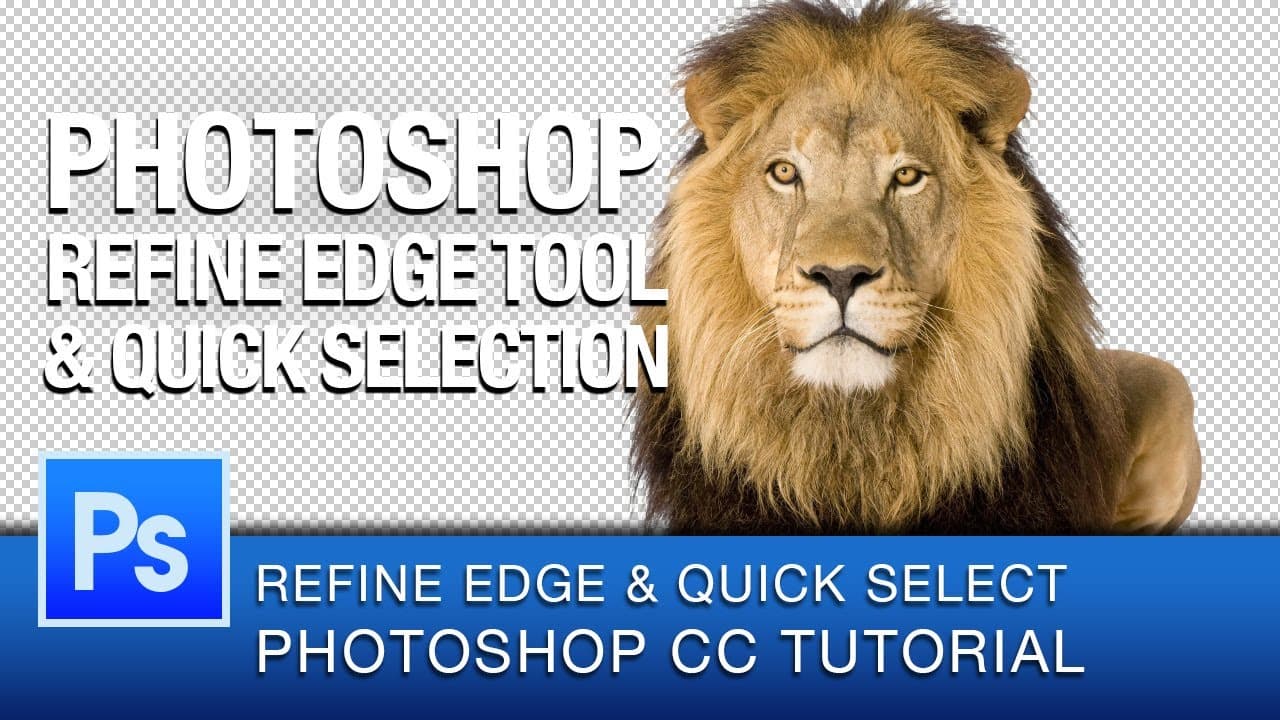
This tutorial teaches how to use the quick selection and refine edge tools in Photoshop CC to mask out images with complex elements such as fur or hair.
Transcript
hey everyone this is Roberto Blake and welcome to another Photoshop CC tutorial video in this tutorial I'll be showing you how to use the quick selection tool as well as the refin edge tool and how to use the different options in the refine Edge tool panel if you're just finding my channel for the first time don't forget to subscribe to get new Pho... Read More
Key Insights
- 😷 The quick selection and refine edge tools in Photoshop CC are effective for masking out complex elements like fur or hair.
- 😷 The refine edge tool offers various view modes to preview and refine the mask.
- 😷 Adjusting options like contrast, feathering, and decontamination can improve the accuracy and quality of the mask.
- 🐎 Using a wake them tablet can enhance the speed and comfort of the masking process.
- ❓ The tutorial suggests experimenting with different settings to achieve the desired results.
- 😷 The resulting mask can be applied to a new layer with a layer mask for further editing or compositing.
- 🎨 The quick selection and refine edge tools are useful for various design projects, including retouching and speed art.
Install to Summarize YouTube Videos and Get Transcripts
Explore YouTube Video Summarizer or Get YouTube Transcript Extractor
Questions & Answers
Q: How does the quick selection tool in Photoshop CC simplify the process of removing objects from a background?
The quick selection tool allows users to make a selection by simply brushing over the area they want to select, making it easier to remove objects from a background without the need for precise manual selection.
Q: How does the refine edge tool improve the accuracy of the selection?
The refine edge tool provides options such as smart radius and refinement brush to create a more detailed and refined selection, especially for complex elements like fur or hair.
Q: What is the purpose of the contrast adjustment option in the refine edge tool panel?
The contrast adjustment option helps refine the mask by increasing or decreasing the contrast between the subject and the background, allowing for more accurate selection and smoother edges.
Q: How does the decontaminate colors option in the refine edge tool panel work?
The decontaminate colors option helps remove any color bleeding or contamination from the background by adjusting the colors along the edge of the selection to match the subject more accurately.
Summary & Key Takeaways
-
The tutorial demonstrates how to use the quick selection tool to make a selection and remove objects from a background.
-
The refine edge tool is then used to further refine the selection and create a more detailed and refined mask.
-
Additional options such as contrast adjustment, feathering, and decontamination of colors are explored to enhance the mask.
Read in Other Languages (beta)
Share This Summary 📚
Summarize YouTube Videos and Get Video Transcripts with 1-Click
Try YouTube Summary with ChatGPT & Claude or YouTube Transcript Generator
Explore More Summaries from Roberto Blake 📚






Summarize YouTube Videos and Get Video Transcripts with 1-Click
Try YouTube Summary with ChatGPT & Claude or YouTube Transcript Generator