How Can MyLens Help Create Mind Maps and Timelines?
TL;DR
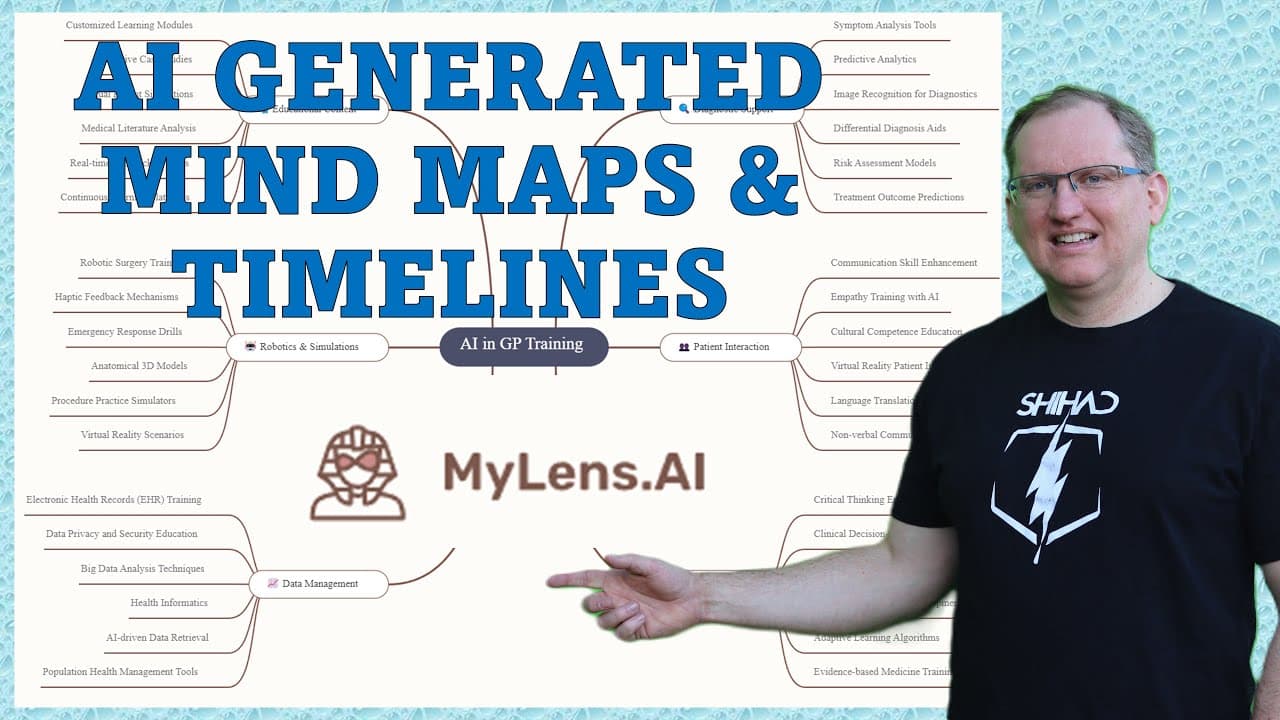
MyLens is an AI tool that creates timelines, mind maps, and quadrants, streamlining educational and business tasks. It's particularly useful for educators designing historical timelines, students developing study guides, and business analysts visualizing strategies, while allowing for user-generated customization to enhance presentations.
Transcript
hi friends welcome back to the channel today we're looking at a neat little AI tool particularly if you are an education but there's some quite nice applications elsewhere as well so this is my lens and we can see here it's got three different things that it can do so timelines mind maps and quadrants we'll take a look at each of those they've got ... Read More
Key Insights
- 💁 The AI tool enhances educational experiences by converting complex information into understandable visuals, benefiting students and educators alike.
- 👤 Timelines can effectively track historical developments, offering users a simple yet powerful means of visualizing chronological data.
- 🤯 Mind mapping promotes logical structuring of concepts, facilitating better idea generation and information categorization for both teaching and learning purposes.
- 👻 The quadrant feature assists in strategic analysis, allowing users to visualize data relationships that inform business decisions.
- 💁 Users noted that the tool reduces cognitive load by consolidating information, making it especially useful for research and presentations.
- 👶 The platform exhibits potential for growth, with a possibility of introducing new features and updates in response to user needs.
- 👤 Feedback from users suggests that the visual quality of outputs is satisfactory, encouraging adoption in various professional realms.
Install to Summarize YouTube Videos and Get Transcripts
Explore YouTube Video Summarizer or Get YouTube Transcript Extractor
Questions & Answers
Q: How can educators benefit from the AI tool's features?
Educators can utilize the AI tool to create engaging historical timelines that enhance lessons about important events. Additionally, they can develop interactive mind maps to help students organize information conceptually, making complex subjects easier to digest and understand. The tool fosters creativity and aids retention by providing visual aids that complement traditional teaching methods.
Q: What are some potential applications for business analysts using this tool?
Business analysts can take advantage of the quadrant feature to evaluate business strategies by plotting data on relevant axes. This visual representation aids in identifying strengths, weaknesses, opportunities, and threats, thereby supporting strategic planning. Additionally, the ability to create mind maps allows analysts to systematically explore and summarize data, leading to improved decision-making processes.
Q: What limitations are associated with the free version of the AI tool?
The free version of the AI tool limits users to three stories per day and restricts the inputs to a lower character count, which might affect the depth and detail of generated content. Users who require more extensive capabilities, like unlimited story generation and larger inputs, may find the subscription option more beneficial, allowing for intensive use and more comprehensive outputs.
Q: Can the timelines and mind maps generated be shared or downloaded?
Yes, the AI tool enables users to share and download the content they create, including timelines and mind maps. Users can export their generated visuals as PNG graphics, making it convenient to incorporate them into presentations or share them with others for collaborative purposes. This feature enhances usability and encourages collaboration among teams.
Summary & Key Takeaways
-
The AI tool provides three main features: timelines, mind maps, and quadrants, making it valuable for educators and business analysts alike.
-
Use cases include creating historical timelines for lessons, developing study guides through mind mapping, and analyzing business strategies with quadrant presentations.
-
The tool encourages user interaction and content customization, allowing for deeper exploration and presentation of various subject matters.
Read in Other Languages (beta)
Share This Summary 📚
Summarize YouTube Videos and Get Video Transcripts with 1-Click
Try YouTube Summary with ChatGPT & Claude or YouTube Transcript Generator
Explore More Summaries from Dr Lyndon Walker 📚






Summarize YouTube Videos and Get Video Transcripts with 1-Click
Try YouTube Summary with ChatGPT & Claude or YouTube Transcript Generator