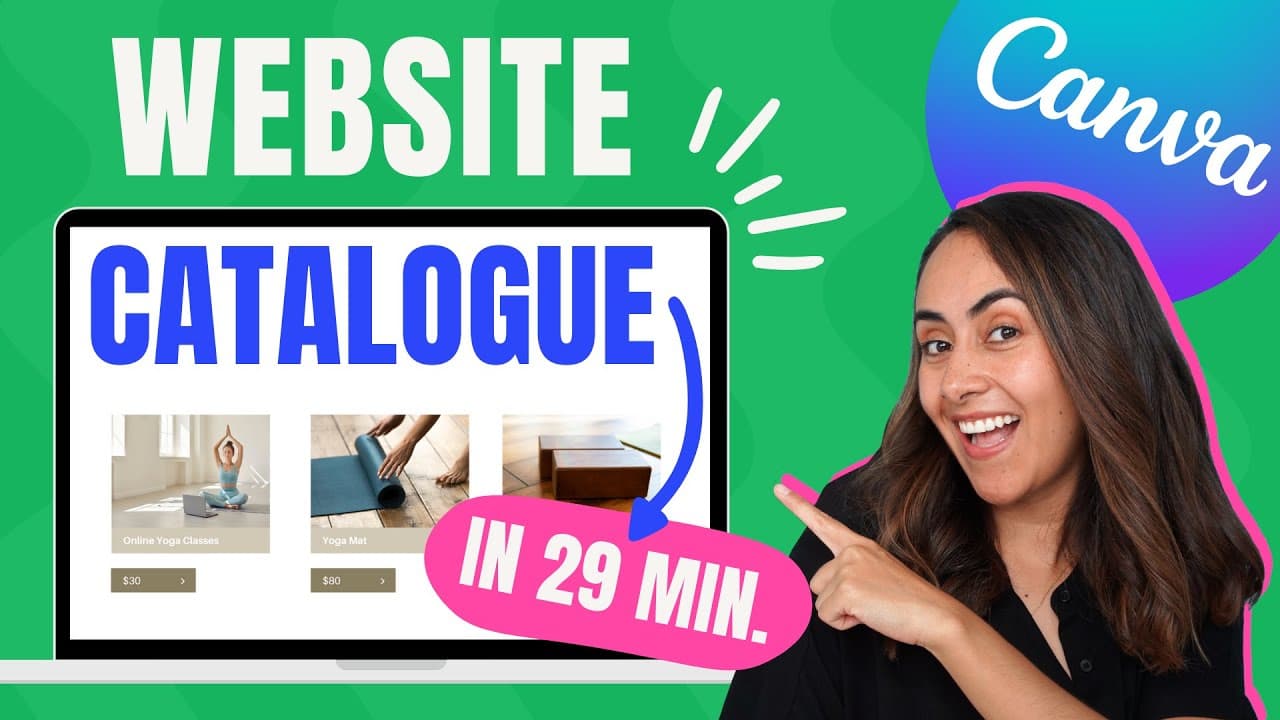
How to Create a Digital Catalogue Website with Canva?
TL;DR
To create a digital catalogue website using Canva, choose a suitable template, customize it with your branding, and add buttons for PayPal payments and WhatsApp communication. You can publish your site for free on a Canva domain, and it will be responsive on desktop, tablet, and mobile devices.
Transcript
if you have a small business and you need a website or a digital catalog like this one so you can promote your products or services this tutorial is for you today i'm going to show you step by step how to create these websites in canva and i'm also going to show you how to create buttons so you can receive payments via paypal and also i'm going to ... Read More
Key Insights
- 👤 Canva offers a user-friendly platform for creating websites with templates and customization options.
- 📁 Integration of PayPal buttons enables direct payment processing on Canva websites.
- 👻 WhatsApp integration allows seamless communication with potential clients for purchasing inquiries.
- 🥶 Different publishing options cater to varying user needs, from free domain hosting to connecting existing domains.
- 🚗 Canva websites are responsive and can be previewed on desktop, tablet, and mobile devices.
- ❓ Customizing colors and layouts in Canva editor enhances the visual appeal of websites.
- 😑 Utilizing pre-filled messages in WhatsApp links streamlines communication with customers for specific products or services.
Install to Summarize YouTube Videos and Get Transcripts
Explore YouTube Video Summarizer or Get YouTube Transcript Extractor
Questions & Answers
Q: How can Canva help in creating websites for small businesses?
Canva offers templates and tools to easily design and customize websites for promoting products or services for small businesses.
Q: What are the steps involved in creating buttons for PayPal integration on a Canva website?
To create PayPal buttons on a Canva website, users can generate custom PayPal links and add them to buttons using the link function in the Canva editor.
Q: How can WhatsApp integration be achieved on Canva websites?
Users can generate WhatsApp links with pre-filled messages for specific products or services and add them to WhatsApp buttons on a Canva website for direct communication.
Q: What are the different publishing options for Canva websites?
Canva provides options to publish websites on a free Canva domain, purchase a new domain directly through Canva, or connect an existing domain for users with Canva Pro.
Summary & Key Takeaways
-
Detailed tutorial on creating websites in Canva.
-
Includes steps for website customization and button creation for PayPal and WhatsApp integration.
-
Explains publishing options for Canva websites.
Read in Other Languages (beta)
Share This Summary 📚
Summarize YouTube Videos and Get Video Transcripts with 1-Click
Try YouTube Summary with ChatGPT & Claude or YouTube Transcript Generator
Explore More Summaries from Design with Canva 📚






Summarize YouTube Videos and Get Video Transcripts with 1-Click
Try YouTube Summary with ChatGPT & Claude or YouTube Transcript Generator