Trying to Learn Neumorphism Design - Building a Login Form
TL;DR
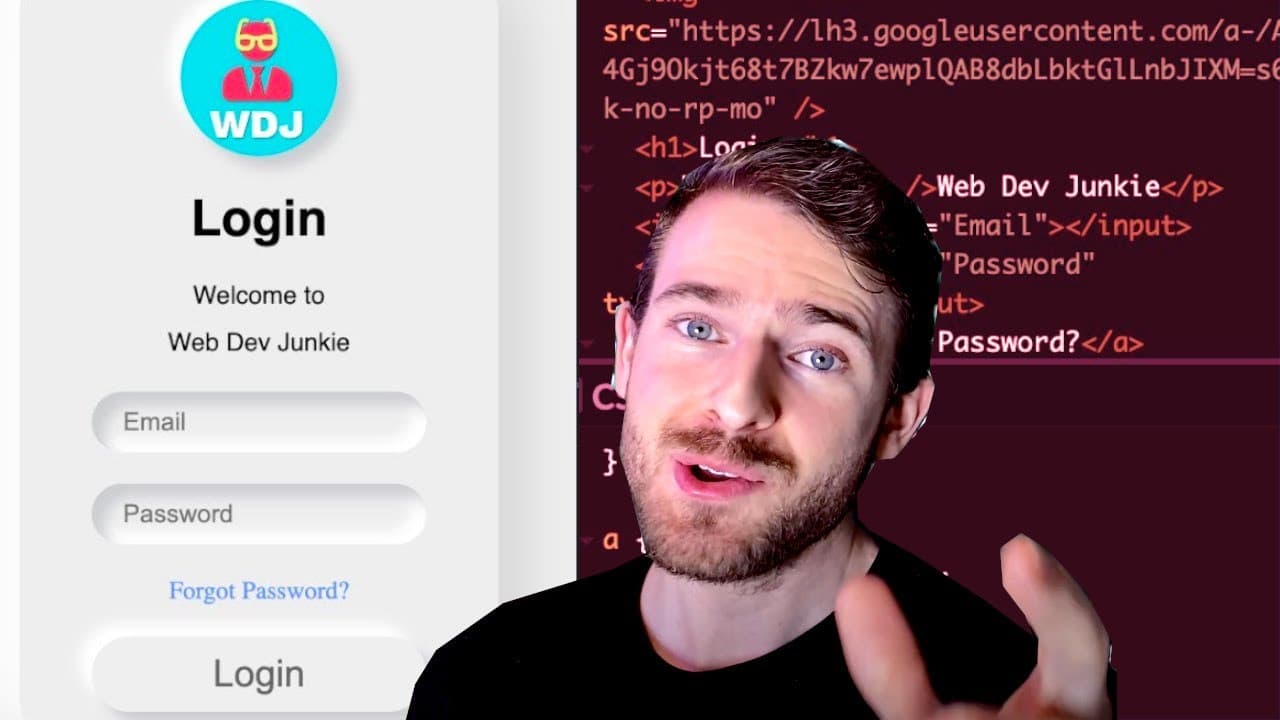
The video explores neumorphism in UI design, demonstrating its application through coding.
Transcript
what is up everyone welcome back i hope you guys are having a great day this video is a really informal video where i'm going to try to just learn a little bit about new morphism because i haven't created any uis that use this design style and i don't know if this is popular or not i just see it pop up a couple times on like different social media ... Read More
Key Insights
- 👀 Neumorphism creates depth in UI through visual effects that simulate 3D looks, largely using box shadows.
- 👻 The practical experimentation process is vital for understanding design, as it allows for realistic application of concepts learned theoretically.
- 🎨 Accessibility is a crucial consideration in design; elements must be visually distinct and easy to interact with, even when employing stylistic choices like neumorphism.
- 〽️ CSS parameters such as blur, distance, and shadow can drastically alter the appearance of elements, necessitating iterative adjustments.
- 👨💻 The video illustrates the learning curve associated with integrating design styles into coding practice, demonstrating trial and error in real-time.
- 🖐️ Flexbox plays an influential role in layout decisions; it affects how elements align and stack within the design, requiring awareness of its properties.
- 🎨 The creator's enthusiasm for enhancing design skills reflects the broader desire among developers to bridge the gap between coding and aesthetic design.
Install to Summarize YouTube Videos and Get Transcripts
Explore YouTube Video Summarizer or Get YouTube Transcript Extractor
Questions & Answers
Q: What is neumorphism and how is it used in UI design?
Neumorphism is a design trend that blends inset and outset shadows to create a soft, three-dimensional effect, giving UI components like buttons and input fields a ‘pressed’ or ‘raised’ appearance. It relies heavily on CSS properties, such as box shadows, to achieve this visual illusion, ultimately aiming to create a more tactile, engaging user interface.
Q: What challenges did the creator face while implementing neumorphism?
The creator encountered various difficulties, such as ensuring input fields contrasted adequately with the background for accessibility, as well as achieving the right shadow effects and dimensions for components to look aesthetically pleasing. Additionally, understanding how CSS Flexbox affects the layout posed challenges, particularly with component alignment and spacing.
Q: Why does the creator express concerns about accessibility in neumorphic designs?
The creator noted that neumorphic designs can sometimes lack sufficient contrast between elements, making it difficult for users with visual impairments to distinguish between interactive components like buttons and backgrounds. This highlights the importance of ensuring that designs not only appeal visually but also remain functional and accessible for all users.
Q: What insights did the creator gain about the process of learning design?
The creator discovered that through hands-on experimentation and coding, they could slowly improve their understanding of design principles like neumorphism. The experience reinforced that practicing by creating functional designs is crucial to enhancing one's skills, as well as understanding the underlying CSS mechanisms that drive these styles.
Summary & Key Takeaways
-
The creator introduces neumorphism, a design style focusing on soft, inset shadows to create visual depth in UI components, while expressing a desire to improve design skills through practice.
-
Throughout the video, the creator experiments with a generator to adjust parameters like size, blur, and shadows, showcasing the challenges and insights encountered while building a neumorphic login form.
-
The discussion touches on accessibility issues related to neumorphism, emphasizing the need for elements like buttons to stand out distinctly against their backgrounds.
Read in Other Languages (beta)
Share This Summary 📚
Summarize YouTube Videos and Get Video Transcripts with 1-Click
Try YouTube Summary with ChatGPT & Claude or YouTube Transcript Generator
Explore More Summaries from Web Dev Cody 📚





Summarize YouTube Videos and Get Video Transcripts with 1-Click
Try YouTube Summary with ChatGPT & Claude or YouTube Transcript Generator