Products
Features
YouTube Video Summarizer
Summarize YouTube videos
Web & PDF Highlighter
Highlight web pages & PDFs
Chat with PDF
Ask any PDF questions with AI
Ask AI Clone
Chat with your highlights & memories
Audio Transcriber
Transcribe audio files to text
Glasp Reader
Read and highlight articles
Kindle Highlight Export
Export your Kindle highlights
Idea Hatch
Hatch ideas from your highlights
Integrations
Obsidian Plugin
Notion Integration
Pocket Integration
Instapaper Integration
Medium Integration
Readwise Integration
Snipd Integration
Hypothesis Integration
Apps & Extensions
Chrome Extension
Safari Extension
Edge Add-ons
Firefox Add-ons
iOS App
Android App
Discover
Discover
Ideas
Discover new ideas and insights
Articles
Curated articles and insights
Books
Book recommendations by great minds
Posts
Essays and notes from readers
Quotes
Inspiring quotes collection
Videos
Curated videos and summaries
Explore Glasp
Glasp Newsletter
Weekly insights and updates
Glasp Talk
Interview series with great minds
Glasp Blog
Latest news and articles
Glasp Use Cases
Learn how others use Glasp
Build & Support
Glasp API
Access Glasp's API for developers
MCP Connector
Connect Glasp to Claude & ChatGPT
Community
Glasp Reddit Community
Students
Student discount and benefits
FAQs
Frequently Asked Questions
AboutPricing
DashboardLog inSign up

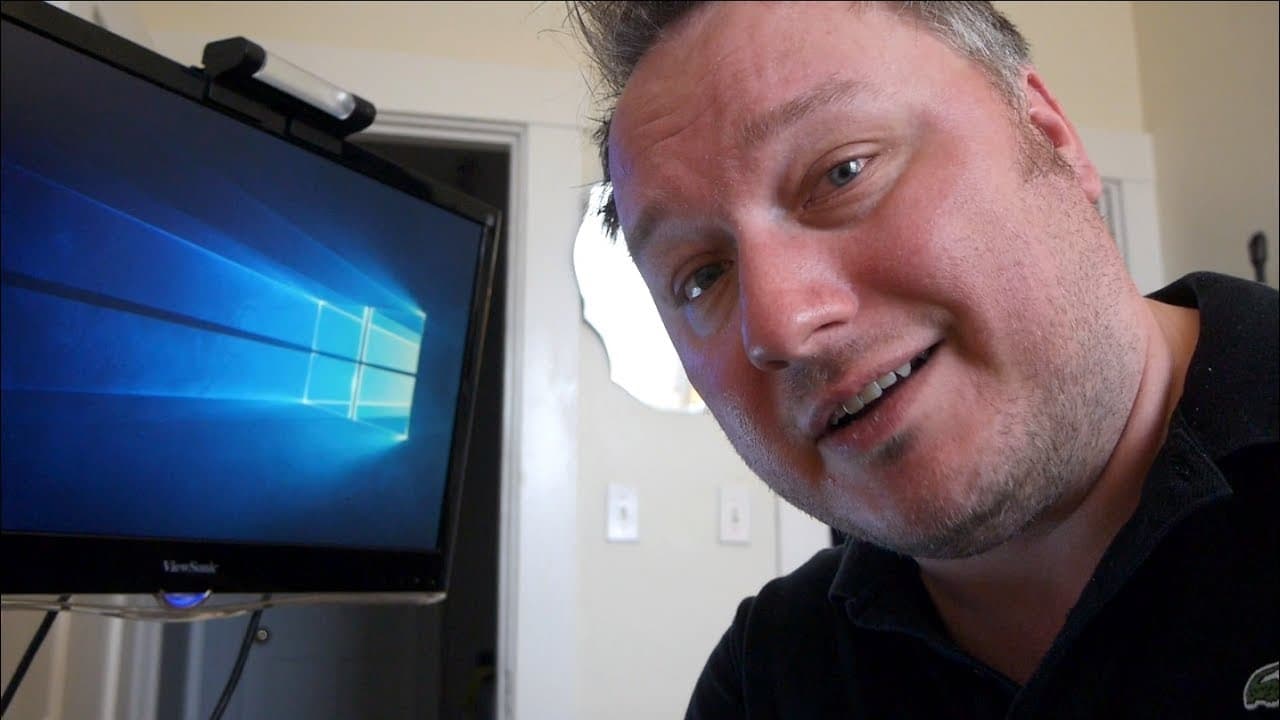
Doug mirrors Android in Windows and records it
June 24, 2017
by
TechCrunch
YouTube video player
Doug mirrors Android in Windows and records it

TL;DR

Learn how to easily and for free sling your Android phone onto your computer screen and record it using existing software on your computer.

Transcript

what what it what is this how did how is this expensive and complicated no I just slung my android phone up onto my computer screen for free using software I already have on my computer I can also record it for free think of your next presentation you sling your phone up on to the big projector everyone gasps and all oh my god how did he do that an... Read More

Key Insights

  • 💻 It is possible to mirror an Android phone onto a computer screen using Windows 10 and the Connect app.
  • 🥶 This method is free and requires no additional software or equipment.
  • 🎮 The video recording feature within the game bar on Windows allows you to record any content displayed on your computer screen.
  • ❓ This method is ideal for presentations and sharing content with others.
  • 😀 The Connect app and screen mirroring feature may have different names on various Android devices.
  • 💦 Windows 10 with the Anniversary Update is necessary for this method to work.
  • 📁 The recorded video file can be found in the "captures" folder within the "videos" folder on your computer.

Install to Summarize YouTube Videos and Get Transcripts

Explore YouTube Video Summarizer or Get YouTube Transcript Extractor

Questions & Answers

Q: What do I need to perform this method?

You need a relatively new Android phone (such as Samsung Galaxy S6) and Windows 10 with the Anniversary Update installed.

Q: Can I use this method for presentations?

Yes, you can sling your phone onto a projector and use it for presentations.

Q: How do I mirror my Android screen onto my computer?

Open the Connect app on Windows, then go to the cast/stream/magic/cool view option on your Android phone and connect to your computer on the same Wi-Fi network.

Q: Where can I find the recorded video file?

The recorded video file will be saved in the "captures" folder within the "videos" folder on your computer.

Summary & Key Takeaways

  • Use the Connect app on Windows 10 with the Anniversary Update to mirror your Android phone onto your computer screen.

  • Tap on the cast/stream/magic/cool view option on your phone and connect to your computer through the same Wi-Fi network.

  • Record the mirrored Android screen by using the game bar on Windows, which allows you to record any content on your computer.


Read in Other Languages (beta)

English

Share This Summary 📚

Summarize YouTube Videos and Get Video Transcripts with 1-Click

Download browser extensions on:

Try YouTube Summary with ChatGPT & Claude or YouTube Transcript Generator

Explore More Summaries from TechCrunch 📚
Tesla Now Valued More Than Ford | Crunch Report thumbnail
Tesla Now Valued More Than Ford | Crunch Report
TechCrunch
Founder Stories with Taavet Hinrikus (Transferwise) thumbnail
Founder Stories with Taavet Hinrikus (Transferwise)
TechCrunch
How Do I Exit and What Happens Next with Justin Kan, Jess Lee and Mike Marquez thumbnail
How Do I Exit and What Happens Next with Justin Kan, Jess Lee and Mike Marquez
TechCrunch
Bozoma Saint John has a Lot to do at Uber | Disrupt SF 2017 thumbnail
Bozoma Saint John has a Lot to do at Uber | Disrupt SF 2017
TechCrunch
Getting to Know Cities with Citymapper's Azmat Yusuf at Disrupt London 2016 thumbnail
Getting to Know Cities with Citymapper's Azmat Yusuf at Disrupt London 2016
TechCrunch
Landing Stephen Curry’s SC30 Inc. as an Investor with Stephen Curry thumbnail
Landing Stephen Curry’s SC30 Inc. as an Investor with Stephen Curry
TechCrunch

Summarize YouTube Videos and Get Video Transcripts with 1-Click

Download browser extensions on:

Try YouTube Summary with ChatGPT & Claude or YouTube Transcript Generator

Apps & Extensions

  • Chrome Extension
  • Safari Extension
  • Edge Add-ons
  • Firefox Add-ons
  • iOS App
  • Android App

Key Features

  • YouTube Video Summarizer
  • Web & PDF Summarizer
  • Web & PDF Highlighter
  • Chat with PDF
  • Ask AI Clone
  • Audio Transcriber
  • Glasp Reader
  • Kindle Highlight Export
  • Idea Hatch

Integrations

  • Obsidian Plugin
  • Notion Integration
  • Pocket Integration
  • Instapaper Integration
  • Medium Integration
  • Readwise Integration
  • Snipd Integration
  • Hypothesis Integration

More Features

  • APIs
  • MCP Connector
  • Blog & Post
  • Embed Links
  • Image Highlight
  • Personality Test
  • Quote Shots

Company

  • About us
  • Blog
  • Community
  • FAQs
  • Job Board
  • Newsletter
  • Pricing
Terms

•

Privacy

•

Guidelines

© 2026 Glasp Inc. All rights reserved.