Best Real time Collaboration Tools for Content Creators (Adobe Express)
TL;DR
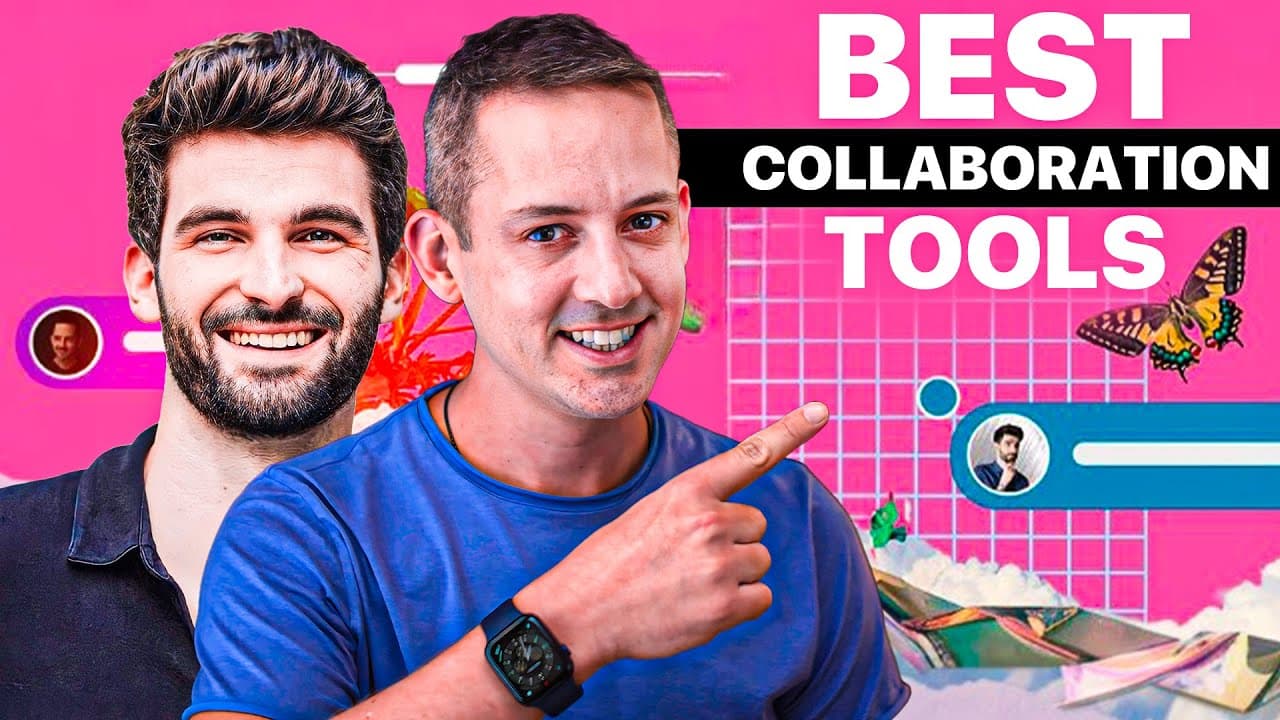
Create an Instagram Carousel collaboratively using Adobe Express with a friend, enhancing reach and engagement.
Transcript
look how cool this is Lucas and I are collaborating together on a design in real time Adobe Express the sponsor for this video is the perfect tool for Content creators when it comes to a lot of things and collaboration is one of those things let's explore that in a few other tools and even our workflow today which I know you're going to l... Read More
Key Insights
- 🎨 Google Docs is an effective tool for brainstorming and capturing ideas collaboratively before transitioning to design.
- ⌛ Adobe Express enables real-time collaboration, streamlining the design process and facilitating effective communication.
- ✊ Posting collaboratively designed content on Instagram can enhance reach and engagement, showcasing the power of partnerships in content creation.
- 💦 Leveraging Adobe Express for both work-related and personal projects highlights the platform's versatility in collaborative design.
- 🥺 Collaborating with creative partners like Phil and Lucas can lead to increased efficiency, creative synergy, and enhanced audience engagement.
- 💬 Tracking changes, leaving comments, and seamless communication in Adobe Express make the collaboration process smooth and effective.
- 🎆 Adobe Express's features are not limited to work-related tasks, as it can be effectively used for planning personal celebrations and events with friends and family.
Install to Summarize YouTube Videos and Get Transcripts
Explore YouTube Video Summarizer or Get YouTube Transcript Extractor
Questions & Answers
Q: How do Phil and Lucas use Google Docs in their collaborative design process?
Phil and Lucas start by jotting down ideas in Google Docs, enabling a seamless brainstorming phase without worrying about formatting or design. This approach allows them to focus solely on the content creation aspect.
Q: What advantages did Adobe Express bring to the collaborative design process?
Adobe Express facilitated real-time collaboration for Phil and Lucas, allowing them to work on the design together efficiently. Features like tagging for feedback and communication streamlined the process, enhancing productivity and creativity.
Q: How did Phil and Lucas leverage Instagram for collaborative content creation?
By posting a collaboratively designed Carousel on Instagram, Phil and Lucas were able to leverage the platform's collaborative features to reach each other's audiences. This resulted in significant engagement metrics, showcasing the success of their collaboration.
Q: How can Adobe Express's collaboration feature be used for non-work-related purposes?
Lucas suggests using Adobe Express for planning life celebrations like weddings, where friends and family can collaborate on the design, share input, and contribute to the joy of the event, showcasing the versatile uses of the platform.
Summary & Key Takeaways
-
Phil Palin and Lucas O'Keefe collaborate in real-time using Adobe Express to design an Instagram Carousel.
-
They utilize Google Docs to brainstorm ideas, then transition to Adobe Express for real-time designing and collaboration.
-
The process culminates in a successful Instagram post with impressive engagement metrics, showcasing the power of collaborative content creation.
Read in Other Languages (beta)
Share This Summary 📚
Summarize YouTube Videos and Get Video Transcripts with 1-Click
Try YouTube Summary with ChatGPT & Claude or YouTube Transcript Generator
Explore More Summaries from Phil Pallen 📚






Summarize YouTube Videos and Get Video Transcripts with 1-Click
Try YouTube Summary with ChatGPT & Claude or YouTube Transcript Generator