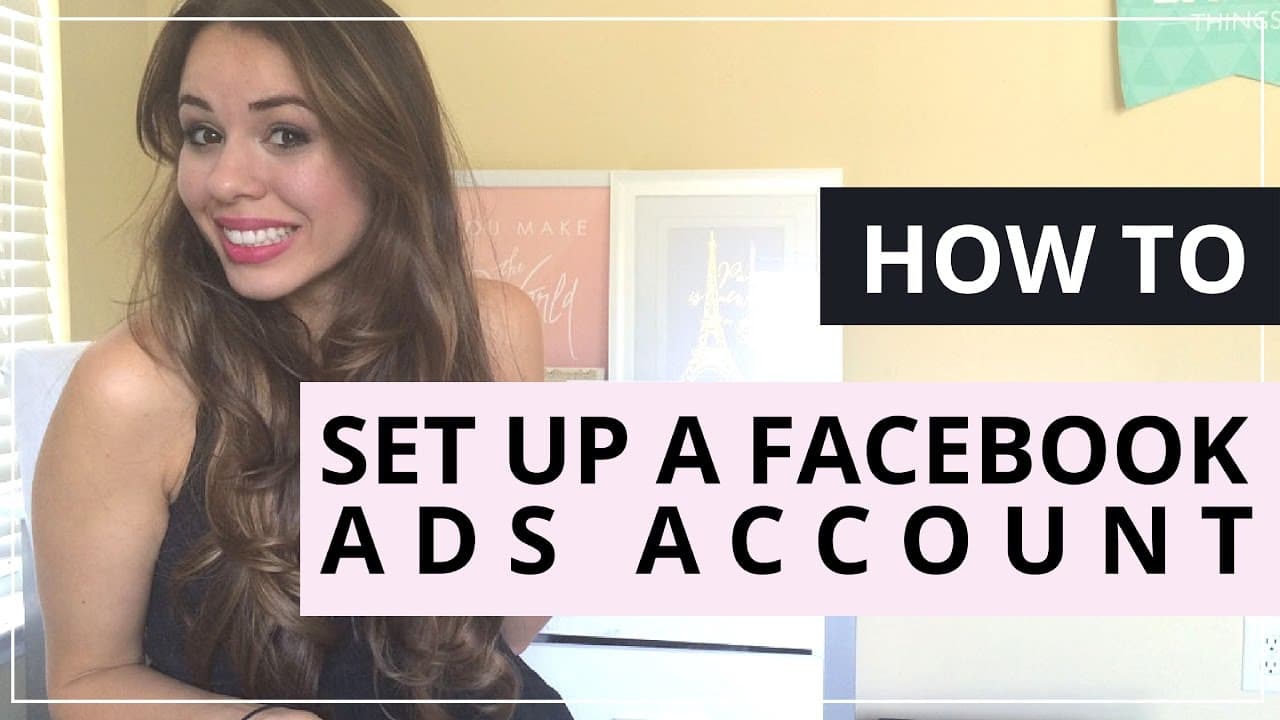
How To Set Up A Facebook Ads Account
TL;DR
Learn how to set up a Facebook Ads account easily.
Transcript
hey guys kim here from kimberlyann jimenez.com and today i'm going to show you how to set up your facebook ads account now a lot of my clients have been asking me this question and um i decided to make this really fast really quick tutorial for you guys so really simple all you have to do is go to your ads manager and you'll find that right over he... Read More
Key Insights
- The tutorial focuses on setting up a Facebook Ads account, providing a step-by-step guide for beginners.
- Accessing the Ads Manager is the first step, which can be found in the home section of your Facebook profile.
- Setting up a payment source is crucial, with options including credit card, debit card, PayPal, and Facebook Ads coupon.
- The tutorial explains how to add users with different permission levels, such as general user or report viewer.
- Only the admin can change billing information; other users can create campaigns and manage ads.
- Inviting users is simple, requiring only their email address, which sends them an automatic invitation.
- The tutorial emphasizes the importance of understanding user permissions to maintain control over ad spending.
- Kimberly Ann Jimenez offers additional resources and tips through her newsletter and mentorship program.
Install to Summarize YouTube Videos and Get Transcripts
Explore YouTube Video Summarizer or Get YouTube Transcript Extractor
Questions & Answers
Q: How do you access the Facebook Ads Manager?
To access the Facebook Ads Manager, go to the home section of your Facebook profile. Click on the home button, and you will see the Ads Manager icon pop up on the left-hand panel. Click on it to enter the Ads Manager and start setting up your ads account.
Q: What are the available payment options for Facebook Ads?
Facebook Ads offers several payment options, including credit card, debit card, PayPal, Facebook Ads coupon, and direct debit. When setting up your ads account, you need to select your preferred payment method, enter the necessary information, and submit it to start funding your ads.
Q: How can you add a user to your Facebook Ads account?
To add a user to your Facebook Ads account, go to the settings in the Ads Manager. From there, you can add another user by entering their email address and selecting their permission level, such as a general user or report viewer. An invitation will be automatically sent to the user.
Q: What permissions can you assign to users in Facebook Ads Manager?
In Facebook Ads Manager, you can assign users different permission levels. A general user can create campaigns and manage ads but cannot change billing information. A report viewer can only access insights and analytics. The admin has full control, including changing billing details.
Q: Can you have multiple admins in a Facebook Ads account?
No, a Facebook Ads account can only have one admin. While you can add other users with general user or report viewer permissions, the admin is the only one who can change billing information and has full control over the account settings.
Q: What should you do if someone else manages your Facebook Ads?
If someone else manages your Facebook Ads, ensure they are added as a user in the Ads Manager with the appropriate permission level. They can create campaigns and manage ads, but your billing information remains secure as only the admin can change it.
Q: Why is it important to understand user permissions in Facebook Ads Manager?
Understanding user permissions in Facebook Ads Manager is crucial to maintain control over your ad spending and account settings. By assigning the right permissions, you ensure that only authorized users can create campaigns, manage ads, and access insights, while the admin retains control over billing information.
Q: What additional resources does Kimberly Ann Jimenez offer?
Kimberly Ann Jimenez offers additional resources such as a newsletter filled with social media tips and a mentorship program designed for bloggers and online businesses. These resources provide valuable insights and training to help users maximize their success in online business and social media marketing.
Summary & Key Takeaways
-
This video tutorial by Kimberly Ann Jimenez provides a concise guide on setting up a Facebook Ads account. It covers accessing the Ads Manager, setting up payment methods, and managing user permissions, making it ideal for beginners looking to start advertising on Facebook.
-
The tutorial highlights the importance of setting up a payment source, with various options available. It also explains how to add users with different permission levels, ensuring that only the admin can change billing information, while other users can manage ad campaigns.
-
Kimberly Ann Jimenez offers additional resources, such as a newsletter with social media tips and a mentorship program for online businesses. The tutorial is designed to help users unlock the potential of Facebook advertising and grow their businesses.
Read in Other Languages (beta)
Share This Summary 📚
Summarize YouTube Videos and Get Video Transcripts with 1-Click
Try YouTube Summary with ChatGPT & Claude or YouTube Transcript Generator
Explore More Summaries from Kimberly Ann Jimenez 📚





Summarize YouTube Videos and Get Video Transcripts with 1-Click
Try YouTube Summary with ChatGPT & Claude or YouTube Transcript Generator