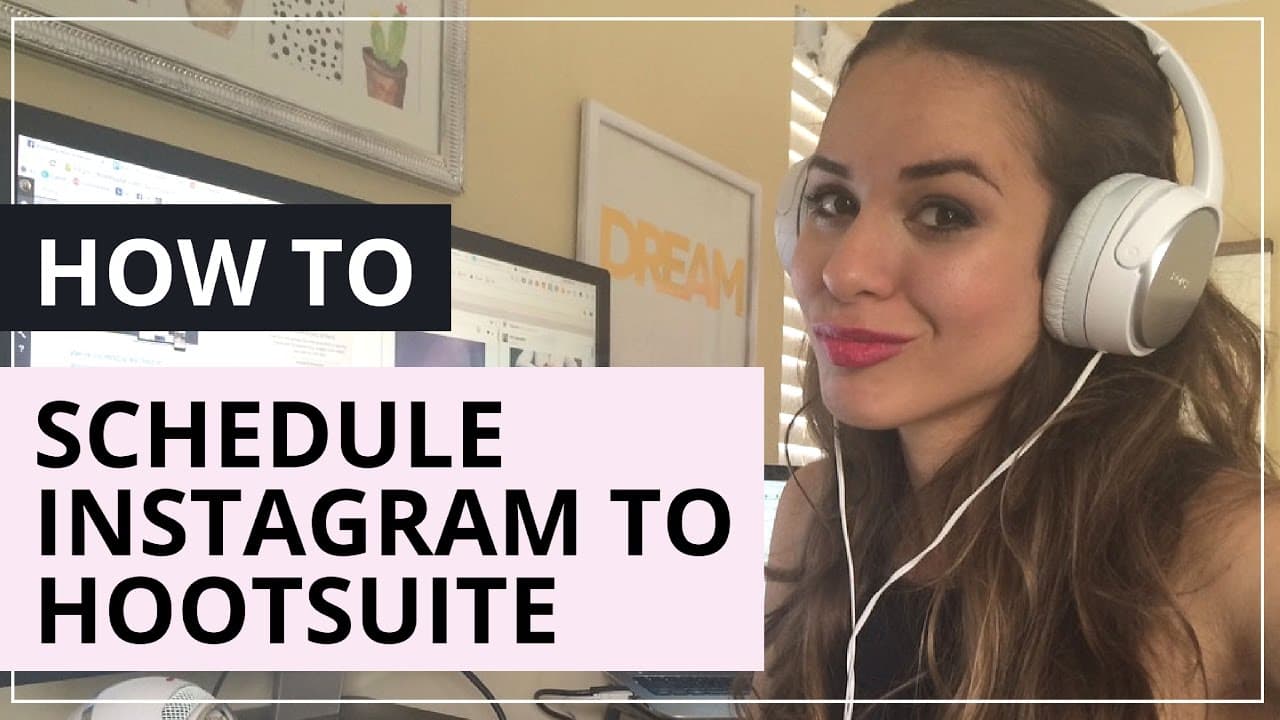
How to Schedule Instagram Posts Using Hootsuite
TL;DR
To schedule Instagram posts with Hootsuite, connect your Instagram account, authorize access, and download the Hootsuite app to manage notifications. While the integration allows you to compose and schedule posts efficiently, you still need to manually transfer the posts from Hootsuite to Instagram when scheduled.
Transcript
all right guys so hoot s just announced today that they are now able to publish to Instagram and I wanted to go ahead and shoot this really short video for you to show you how the feature works I know this is one of the questions I get asked the most in terms of how to schedule content for Instagram and now huet has this integration which is really... Read More
Key Insights
- Hootsuite now supports Instagram post scheduling, a highly requested feature by users looking to automate their social media content.
- To schedule Instagram posts, users must connect their Instagram account to Hootsuite and authorize its access.
- Users need to download the Hootsuite app on their mobile devices to manage notifications for Instagram publishing.
- After setting up notifications, users can add Instagram streams to their Hootsuite dashboard for easy content management.
- Posts are composed on the Hootsuite platform and can be scheduled, but require manual transfer to Instagram when the time comes.
- The integration is a significant improvement, though it still requires a manual step to complete the post scheduling process.
- The tutorial is brief but provides a clear step-by-step guide to setting up Instagram scheduling via Hootsuite.
- Additional resources like a free content calendar template and social media post ideas are available for further content planning.
Install to Summarize YouTube Videos and Get Transcripts
Explore YouTube Video Summarizer or Get YouTube Transcript Extractor
Questions & Answers
Q: How does Hootsuite's new feature benefit Instagram users?
Hootsuite's new feature allows Instagram users to schedule their posts, which is a significant benefit for social media managers and content creators looking to automate their workflow. This integration simplifies content planning and management, although it still requires a manual step to transfer posts to Instagram.
Q: What are the steps to set up Instagram scheduling on Hootsuite?
To set up Instagram scheduling on Hootsuite, users need to connect their Instagram account to Hootsuite, authorize access, and download the Hootsuite app. They must then manage notification settings on their mobile device, add Instagram streams to their dashboard, and compose posts via Hootsuite, scheduling them for future publication.
Q: What limitations does the Hootsuite Instagram integration have?
While Hootsuite's integration allows users to schedule Instagram posts, it does not fully automate the process. Users must manually transfer posts from Hootsuite to Instagram when the scheduled time arrives. This limitation requires users to still be involved in the final step of the posting process, unlike other platforms with full automation.
Q: How can users manage their Instagram content using Hootsuite?
Users can manage their Instagram content on Hootsuite by adding Instagram streams to their dashboard, which allows them to view and organize scheduled and home content. They can compose and schedule posts directly from Hootsuite, enhancing their ability to plan and execute their social media strategy effectively.
Q: What additional resources are offered in the video?
The video offers several additional resources to aid in content planning, including a free content calendar template, social media post ideas, and links to a content calendar system course. These resources are designed to help users improve their content management strategies and streamline their social media planning.
Q: What is the significance of notification management in Hootsuite's Instagram integration?
Notification management is crucial in Hootsuite's Instagram integration as it alerts users when it's time to transfer a scheduled post from Hootsuite to Instagram. Properly setting up notifications ensures that users do not miss the manual step required to complete the posting process, maintaining a seamless content schedule.
Q: Why is the manual transfer step necessary in Hootsuite's Instagram scheduling?
The manual transfer step is necessary due to Instagram's API limitations, which do not allow third-party apps to post directly to Instagram. Users must manually transfer the scheduled content from Hootsuite to Instagram at the designated time, ensuring compliance with Instagram's posting policies.
Q: What feedback does the video creator seek from viewers?
The video creator encourages viewers to provide feedback on the tutorial's usefulness by commenting below the video. Additionally, viewers are invited to like the video and share it with others, helping to spread awareness of the new Hootsuite feature and its benefits for Instagram content scheduling.
Summary & Key Takeaways
-
Hootsuite's new feature allows users to schedule Instagram posts, addressing a common question among social media managers. The tutorial provides a concise guide on setting up the integration, emphasizing the need for app downloads and notification management to facilitate post scheduling.
-
Users must connect their Instagram account to Hootsuite, authorize access, and download the Hootsuite app to manage notifications. While the integration improves scheduling capabilities, it still requires a manual step to transfer posts from Hootsuite to Instagram.
-
The video is a quick tutorial on using Hootsuite for Instagram post scheduling, highlighting the ease of adding Instagram streams and composing posts. Additional resources, including content calendars and post ideas, are provided to enhance content management strategies.
Read in Other Languages (beta)
Share This Summary 📚
Summarize YouTube Videos and Get Video Transcripts with 1-Click
Try YouTube Summary with ChatGPT & Claude or YouTube Transcript Generator
Explore More Summaries from Kimberly Ann Jimenez 📚


Summarize YouTube Videos and Get Video Transcripts with 1-Click
Try YouTube Summary with ChatGPT & Claude or YouTube Transcript Generator