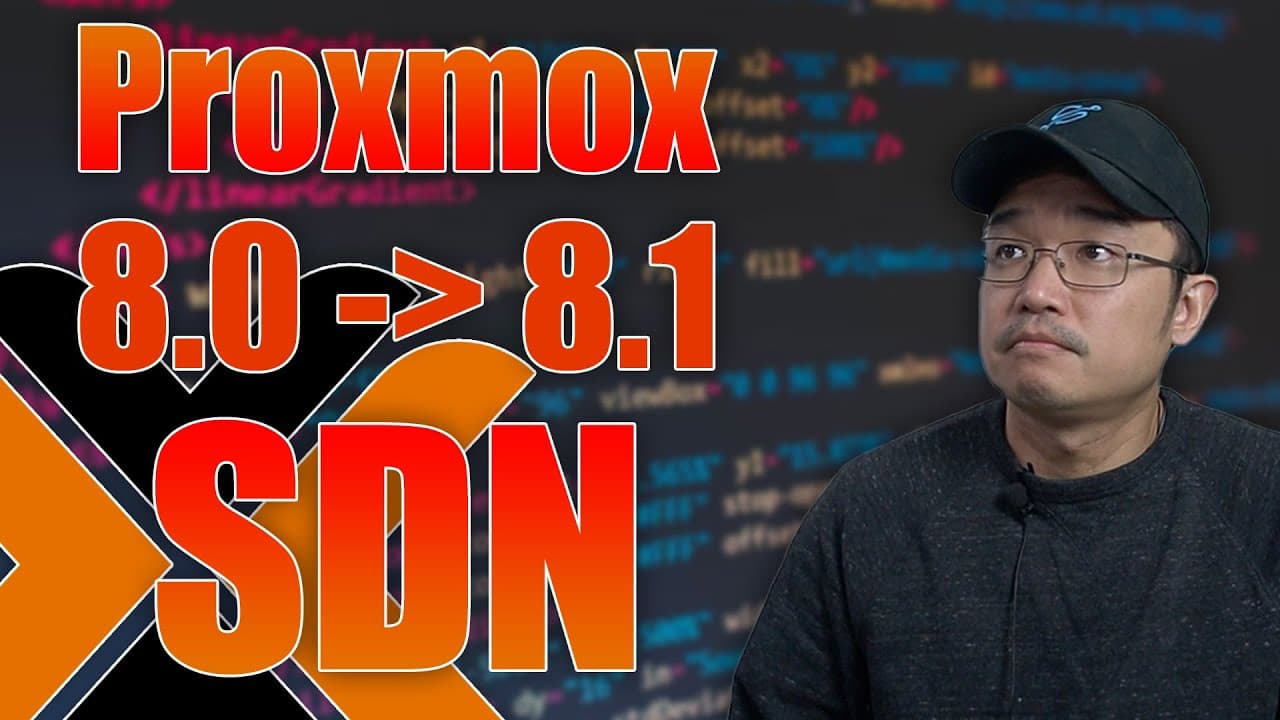
Not So Simple To Upgrade Proxmox 8.1 with SDN
TL;DR
This video guides on upgrading Proxmox to 8.1 and setting up SDN networks.
Transcript
hey guys what's going on it's Don here from Nova Spirit Tech and welcome back to the channel and with the new introduction of sdn networks for proxmox 8.1 it's not a straightforward upgrade from 8.0 to 8.1 we do have to do some leg work so let's check it out now if you've been following this series along you know that I actually started this series... Read More
Key Insights
- ❓ Proxmox 8.1 includes significant updates over 8.0, particularly with SDN capabilities that enhance networking management.
- 🥶 Users transitioning from older versions must complete additional steps post-upgrade to activate SDN networking, unlike fresh installations.
- ✅ It's advised to check and ensure specific repositories are enabled, particularly the no PVE repository, to avoid compatibility issues.
- 👶 Installing additional networking packages, such as DNS tools and configuration edits, is critical for robust system performance in the new version.
- 👋 The video underscores best practices, such as applying configurations progressively and rebooting systems to facilitate smooth operations.
- 🤗 A hands-on demonstration shows how to set up simple SDN networks, highlighting that users can customize their IP ranges and DHCP options.
- 👤 Users are encouraged to explore other SDN configurations available beyond the basic setup, which can improve network segmentation and management.
Install to Summarize YouTube Videos and Get Transcripts
Explore YouTube Video Summarizer or Get YouTube Transcript Extractor
Questions & Answers
Q: What is the significance of upgrading to Proxmox 8.1?
Upgrading to Proxmox 8.1 introduces important new features, including software-defined networking (SDN) capabilities. These enhancements can improve network management and flexibility within virtualized environments. However, the upgrade requires specific steps for users moving from 8.0 to ensure all functionalities work properly.
Q: What must users do differently when upgrading from 8.0 to 8.1 compared to fresh installations?
Users upgrading from 8.0 to 8.1 must follow specific steps to install additional packages for the SDN feature. In contrast, fresh installations of 8.1 come with these packages pre-installed, meaning the upgrade process requires more attention to detail to ensure all features are activated and functioning correctly.
Q: What are common issues that arise if the SDN packages aren’t installed post-upgrade?
If the necessary SDN packages are not installed after upgrading, users may encounter minor errors in their logs related to the SDN feature. While these errors do not prevent Proxmox from functioning correctly, they can limit users from utilizing the SDN capabilities fully, making it crucial to follow the installation steps.
Q: Why is it necessary to reboot the server after installing new packages?
Rebooting the server after installing new packages is essential to ensure the changes take effect properly. Certain configurations require a system restart to load the updated kernel and embedded settings, preventing potential issues with network configuration and SDN functionality.
Summary & Key Takeaways
-
The video details a step-by-step guide on upgrading Proxmox from version 8.0 to 8.1, focusing on the necessary preparations and installations.
-
It explains the new software-defined networking (SDN) capabilities included in the upgrade, noting that a fresh installation of 8.1 does not require additional setup steps.
-
Throughout the demonstration, the presenter emphasizes the importance of rebooting the server after updates to ensure proper configuration and functionality of the new features.
Read in Other Languages (beta)
Share This Summary 📚
Summarize YouTube Videos and Get Video Transcripts with 1-Click
Try YouTube Summary with ChatGPT & Claude or YouTube Transcript Generator
Explore More Summaries from Novaspirit Tech 📚






Summarize YouTube Videos and Get Video Transcripts with 1-Click
Try YouTube Summary with ChatGPT & Claude or YouTube Transcript Generator